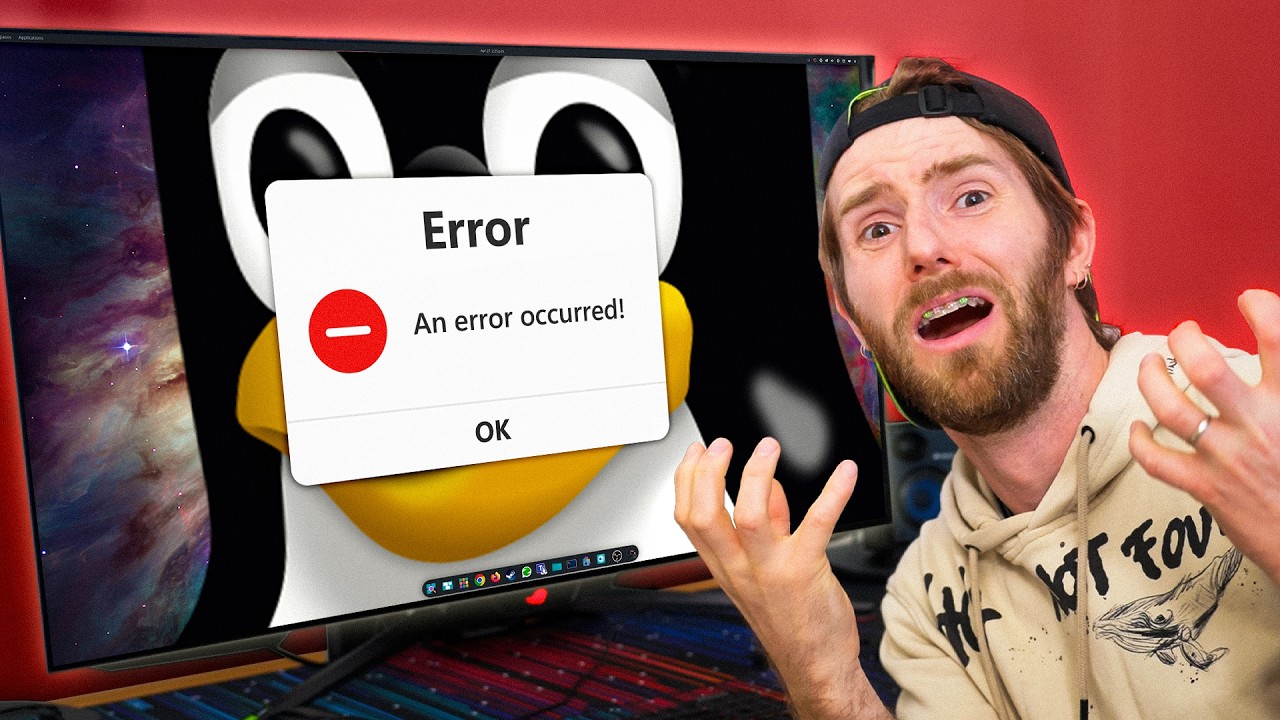
Linux is Easy, right?
0 up · 0 down · 0 ratings
Promos
Thanks Wispr Flow for sponsoring this video! Check them out at ref.wisprflow.ai and use code LTT for a free month of Wispr Flow Pro! The Linux Challenge continues, now with a gauntlet of every-ish day tasks. Will Linus, Luke and Elijah be able to overcome? Find out. Discuss on the forum: linustechtips.com
Channels and socials
Check out our Channel Partners: Secretlab - Grab a TITAN Evo ergonomic gaming chair: lmg.gg PIA - Get the VPN of our choice: piavpn.com dbrand - Buy a "Circuit" series skin for your device: dbrand.com ► SHOP LTT PRODUCTS: lttstore.com ► GET EXCLUSIVE CONTENT ON FLOATPLANE: lmg.gg ► DIVE DEEPER ON THE LTT LABS WEBSITE: lmg.gg ► SPONSORS, AFFILIATES, AND PARTNERS: lmg.gg Purchases made through some store links may provide some compensation to Linus Media Group. Affiliate links powered in part by affilimate.com Linus Sebastian is an investor in Framework Computer, Inc and HexOS by Eshtek. CHAPTERS --------------------------------------------------- 0:00 Intro 1:36 Ground Rules 2:15 Apps on Boot 3:26 Phone to PC Local File Transfer 6:47 Simple Video Edit 10:16 Re-Export to Network Share 15:16 Remote to Your Linux PC 19:19 Play a Game With Anti-Cheat 21:27 Create BIOS Flashback USB
Linux is Easy, right? follows Linus, Luke, and Elijah as they tackle a series of everyday tasks on Linux, framing a central question: is the Linux ecosystem truly more difficult for a casual user or is the friction just due to unfamiliar tooling? The video opens by establishing a learning journey, noting that for someone new to Linux, it can be unclear whether issues stem from user error or from the tools themselves. The hosts outline ground rules: 15 minute limits per task to keep the pace brisk, and a willingness to avoid Microsoft software where possible. They also acknowledge the sponsor Wispr Flow, introducing a practical voice-to-text aid that promises to speed up tasks and notes. The central premise is that Linux can be a viable Windows replacement for non-gaming work, provided the setup and tooling are accessible and well documented. In the first task cluster, the team leans heavily on automatically starting apps at boot, testing how startup items behave after a reboot, and verifying if commonly used apps appear in the right places. They experiment with Pop! OS startup settings, add Among Us as a startup item, and then reboot to verify that the desired apps launch with the system. The discussion then pivots to personal experimentation and humor, with lines about being “Linux pilled” and eating open source for breakfast, underscoring the playful, self-deprecating culture around Linux exploration. They switch to more concrete workflow tasks, like transferring files from phone to PC, highlighting the practical friction points from the user perspective. The editing segment reveals mixed results with various Linux editors such as Flowblade and Kdenlive, showing both the potential and the rough edges of Linux video editing experiences for non-professional users. The challenge intensifies with more complex workflows, including exporting to a network share, mounting remote storage, and dealing with desktop environment quirks. A recurring theme is the struggle to map Linux's mount and location concepts to familiar Windows paradigms, with the team describing the importance of understanding file managers, mount points, and NFS/SMB paths. The group experiences compatibility headaches with different file systems, drives, and partition managers, and there are moments of humor amid the frustration, such as misinterpreting network paths and struggling to locate an “apply changes” button in a dark-themed GParted interface. They attempt prying open data from iPhones over USB, experimenting with KDE Connect, LocalSend, and other Linux-native alternatives, illustrating the breadth of options available but also the learning curve for using non-Windows devices. A substantial portion of the episode is dedicated to remote access and gaming on Linux. They experiment with Parsec and Moonlight Sunshine for remote desktop, noting limitations and emergent successes in streaming and control latency. The Elden Ring attempt showcases Linux’s growing controller and anti-cheat support, as they test how well anti-cheat enabled games perform under Linux through different compatibility layers and remote access configurations. The discussion doesn't shy away from the realities of internet speeds, storage locations, and the practicalities of booting games from various file systems, while still celebrating the possibility of gaming on Linux in a well-rounded PC environment. The closing segments reflect on the broader Linux experience, acknowledging the ongoing challenges while reinforcing a message of exploration, collaboration, and a willingness to experiment with new tools and workflows. Overall, the video blends hands-on troubleshooting with personal humor and community-driven feedback, painting a realistic picture of what it’s like to attempt a multi-task Linux challenge. Through a mix of wins and missteps, the hosts demonstrate that while Linux can be approachable for everyday tasks, there is a non-trivial learning curve, especially around file systems, network shares, and cross-application compatibility. The sponsor integration serves as a practical interlude rather than a distraction, and the recurring theme is a shared curiosity about what Linux can and cannot do for a typical gamer or creator. By the end, the participants have a renewed sense of possibility, even as they acknowledge the remaining rough edges and room for future experimentation and learning.
Topics · technology · linux · open_source · software · gaming_on_linux
Questions answered
- What ground rules did the Linux Challenge participants set for the tasks?
- They established a 15 minute time limit per task and allowed using a Windows VM inside Linux for compatibility, with an emphasis on avoiding Microsoft software when possible and focusing on native Linux workflows.
- Which tools did the participants test for video editing on Linux during this episode?
- They experimented with Flowblade, Kdenlive, and in some parts attempted Various editors to render and export video, noting the strengths and limitations of each in a Linux environment.
- How did the participants approach transferring files from a phone to a Linux PC?
- They explored multiple methods including USB transfer, KDE Connect style workflows, and LocalSend style options, comparing reliability and ease of use across different approaches.
- What remote access solutions were attempted to control a Linux PC from another device?
- They experimented with Parsec, Moonlight via Sunshine, as well as Chrome remote desktop style approaches, noting latency, compatibility, and setup challenges.