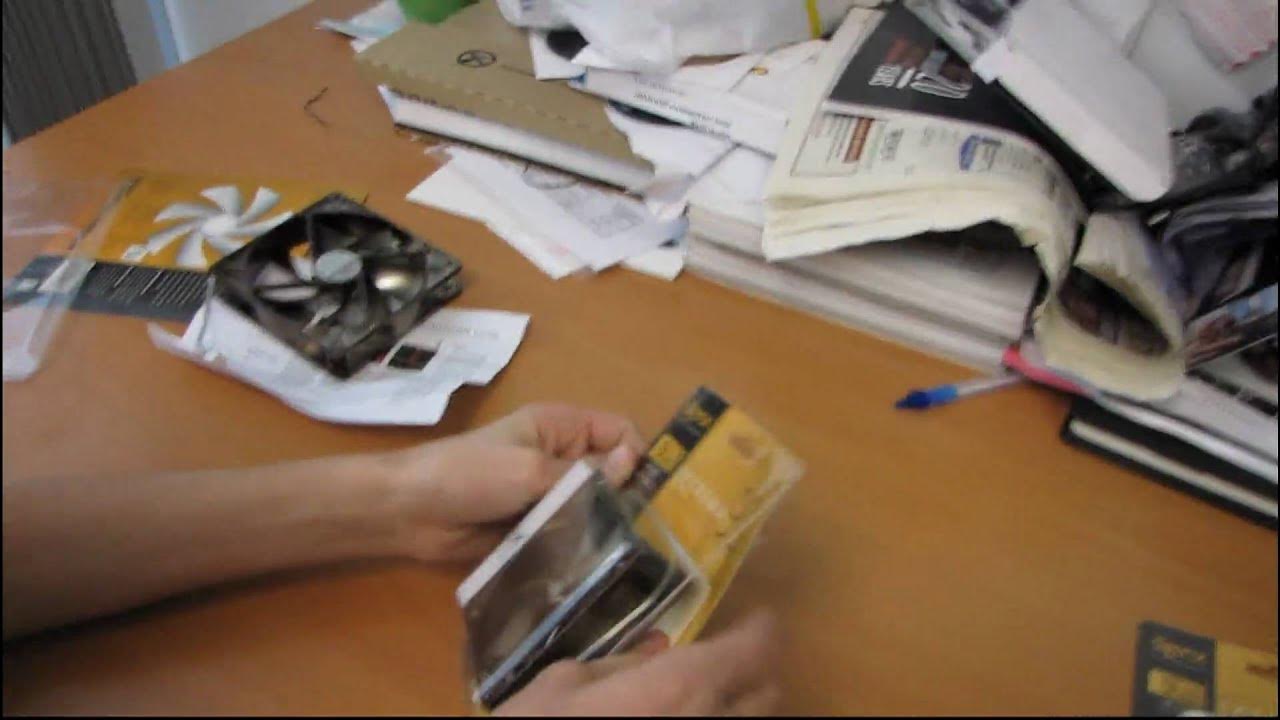
SilenX iXtremea 80mm 92mm 120mm Computer Case Fan Unboxing Linus Tech Tips
0 up · 0 down · 0 ratings
Description
ncix.com These fans look like iron, but really they're not :p
This video is an unboxing of three SilenX iXtremea computer case fans in 80 mm, 92 mm, and 120 mm sizes, presented by Linus from Linus Tech Tips. He introduces each fan in order from largest to smallest, notes their quiet operation, and demonstrates a quick live test by plugging each fan into a power source to assess noise levels. The host comments on the fan housing, describing it as looking like iron but being lighter in reality, and he highlights the included mounting hardware, power plug, and a simple instruction sheet. He runs through the setup steps with each size, comparing perceived noise and airflow, and confirms that all three configurations remain quiet enough not to disturb others at night. Throughout, the unboxing is lighthearted and straightforward, emphasizing practicality for PC builders who want silent cooling, while also noting the tradeoff between noise and airflow. The video closes with the host summarizing the simple mounting process and reiterating that all three fans operate quietly when plugged in.
Topics · unboxing · computer hardware · cooling · silence