Gigabyte P67A-UD5 P67 LGA1155 Sandy Bridge SLI Motherboard Unboxing & First Look Linus Tech Tips
0 up · 0 down · 0 ratings
Description
ncix.com This is positioned directly below the P67A-UD5. It has slightly fewer features, but also a lower price.
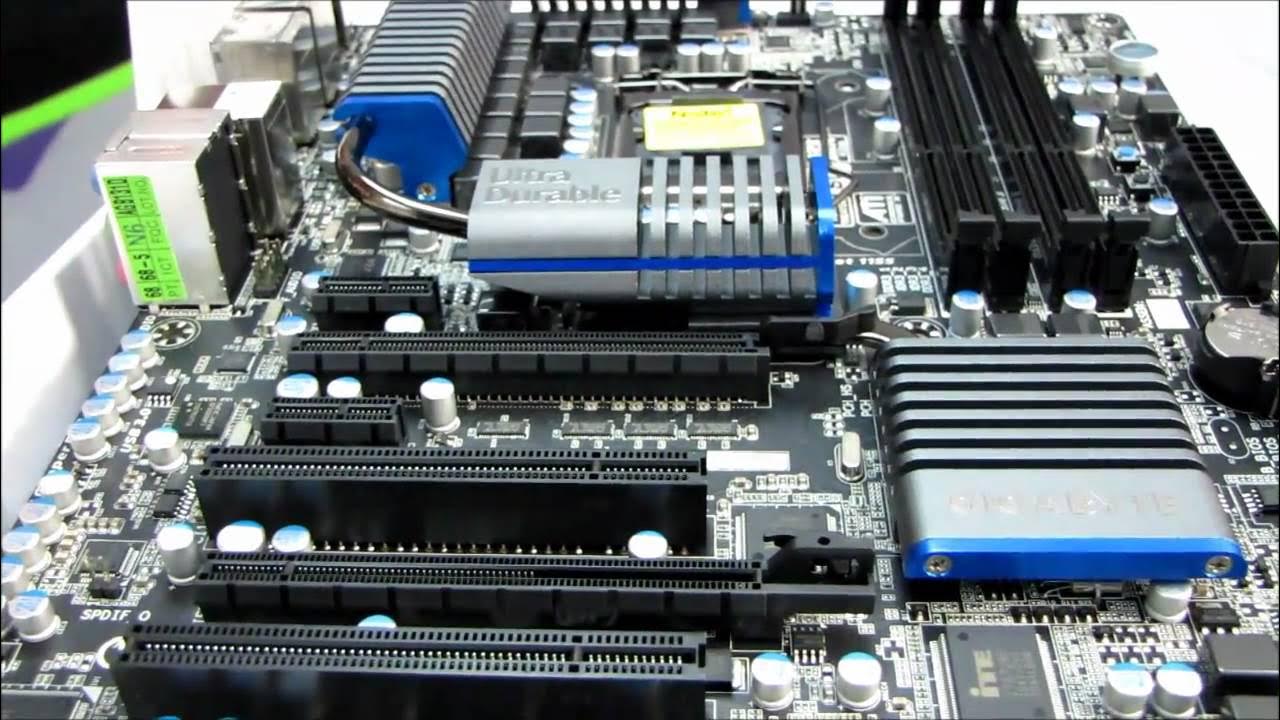
The video is Linus Tech Tips unboxing the Gigabyte P67A-UD5 P67 LGA1155 Sandy Bridge motherboard and offering an initial hands-on look at its features and layout. The host highlights key specifications such as the Intel P67 chipset, LGA 1155 socket compatibility, and the board’s focus on delivering maximum CPU power when properly cooled. He notes the inclusion of Gigabyte innovations like Ultra Durable 3, 20 phase power for strong overclocking potential, USB 3.0, SATA 6 Gbps, and USB power 3X, along with dual BIOS technology to safeguard the BIOS. The unboxing reveals the bundled accessories including an IO shield, multilingual installation guide, SLI bridge, and a detailed look at the back panel and PCIe slots. Throughout, the host emphasizes the board’s matte black PCB aesthetic, heat pipe cooling for the VRM, and practical design choices such as easily accessible power and reset buttons. He also discusses the PCIe lane configuration and explains how a three-way GPU setup would operate within the 16x/8x/4x slot arrangement, cautioning about lane limitations inherent to the P67 chipset. The segment closes with remarks on the back I/O and the overall impression of the build quality, including a positive note on the spring-loaded screws used for chipset cooling hardware.
Topics · hardware · unboxing · motherboard · pc-build · sandy-bridge · technology · computing · consumer-electronics
Questions answered
- What are the key features of the Gigabyte P67A-UD5 motherboard highlighted in this video?
- Key features include the Intel P67 chipset with LGA 1155 socket, 20 phase power, Ultra Durable 3 with a thicker copper PCB, USB 3.0, SATA 6 Gbps, USB power 3X, dual BIOS, and crossfirex and SLI support for multi-GPU configurations.
- How does the PCIe slot configuration affect multi-GPU setups on this board?
- The board has three PCIe 16x slots with lane configurations that can run as 16x, 8x 8x, and 4x for the third slot. In a three-GPU configuration, you would typically be in 8x/8x mode for two GPUs and the remaining slot would operate at 4x or be used for a different expansion card.