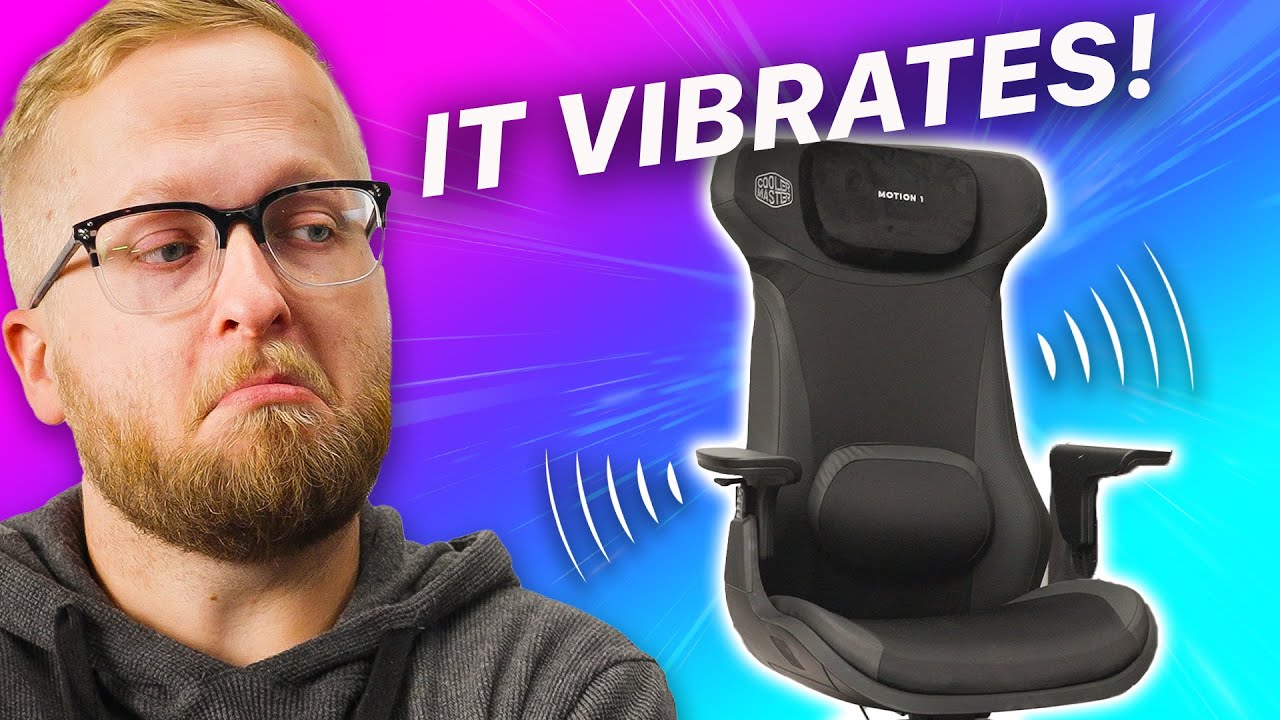
This Chair Vibrates. I'm Intrigued... - Cooler Master Motion 1
0 up · 0 down · 0 ratings
Promos
Check out MotionGrey’s ergonomic workplace solutions at lmg.gg and use code LINUS for 10% off! Have you ever wondered what it would be like to have a gaming chair that vibrates based on what game you're playing or what movie you're watching? Well, we sure did, and that's why Colton checked out the Cooler Master Motion 1.
Check out the Cooler Master X D-Box Motion 1 Chair: lmg.gg Purchases made through some store links may provide some compensation to Linus Media Group. Want us to unbox something? Make a suggestion at lmg.gg ► GET MERCH: lttstore.com ► LTX 2023 TICKETS AVAILABLE NOW: lmg.gg ► GET EXCLUSIVE CONTENT ON FLOATPLANE: lmg.gg ► SPONSORS, AFFILIATES, AND PARTNERS: lmg.gg ► PRODUCTS WE USE ON THE SHORTCIRCUIT SET: lmg.gg FOLLOW US ELSEWHERE --------------------------------------------------- Twitter: twitter.com Instagram: @shortcircuityt TikTok: @linustech Facebook: @ShortCircuitYT CHAPTERS --------------------------------------------------- 0:00 Intro 0:20 Assembly 2:51 MotionGrey 3:21 Sit test 4:06 Powering and connecting the chair 4:50 Software for the chair 5:57 Crab Rave (but with haptics) 7:30 Gaming, maybe.. 9:30 2 weeks later 11:44 Closing thoughts 12:15 Outro
This video presents the unboxing and initial exploration of the Cooler Master Motion One haptic gaming chair. It begins with Colton detailing the parts build process, noting the two-pack shipment and the heavy construction that suggests solid build quality. The assembly sequence is shown with a focus on straightforward alignment of parts and the basic height adjustment hardware, including the thumb screw mechanism for seat height. The presenter then proceeds to connect the chair to a computer via USB, power it up, and install the required software, including the Debox Motion app and Master Plus integration. Early impressions emphasize the chair’s heft and the novelty of a haptic system developed in collaboration with D-BOX, while also highlighting initial setup challenges such as getting the software to recognize the chair and navigating the codec and content library. The second half shifts to actually sitting in the chair, testing the haptic feedback in a controlled way, and exploring the app configurations for motion intensity and different content modes. The video also includes a candid look at the subscription model, pricing, and the broader ecosystem surrounding the motion experience, ending with a user verdict on whether the chair is worth the investment and who it might appeal to. The closing notes invite viewer feedback about potential use cases and the possibility of future hardware or software refinements.
Topics · gadgets · hardware · gaming
Questions answered
- Is there a required ongoing subscription to use the D-BOX coded content with the Cooler Master Motion 1 chair?
- Yes, the system references a codec library that can require a subscription; however, a lifetime subscription is advertised if you purchase the chair, which includes 2500+ codecs. The videos indicate a separate monthly fee may apply for some content if not included with the chair purchase.
- What is the main value proposition of the Motion 1 chair according to the video?
- The chair combines a haptic feedback system with motion via actuators and a software ecosystem to enhance gaming and movie experiences, offering rumble and movement synchronized to content through the Debox platform and Master Plus integration.