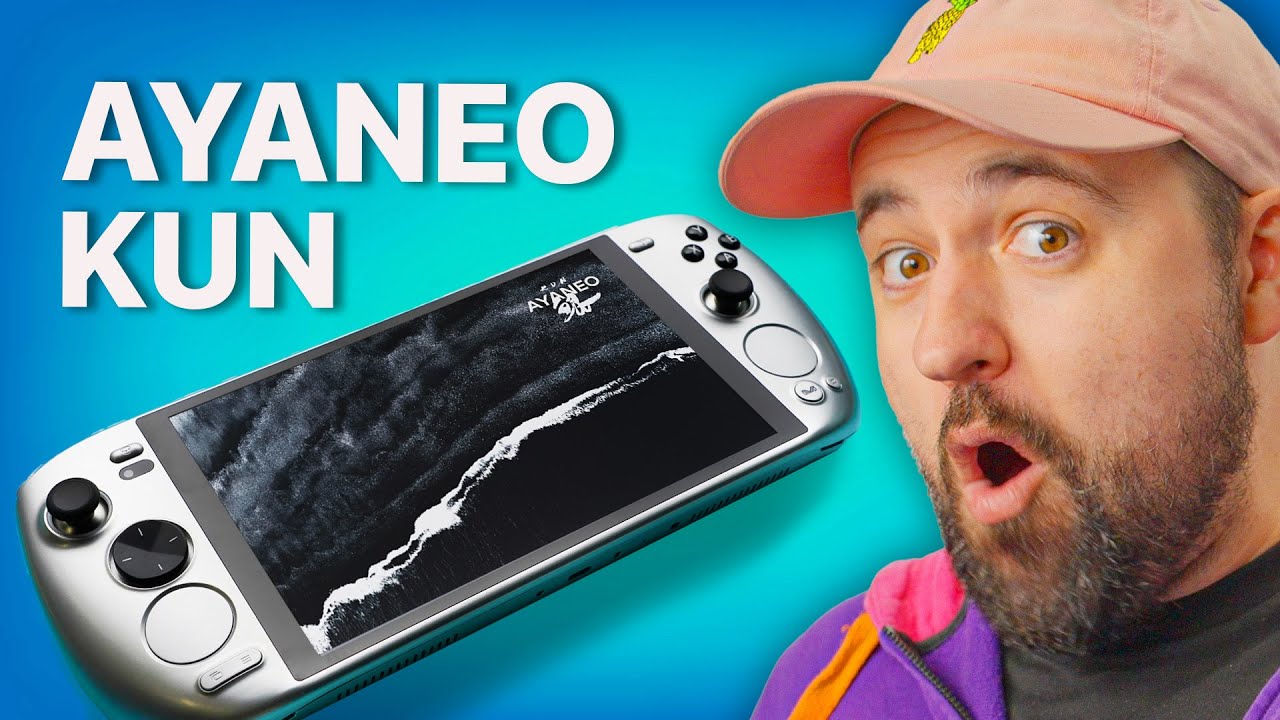
You (don't) get what you pay for - AYANEO Kun
0 up · 0 down · 0 ratings
Promos
Monitor your systems from anywhere using Pulseway at: lmg.gg AYANEO is back with ANOTHER crazy handheld, but this time it's not just a crazy design, it's crazy POWER. With a huge battery, 54W TDP, and a big and bright screen, this, on paper, looks like the luxury handheld for those with deep pockets, but Plouffe isn't so sure... Buy an AYANEO Kun: lmg.gg Purchases made through some store links may provide some compensation to Linus Media Group. Want us to unbox something? Make a suggestion at lmg.gg ► GET MERCH: lttstore.com ► GET EXCLUSIVE CONTENT ON FLOATPLANE: lmg.gg ► SPONSORS, AFFILIATES, AND PARTNERS: lmg.gg ► PRODUCTS WE USE ON THE SHORTCIRCUIT SET: lmg.gg FOLLOW US ELSEWHERE --------------------------------------------------- Twitter: twitter.com Instagram: @shortcircuityt TikTok: @linustech Facebook: @ShortCircuitYT CHAPTERS --------------------------------------------------- 0:00 AYANEO is back again 0:16 Unboxing 2:26 Weight, buttons, ports, and design impressions 6:25 Sponsor - Pulseway 6:52 Display test results and performance toggles 8:48 Gaming - Pacific Drive 12:13 Speaker test and thoughts on the screen size 13:32 LABS performance and battery testing 14:50 Overall thoughts and pricing 16:50 Outro
AYANEO returns with another premium handheld that aims to push power and battery life to new extremes. The video opens with an unboxing that exudes luxury, featuring a wooden box and a mountain-scene background, followed by multiple accessory boxes including a 100 W fast charger and a USB C charging cable. The presenter highlights the Kun’s substantial 8.4 inch IPS display, a large 75 Wh battery, and a 54 W TDP CPU configuration, framing it as a top-tier device that could be a luxury option for serious portable gaming. He notes the device’s heft, compared to rivals like the Steam Deck, and comments on the back buttons, touchpad capabilities, and optional kickstand, while also mentioning practical aspects like built-in Bluetooth, USB4 lanes, and the dual USB-C ports. Throughout the unboxing, there are ongoing caveats about price, with the 16 GB RAM, 512 GB SSD configuration priced well beyond mid-range handhelds, raising questions about value for money and long-term support. The segment concludes by setting expectations for power, battery endurance, and performance under 54 W TDP, with a tease that the upcoming tests will reveal how well the Kun handles real gaming workloads. In the performance and display segment, the host explains the device’s IPS panel brightness targets and attempts to calibrate expectations against competitors that offer OLED or higher refresh rates. He explores the iPace software, performance modes, and the 60 Hz default refresh rate, expressing some disappointment that the 120 Hz standard found on other premium handhelds is not available here. He demonstrates the touchpad and on-screen controls via iPace, and explains how the system can switch between performance and power-saving modes, including an on-device browser-like interface for quick toggles. The video then pivots to hands-on gaming, testing Pacific Drive and a few other titles, while commenting on thermals, fan noise, and the impact of running at 54 W versus 30 W on both frame rates and battery life. The speaker quality and screen size receive additional attention, with the verdict leaning toward decent but not spectacular audio and a bright, usable screen that helps with Windows navigation in tablet mode. During the endurance and tuning portion, the host documents the battery life implications of high wattage, comparing Kun to the Legion Go and Steam Deck, and notes that sustained 54 W performance draws substantial power and accelerates battery drain. He explains the Windows setup steps required to optimize performance, including adjusting resolutions and frame rates to achieve smoother gameplay, while acknowledging occasional hitching in some titles. The video includes a frank assessment of the D-pad and general ergonomics, suggesting that the device’s weight, plastic construction, and button layout may detract from long sessions or on-the-go use. In the closing analysis, pricing is labeled as the biggest hurdle, with the 16 GB RAM model priced well above typical mid-range handhelds, and the 32 GB RAM, 1 TB SSD option seen as an even larger inflation of cost. The presenter reflects on the likelihood of long-term support and service quality, suggesting that the Kun appeals to enthusiasts who prioritize raw power and a premium experience, but that many buyers may hesitate given the price and battery tradeoffs. The video closes with a practical takeaway: for most users, a lighter, more affordable device with solid software support may offer better value, while the AYANEO Kun could satisfy niche buyers chasing extreme performance and a luxury build.
Topics · hardware · consumer_electronics · gaming_handheld · battery_life · display · thermals · price_value · windows_pc
Questions answered
- What is the AYANEO Kun's core hardware and power target during high performance mode?
- The Kun uses a 7840U-class processor with a 54 W TDP target in turbo mode, delivering higher performance than many handhelds at the cost of increased power draw and heat.
- How does the display and refresh rate affect usability and battery life on the AYANEO Kun?
- The Kun features an 8.4 inch IPS display with 60 Hz default and limited support for higher refresh rates, which may limit smoothness in fast-paced games but helps with battery life compared to higher refresh rate panels.
- Is the AYANEO Kun considered good value for money based on the review, and who would most benefit from it?
- The reviewer views the Kun as premium and expensive, offering top-tier hardware that may appeal to enthusiasts who value performance and build quality over price, but it may not offer compelling value for most buyers given alternatives like Steam Deck and Legion Go.