SSD Optimization Tip - Turning Off Hibernation Linus Tech Tips
0 up · 0 down · 0 ratings
Description
CA: ncix.com US: us.ncix.com I've been asked quite a few times for some SSD tips. This one is a great one if you've got a small SSD you're using for a boot drive! Combined with Space Sniffer, this is a great way to keep your available drive space under control.
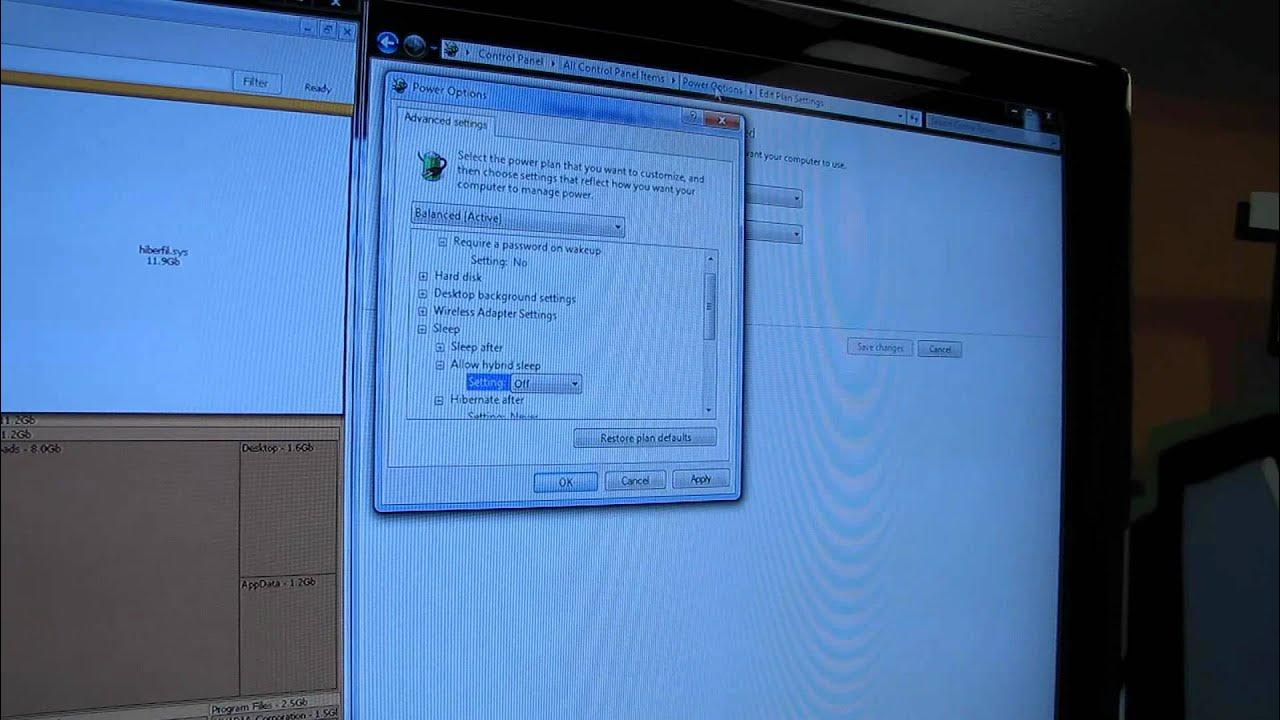
Linus breaks down a practical SSD optimization tip focused on reclaiming space by turning off hibernation. He explains that many SSDs used as boot drives are around 120 GB and that the hidden hibernation file can consume a sizable portion of that space, in his case about 12 GB on a 120 GB drive. He demonstrates that simply setting hibernate to off is not enough; you must also disable hybrid sleep. The video guides viewers through the exact steps: navigating to Control Panel, selecting Power Options, editing plan settings, and opening the advanced power settings. He then shows how to open an elevated command prompt and run the powercfg -dh command to turn off hibernation space, noting this can free up significant space without needing to delete the hibernation file manually. After executing the command, he confirms that the 12 GB reserve is now available on his boot drive, enabling additional installations or storage. The presentation wraps with a quick recap and a call to subscribe for more Linus Tech Tips content on unboxings, reviews, and computer tips.
Topics · technology · hardware · pc-tuning · software · windows
Questions answered
- What problem does turning off hibernation aim to solve on a small SSD?
- It frees up the space used by the hibernation file, which can be a significant portion of a small SSD, allowing more room for applications and data.
- What are the exact steps to disable hibernation on Windows as shown in the video?
- Open Control Panel, go to Power Options, Edit Plan Settings, Advanced Power Settings, then run an elevated command prompt and execute powercfg -dh to turn off hibernation space.
- Does disabling hibernation affect the ability to resume from sleep or power loss behavior?
- The video demonstrates how to disable hibernation and hybrid sleep to reclaim space; viewer comments raise questions about resume behavior, but the video itself focuses on the steps to disable hibernation space and does not provide a detailed explanation of resume behavior.