This Seems Like a BAD Idea - Intel $5,000 Extreme Tech Upgrade
0 up · 0 down · 0 ratings
Description
Promos
Check out Intel 12th Gen Processors at geni.us Colin's speaker audition gauntlet Spotify: open.spotify.com Tidal: tidal.com Discuss on the forum: linustechtips.com
Check out the Miller Syncrowave 210 Speakerpower SP1-700-HT Subwoofer Plate Amplifier at geni.us Purchases made through some store links may provide some compensation to Linus Media Group. Special thanks to: Soniclab Sound - @soniclab.sound Stickybuds - stickybuds.com Westwood Recording - westwoodrecordings.com Air Liquide - airliquide.ca ► GET MERCH: lttstore.com ► AFFILIATES, SPONSORS & REFERRALS: lmg.gg ► PODCAST GEAR: lmg.gg ► SUPPORT US ON FLOATPLANE: floatplane.com FOLLOW US ELSEWHERE --------------------------------------------------- Twitter: twitter.com Facebook: @LinusTech Instagram: @linustech TikTok: @linustech Twitch: twitch.tv MUSIC CREDIT --------------------------------------------------- Speaker Testing: Stickybuds - In Your System Artist Link: youtube.com Listen on Spotify: open.spotify.com Intro: Laszlo - Supernova Video Link: youtube.com iTunes Download Link: itunes.apple.com soundcloud.com Outro: Approaching Nirvana - Sugar High Video Link: youtube.com Listen on Spotify: spoti.fi Artist Link: youtube.com Intro animation by MBarek Abdelwassaa @mbarek_abdel Monitor And Keyboard by vadimmihalkevich / CC BY 4.0 geni.us Mechanical RGB Keyboard by BigBrotherECE / CC BY 4.0 geni.us Mouse Gamer free Model By Oscar Creativo / CC BY 4.0 geni.us CHAPTERS --------------------------------------------------- 0:00 Intro 0:37 Naptime 1:28 Colin's Favourite Toys 2:08 Colin's Parts 4:19 More Shop Fun 6:06 Harvesting the Old Server 8:07 Starting the Build 13:01 Crank the Volume 13:54 Making It Work 17:19 First Start Up and Configuration 20:13 Update! 21:08 Conclusion
This video chronicles Linus and Colin undertaking an ambitious personal tech upgrade project driven by an Intel Extreme Tech Upgrade sponsorship. The hosts begin by touring Colin's highly functional workshop, highlighting his creative space, favorite tools, and the ambitious plan to repurpose old hardware while integrating modern 12th Gen Intel components. The narrative follows the selection of parts, including the Core i7-11700K, a 12700K when available, and a powerful RTX 3080, all aimed at building a compact, high-performance workstation and hypervisor host within a home shop environment. The team discusses practical constraints such as power supply limits, RAM clearance, and case compatibility, while improvising with a mix of storage solutions and a 20-terabyte RAID setup to back up and host multiple virtual machines. The build expands beyond raw computing power to address listening experiences and sound reinforcement, introducing a new subwoofer system powered by a SpeakerPower SP1-700 plate amp and a dedicated audio path through Bluesound NODE 2i, with Tidal streaming for higher fidelity audio. Throughout, the video blends humor, teamwork, and hands-on welding and fabrication, culminating in a functional Proxmox and Windows VM setup with GPU passthrough and a practical off-site backup strategy, all while acknowledging the sponsorship and its role in enabling the upgrade. The result is a blend of home lab ambition, hobbyist engineering, and real-world tradeoffs, concluding with reflections on what worked, what didn’t, and the potential future iterations of the project in Colin’s expansive shop. The first segment focuses on acclimating to the new environment and introducing the core cast. The second segment dives into Colin’s hardware choices, including processor options, RAM, and storage strategy, and explains how Proxmox VM virtualization shapes the upgrade. The third segment centers on the physical build process, including welding, cable management, and cooling challenges, with a spotlight on the Miller Syncrowave 210 TIG welder and the TIG finger accessory. The fourth segment transitions to the audio upgrade, detailing the subwoofer enclosure, the SP1-700 amp, and the integration of a high-fidelity Bluesound music system to improve sound quality in the shop. The final segment evaluates the operational success of the upgrade, confirming GPU passthrough in the Windows VM, the practical benefits of the off-site backup, and the overall impression of undertaking such an ambitious, sponsor-supported project in a home workshop.
Topics · technology · diy · science_and_tech · sponsorship
Questions answered
- What hardware upgrades were prioritized in the Intel Extreme Tech Upgrade?
- Key upgrades included a 12th Gen Intel CPU, an RTX 3080 GPU, 32GB of RAM, and expanded storage with a 20 TB RAID setup, all integrated into a Proxmox virtualization environment with GPU passthrough.
- How is Proxmox utilized in this build?
- Proxmox is used to run Windows and Linux virtual machines, with GPU passthrough to enable CUDA/CAD workloads and maintain gaming performance where appropriate.
- What audio upgrades were implemented?
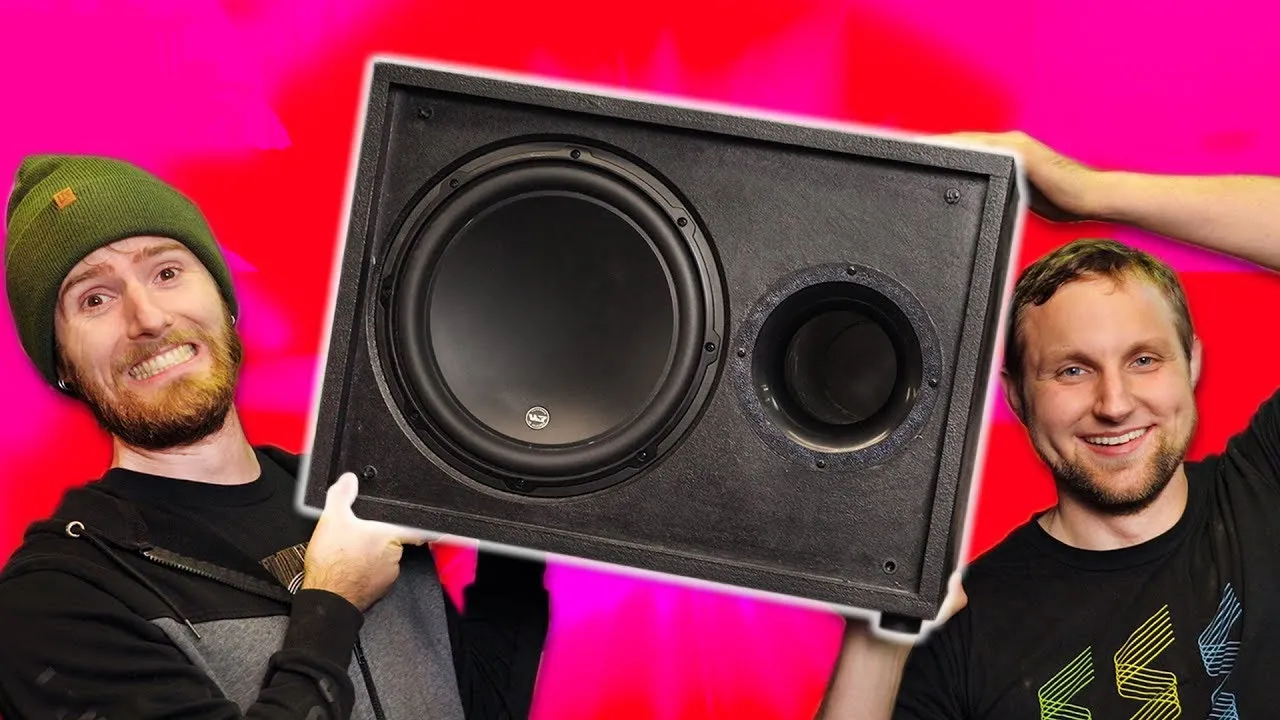
- A new subwoofer configuration using a JLW3 12-inch sub and a SpeakerPower SP1-700 plate amp, plus a Bluesound NODE 2i for higher fidelity streaming, were added to improve the shop sound system.
- What challenges were faced during the build?
- Challenges included clearance issues around RAM and the GPU, cooling and airflow management, and configuring PCIe/BIOS settings for optimal VM performance.