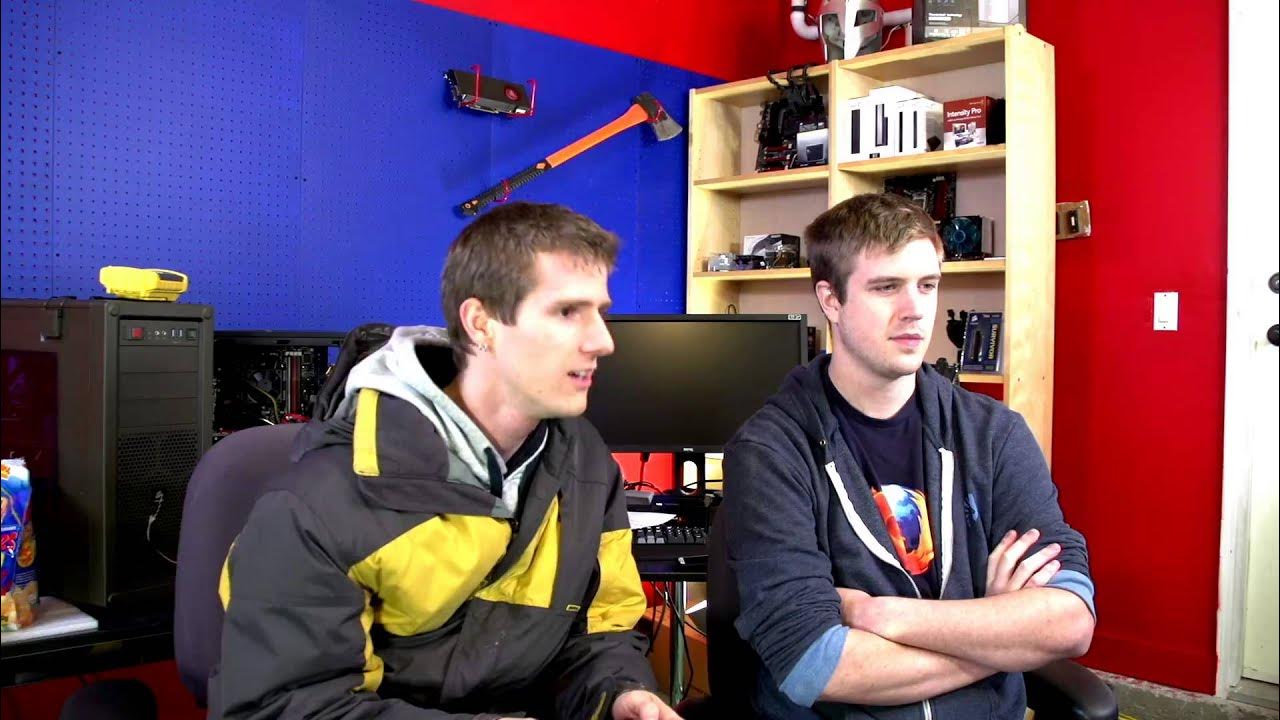
Linus Tech Tips Live Show Archive - December 7, 2012
0 up · 0 down · 0 ratings
Channels and socials
Topics: 2:30 - Thunderbolt External Enclosure 3:48 - Audio Issues Apology & Explanation 8:15 - Posting "First" on a Video 9:29 - Mail & Parcels are Fun to Receive 10:01 - Email Habits that Need to Die 21:55 - What is a "Mainstream" Game 26:00 - Sharing Email Addresses... A Cardinal Sin 29:10 - The GeForce Experience 30:55 - SKYRIM After 100 Mods 44:55 - YouTube Layout Changes 1:06:00 - Intel LGA vs Soldered Sockets 1:19:00 - CryEngine 3 & Crysis 3 Recommended Specs 1:23:00 - Wireless AC - When do we Need it? 1:32:40 - Charging Phone from Computer vs Wall Socket I take questions on Twitter @LinusTech, and I also send out notifications about upcoming live streams on Twitter. Catch future live stream at twitch.tv
Linus Tech Tips Live Show Archive from December 7, 2012 features a wide ranging, informal discussion focused on tech topics, community questions, and behind the scenes stream dynamics. The hosts address audio issues live, diagnose what went wrong with their setup, and explain how they troubleshoot in real time. They showcase a Thunderbolt based Magma 3T enclosure with three PCIe slots, exploring how they might drive external graphics and experiment with different video cards and drivers. Throughout the episode, Linus and Slick riff on email etiquette, the appeal of physical mail versus email, and the evolving nature of internet communication. The pair also dig into YouTube layout changes, the role of forums, and the process of managing moderators on Twitch. Their dialogue weaves between practical hardware discussions, personal anecdotes about email practices, and light banter that keeps the show’s energy high, even when issues arise. The discussion naturally expands to broader tech topics like GeForce Experience and NVIDIA driver tooling, as well as gaming on PC with Skyrim modding and FPS considerations. They touch on the balance between maintaining high fidelity gameplay visuals and achieving stable frame rates, especially in the context of modern GPUs and driver tools. The conversation then branches into peripheral topics such as wireless AC networking, charging devices from PCs, and the practicalities of streaming setups. Viewers are treated to a candid, sometimes humorous look at the early days of Linus Tech Tips live programming, including on-air troubleshooting, audience interaction, and the evolving format of their livestreams. The show closes with reflections on future gear recommendations, the potential for new topics, and a tease of forthcoming content and community engagement strategies. Overall, the episode blends hands-on hardware exploration with practical, everyday tech frustrations and a parade of community-driven questions that shape the flow of the broadcast. The format emphasizes transparency about problems, a pragmatic approach to tweaking setups, and a steady rhythm of topics that appeals to early fans who followed Linus and Slick from the channel’s inception. The live studio atmosphere, combined with a willingness to iterate on problems in real time, defines the show as a candid, user-involved tech discussion that stands out from more produced content. As a historical snapshot, the video captures the early 2010s tech landscape, user expectations for live streams, and a nascent but enthusiastic approach to community-driven content creation. The result is a robust, multi-topic session that remains informative for hardware enthusiasts while delivering the entertainment value of a lively, unscripted dialogue between hosts and their audience.
Topics · science_and_technology · live_stream · video_podcast · hardware_reviews
Questions answered
- What is the Magma 3T Thunderbolt enclosure and why does Linus discuss it on the show?
- The Magma 3T is a PCI Express Thunderbolt expansion box with three PCIe slots, discussed as an option to run external graphics or other PCIe devices from a notebook or external system.
- What topic related to email etiquette comes up during the livestream?
- The hosts discuss irritating email habits, forwarding chain letters, and the importance of professional email addresses and punctuation.
- What is GeForce Experience and why is it relevant to PC gaming?
- GeForce Experience is an NVIDIA utility that automatically optimizes game settings and keeps drivers updated, with the goal of improving gaming performance and visuals with minimal user effort.