Motherboard Connectors - All you Need to Know as Fast As Possible
0 up · 0 down · 0 ratings
Description
ATX, P4, EPS - If these are confusing to you, watch this video an we'll show you what they look like and how they fit together! FORUM LINK: linustechtips.com
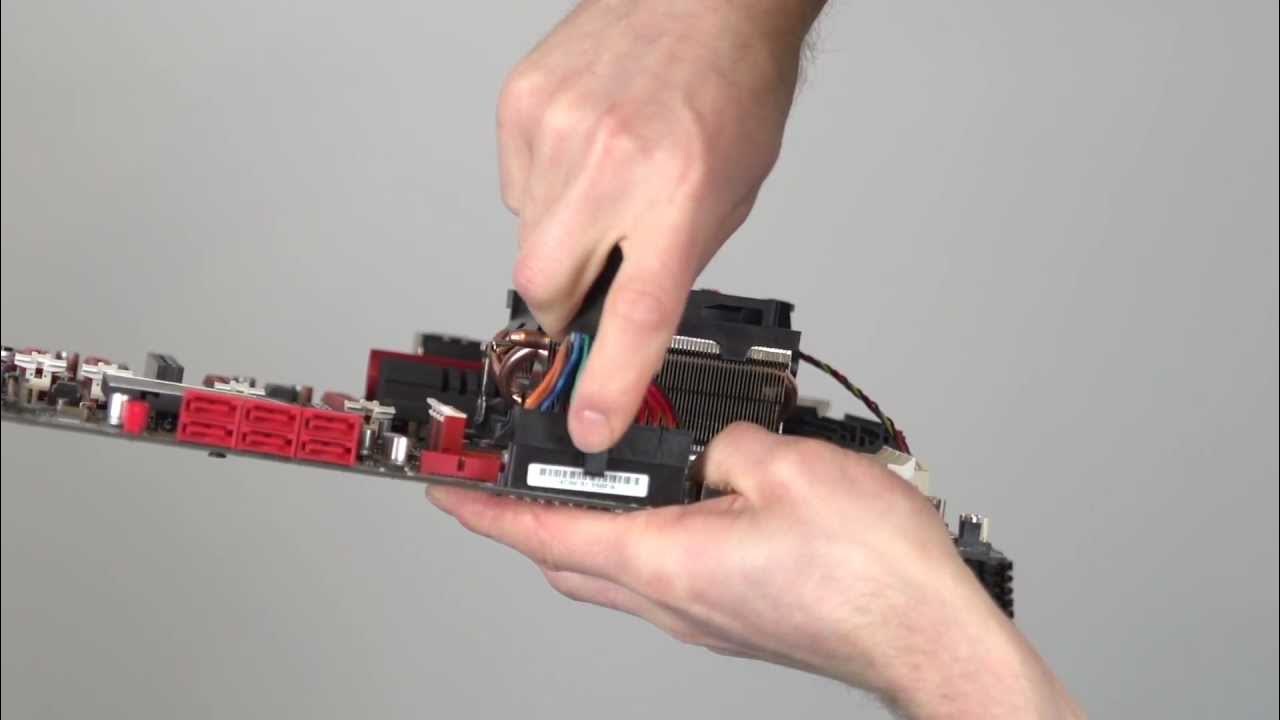
This Tech Quickie delivers a concise, beginner friendly tour of motherboard connectors, focusing on the most common interfaces and how to hook them up correctly. It begins with the standard 24 pin power connector located along the right edge of the motherboard, explaining how the notch and the locking clip ensure proper insertion. The video then covers the P4/EPS power connector, noting that many power supplies split the 8 pin into two 4 pins and that you should avoid mixing PCIe 8 pin with EPS. It moves on to fan connections, detailing how three pin headers support analog speed control while four pin headers add PWM control for more precise speed management. Front panel headers are highlighted as intricate but crucial, with guidance to consult the motherboard manual due to color coding or labeling variations and the importance of matching LED polarities. USB front headers are explained, including USB 2 versus USB 3 differences, power considerations, and the use of adapters when cases and motherboards differ in USB speed support. The video also touches on front panel audio connectors, noting historical PC97 variations and typical bottom left board placement, and it wraps up with auxiliary power connectors for multi GPU setups, clarifying their role in providing additional power to prevent overloading the 24 pin or 8 pin rails. The host encourages consulting manuals, verifying compatibility, and emphasizes that correct connections prevent hardware damage, ending with a call to subscribe and share for more quick guides.
Topics · hardware · tech-education · computer-build
Questions answered
- What is the function and correct orientation of the 24 pin ATX power connector?
- The 24 pin connector is located along the right edge of the motherboard, and it is notched so it can only be inserted one way. The connection is considered complete when the clip locks over the latch.
- Can USB 3 front header ports run if the motherboard or case does not both support USB 3, and what is a common workaround?
- If either the motherboard or case does not support USB 3 speeds, you can use the adapter that comes with the USB 3 header or the case to connect USB 2 speeds, which is slower but functional; front USB 3 headers are still recognizable by color coding or labeling.