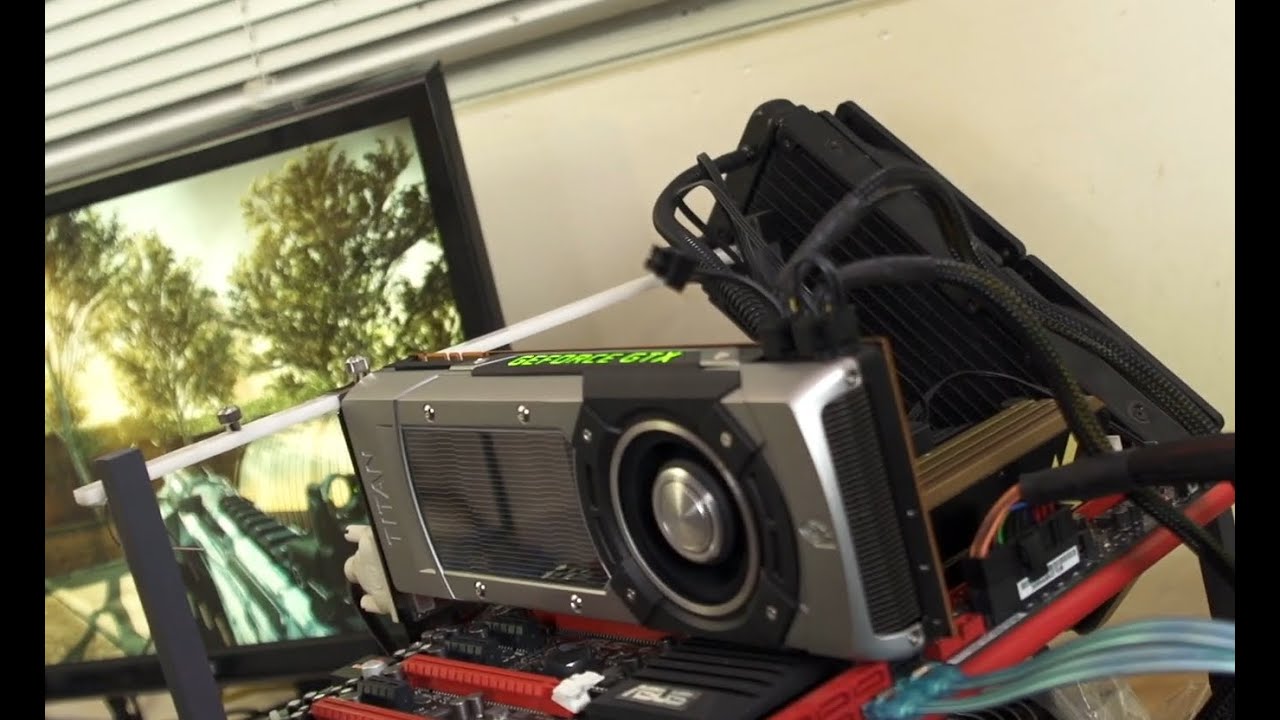
GeForce GTX Titan GPU Boost 2 0 Overclocking Guide Linus Tech Tips
0 up · 0 down · 0 ratings
Description
Overclock your GTX Titan or any other graphics card featuring GPU Boost 2.0! Read more & join our community forum: linustechtips.com Buy it now at NCIX: ncix.com
GeForce GTX Titan GPU Boost 2 0 Overclocking Guide Linus Tech Tips presents a hands-on walkthrough of overclocking a Titan using GPU Boost 2.0, emphasizing how this generation differs from GPU Boost 1.0. The host explains that GPU Boost 2.0 bases performance on clock speed, voltage, and temperature rather than just voltage and target clocks, arguing that temperature-aware behavior helps protect hardware in the long term. The video details practical steps for tuning, starting with adjusting the fan curve to set a safe temperature target, followed by voltage and power target tweaks, and finally calibrating the GPU clock offset. Viewers are guided to test stability with Crisis testing and to observe actual frequency gains in real-time, making explicit that temperature control is a gating factor for higher clocks. The guide stresses that balancing fan response, voltage headroom, and thermal limits is crucial for achieving higher sustained clocks without compromising reliability. In the later portion, the presenter reports impressive results on an air-cooled bench, including a stable 1.16 GHz GPU clock and a memory clock around 3.348 GHz while gaming, underscoring the potential gains from GPU Boost 2.0 when temperatures are carefully managed. The overall takeaway is that success hinges on iterative tuning of fan curves, power and temperature targets, and clock offsets, with stable results validated through game benchmarks like Crisis and detailed monitoring via EVGA Precision. Viewers are encouraged to subscribe for more overclocking content and Linus Tech Tips’ ongoing coverage of hardware optimizations.
Topics · hardware · overclocking · graphics
Questions answered
- What primary factor does GPU Boost 2.0 use to determine performance, compared to GPU Boost 1.0?
- GPU Boost 2.0 determines performance based on clock speed, voltage, and temperature, whereas GPU Boost 1.0 relied more on voltage and target clock settings.
- What is the recommended workflow for overclocking a Titan with GPU Boost 2.0 as described in the video?
- Set a safe temperature target with a tuned fan curve, increase voltage and power target gradually, test stability with a benchmark, then adjust the GPU clock offset and finally tackle memory clock, watching for thermal limits and stability.