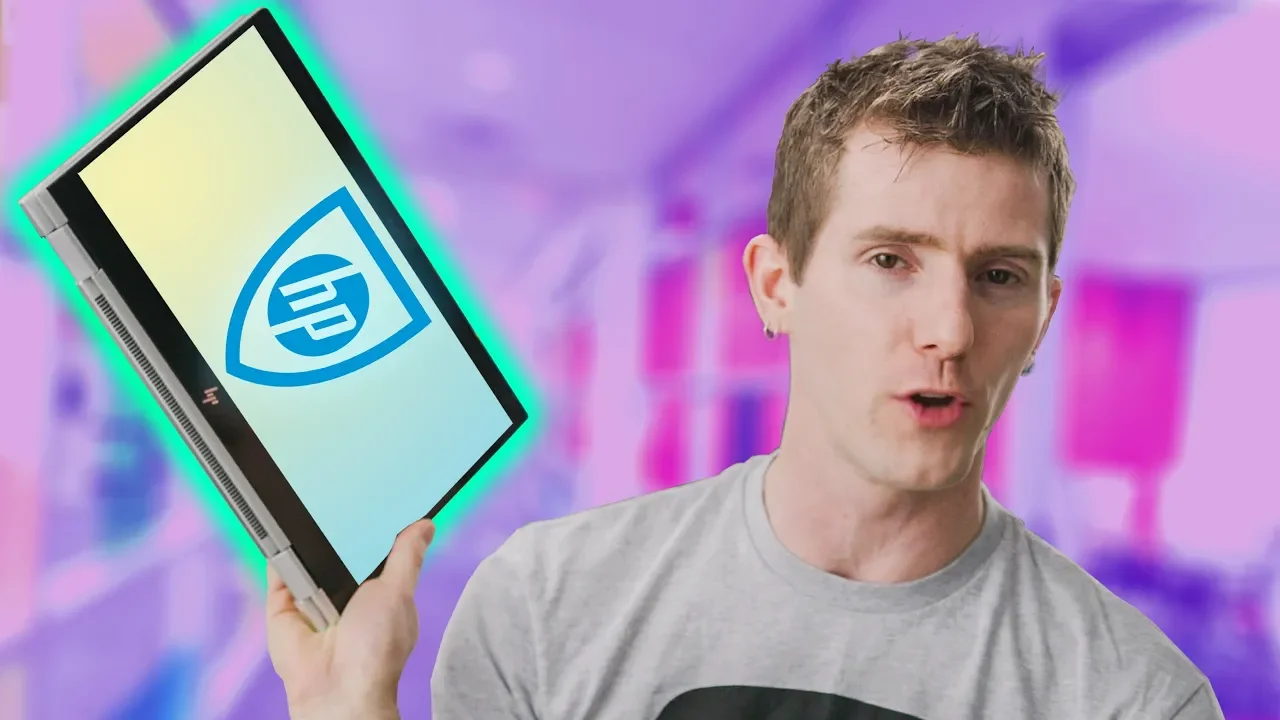
3 Security Features EVERY Notebook Should Have - HP EliteBook Showcase
0 up · 0 down · 0 ratings
Promos
Learn more about HP's computer security at geni.us Buy HP EliteBook 1020 G2 on Amazon: geni.us Buy HP EliteBook 1040 G4 on Amazon: geni.us Buy HP EliteBook 1040 G4 on Newegg: geni.us Buy HP EliteBook 1020 G2 on Newegg: geni.us Discuss on the forum: linustechtips.com Linus Tech Tips merchandise at designbyhumans.com Linus Tech Tips posters at crowdmade.com Our Test Benches on Amazon: amazon.com Our production gear: geni.us Get LTX 2018 tickets at ltxexpo.com Twitter - twitter.com Facebook - @LinusTech Instagram - @linustech Twitch - twitch.tv Intro Screen Music Credit: Title: Laszlo - Supernova Video Link: youtube.com iTunes Download Link: itunes.apple.com Artist Link: soundcloud.com Outro Screen Music Credit: Approaching Nirvana - Sugar High youtube.com Sound effects provided by freesfx.co.uk
The video opens with Linus Tech Tips showcasing HP’s new EliteBook 1040 G4 and 1020 G2, highlighting their ultra‑slim design and the three key security features that set them apart. He explains the SureView privacy filter, a toggleable light‑control film that reduces glare and saves battery life, and then moves on to SureClick, a micro‑virtual‑machine browser that isolates web sessions to protect against malware. The third feature, SureStart, is a custom hardware chip that verifies BIOS integrity at boot, ensuring the system remains secure while running. Linus also touches on the hardware specs,an Intel i7‑7600U, 16 GB RAM, 1 TB NVMe SSD, HDMI output, and dual Thunderbolt 3 ports,before wrapping up with links to purchase and community resources. In the second half, Linus dives deeper into the technical details of each feature, showing how SureView’s 3 m light‑control film works, how SureClick’s micro‑VMs keep browsing sessions safe, and how SureStart’s runtime intrusion detection keeps the BIOS protected. He demonstrates the feature in action, noting the 15 % battery‑life boost when SureView is active and the seamless restoration of the BIOS if tampering is detected. The video concludes with a call to action, encouraging viewers to buy the laptops, subscribe, and visit the forum for more discussion.
Viewers praised the video for its clear explanation of HP’s security features, with several comments highlighting the usefulness of SureView and SureClick. The most liked comment (355 likes) praised the overall safety of the notebook, while replies added humor and suggestions for future improvements. Many viewers appreciated the detailed walkthrough of the hardware specs and the links to purchase options. Overall sentiment is positive, with a userScore of 8.7 out of 10.
Topics · science & technology · review · pc · tech
Questions answered
- What is HP SureView and how does it work?
- HP SureView is a toggleable privacy filter that uses a 3 m light‑control film on the screen to reduce glare and save battery life by focusing light through a narrow cone when active.
- How does SureClick protect web browsing sessions?
- SureClick isolates browsing sessions inside a micro virtual machine, preventing malware from affecting other tabs and restoring the session once the tab is closed.
- What hardware does the EliteBook 1040 G4 include?
- The 1040 G4 comes with an Intel i7‑7600U CPU, 16 GB of RAM, a 1 TB NVMe SSD, HDMI output, and dual Thunderbolt 3 ports.
- What is the price of the 1020 G2 and 1040 G4?
- Both models start at $1,399, with the 1020 G2 available on Amazon and Newegg, and the 1040 G4 also available on Amazon and Newegg.