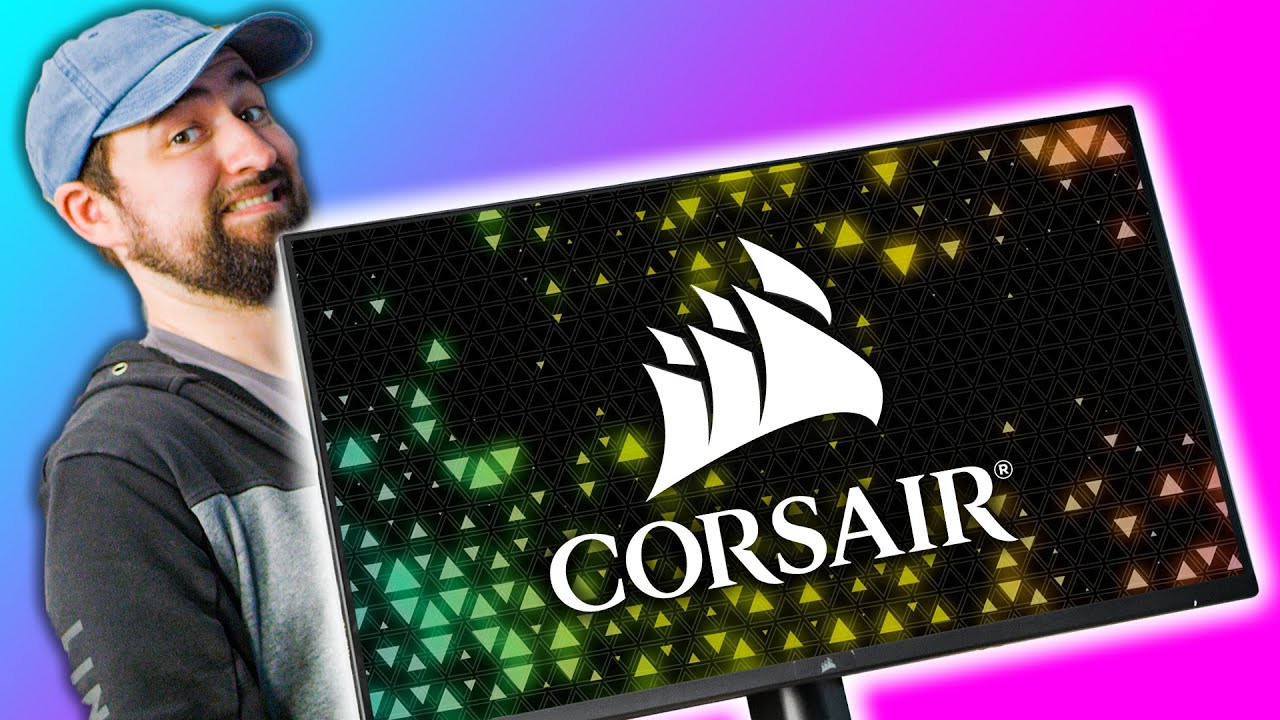
CORSAIR's First GAMING Monitor! - Xeneon
0 up · 0 down · 0 ratings
Description
Check out the Glorious Model D Wireless at geni.us
Promos
Get 10% off all Jackery products with code LinusTechTips at jackery.com CORSAIR is famously known for its gaming peripherals, cases, coolers, and power supplies for PC gaming. Now they've entered the display section with their Xeneon 32QHD165 32" 1440p gaming monitor. Initially a few years earlier as an April's fools joke, but it's real now! Buy CORSAIR Xeneon Gaming Monitor On Best Buy (PAID LINK): geni.us Buy Logitech G915 TKL Keyboard On Amazon (PAID LINK): geni.us On Best Buy (PAID LINK): geni.us On Newegg (PAID LINK): geni.us
Check out the Maingear Turbo Gaming PC we used at lmg.gg Purchases made through some store links may provide some compensation to Linus Media Group. ►GET MERCH: lttstore.com ►SUPPORT US ON FLOATPLANE: floatplane.com ►LTX EXPO: ltxexpo.com AFFILIATES & REFERRALS --------------------------------------------------- ►Affiliates, Sponsors & Referrals: lmg.gg ►Check out our podcast gear: kit.co ►Private Internet Access VPN: lmg.gg ►Our Official Charging Partner Anker: lmg.gg ►Secretlabs Gaming Chairs: lmg.gg ►MK Keyboards: lmg.gg ►Nerd or Die Stream Overlays: lmg.gg ►Green Man Gaming lmg.gg ►Amazon Prime: lmg.gg ►Audible Free Trial: lmg.gg ►Our Gear on Amazon: lmg.gg FOLLOW US ELSEWHERE --------------------------------------------------- Twitter: twitter.com Instagram: @shortcircuityt Facebook: @ShortCircuitYT FOLLOW OUR OTHER CHANNELS --------------------------------------------------- Linus Tech Tips: lmg.gg TechLinked: lmg.gg Mac Address: lmg.gg Techquickie: lmg.gg LMG Clips: lmg.gg Channel Super Fun: lmg.gg Carpool Critics: lmg.gg CHAPTERS --------------------------------------------------- 0:00 - Intro 1:05 - Unboxing 5:02 - Assembly 9:22 - Sponsor - Jackery! 9:52 - Monitor placement 10:30 - Monitor First Impressions 15:08 - Final Thoughts
Corsair finally entered the display market with the Xeneon 32QHD165, and the video documents the unboxing, assembly, and first impression of this 32 inch 1440p gaming monitor. The host walks through the packaging, noting the presence of a DisplayPort cable, USB-C, HDMI, power brick, and an unusually robust stand with substantial cable management. He remarks on the panel’s color capabilities, highlighting 100 percent Adobe RGB and high sRGB coverage, plus a broad DCI-P3 space, which signals strong color accuracy for a gaming-focused monitor. The unboxing is followed by a careful assembly process where the stand screws into the monitor body, and the cable paths are organized using the included ties and clips. During setup, the host demonstrates the display’s IO layout, including two USB-C ports, two USB-A ports, a DisplayPort, and two HDMI ports, and he comments on the challenge of reaching rear ports for cable routing. After mounting, he explores Corsair IQ integration, showing how display settings can be controlled through the Corsair software suite, which aims to unify monitor control with other Corsair devices in a single ecosystem. The test phase includes enabling variable refresh rate and confirming native 165 Hz, and the host runs a few quick gameplay checks in Counter-Strike to gauge perceived speed and color quality. He notes the overall desk footprint of the stand is large, but argues that the aesthetic could look very polished when combined with matching Corsair hardware. Finally, the host weighs the value proposition at an $800 price point, acknowledging competition from other 32 inch 1440p options and emphasizing the unique color space and IQ software advantages for Corsair-centric setups. He closes with thoughts on whether the monitor justifies its price for fans of the Corsair ecosystem and hints at further testing to come in future coverage.
Topics · tech review · monitors · gaming gear · peripherals
Questions answered
- What is the Corsair Xeneon monitor's native refresh rate and resolution?
- The Corsair Xeneon monitor has a native 165 Hz refresh rate and 1440p resolution (32 inch IPS panel).
- Can Corsair IQ control monitor settings and other devices?
- Yes, Corsair IQ can control the monitor settings and is designed to work with other Corsair devices for a unified experience.
- What are the inputs available on the backside of the monitor?
- The monitor includes two USB-C ports, two USB-A ports, a DisplayPort, and two HDMI ports.
- Is the stand included with the Xeneon particularly bulky or space-consuming?
- Yes, the stand is large and takes up substantial desk footprint, which may affect setup space depending on the user’s desk configuration.