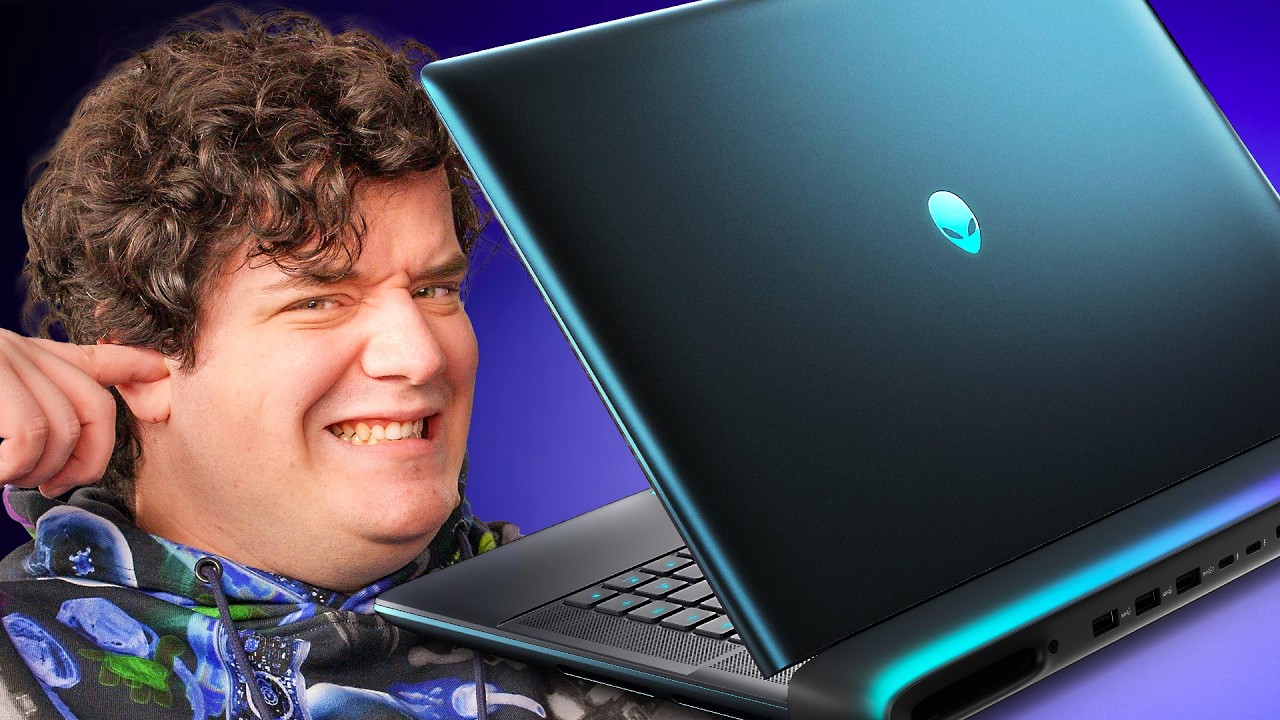
The best gaming laptop with one flaw - Alienware Area-51
0 up · 0 down · 0 ratings
Promos
Save 30% on a Redtiger F17 Elite Dash Cam with full-color night vision using code RTF17E025 at: lmg.gg Save an extra $10 with code F17ECAM on the Redtiger site: lmg.gg Gaming laptops are outstanding this year and this new model from Dell's Alienware gaming brand has tons of power, an amazing keyboard and some cool design choices if you can deal with is large form factor. Buy the new Alienware Area 51 laptop - prsm2.com Want us to unbox something? Make a suggestion at lmg.gg Thanks to our channel partner Secretlab! - Grab a TITAN Evo ergonomic gaming chair: lmg.gg - Grab a MAGNUS Pro sit/stand gaming table: lmg.gg ► SHOP OUR PRODUCTS: lttstore.com ► GET A VPN: piavpn.com ► GET EXCLUSIVE CONTENT ON FLOATPLANE: lmg.gg ► DIVE DEEPER ON THE LTT LABS WEBSITE: lmg.gg ► SPONSORS, AFFILIATES, AND PARTNERS: lmg.gg Purchases made through some store links may provide some compensation to Linus Media Group. Affiliate links powered in part by affilimate.com Studio lighting by Aputure: aputure.com Linus Sebastian is an investor in Framework Computer, Inc and HexOS by Eshtek. CHAPTERS --------------------------------------------------- 0:00 What sets this apart 0:32 What's in the box 2:00 I/O overview 3:13 The coolest trackpad ever 4:20 Keyboard test 5:29 Webcam 6:16 The config we tested 7:44 Let the Crabs rave 9:00 Good but not great screen 9:55 Sponsor 10:29 Second hardware test 11:30 Game time bb 14:15 Teardown and LABs report 18:37 Pricing 19:17 Watch another video
The video opens with an enthusiastic unboxing and first impressions of the Alienware Area-51, emphasizing its cooling system and the sheer scale of the power brick. The host highlights the heavy, premium build and the distinctive window feature, which becomes a running theme as they inspect the chassis and exterior I/O. Early on, they discuss the 360 W brick and the laptop’s total power draw of up to 240 W, explaining how this headroom relates to performance and potential charging behavior while gaming. As the unboxing proceeds, the host points out practical details like the back I/O layout, including HDMI 2.1, two Thunderbolt ports, and three USB ports, while noting a unique power-share port that can pass power to other devices when the laptop is off. The initial setup also touches on fingerprint-prone surfaces and the overall impression of a laptop that blends high-end design with some consumer-friendly quirks. The pace settles into a hands-on first look that promises a deeper dive into performance, thermals, and display quality later in the video.
Topics · technology · hardware · hardware teardown · gaming laptops · display technology · audio · peripherals
Questions answered
- What is the main cooling feature of the Alienware Area-51 that the host highlights?
- The video emphasizes a sophisticated cooling system with multiple fans and a Cryotech-style cooling approach, which helps manage high power draw during gaming and heavy workloads.
- What are the key IO options on the Area-51 as shown in the video?
- The laptop includes HDMI 2.1, two Thunderbolt 5 ports, three USB ports, and a power-share port on the back for charging other devices when the laptop is off.