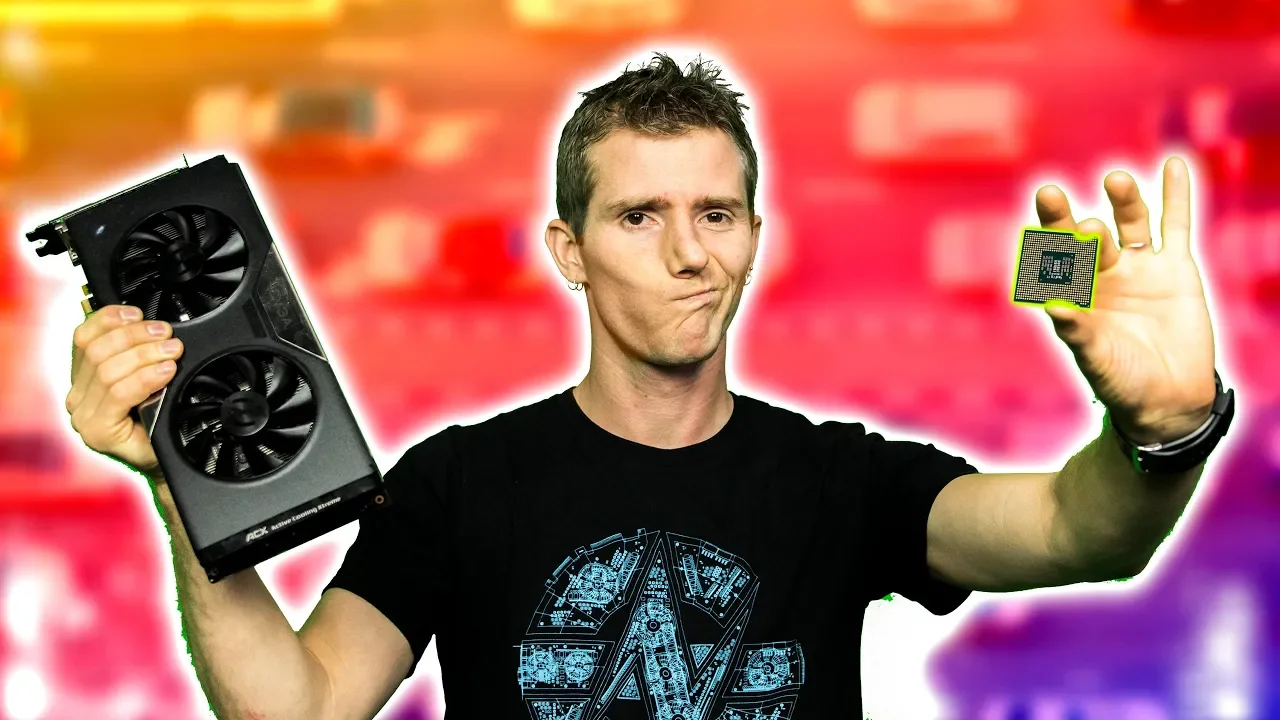
Is Your Gaming Rig Being Bottlenecked??
0 up · 0 down · 0 ratings
Promos
Everyone hates bottlenecks. It’s a common question on our forums to ask whether a part will be a bottleneck… But what does a bottleneck even look like, and how can you avoid one? Buy a Core i7 8700K: On Amazon: geni.us On Newegg: geni.us Buy a Ryzen 3 2200G: On Amazon: geni.us On Newegg: geni.us Buy a GeForce GT 1030: On Amazon: geni.us On Newegg: geni.us Buy a GeForce GTX 1060 6GB: On Amazon: geni.us On Newegg: geni.us Discuss on the forum: linustechtips.com Our Affiliates, Referral Programs, and Sponsors: linustechtips.com Linus Tech Tips merchandise at designbyhumans.com Linus Tech Tips posters at crowdmade.com Our Test Benches on Amazon: amazon.com Our production gear: geni.us Twitter - twitter.com Facebook - @LinusTech Instagram - @linustech Twitch - twitch.tv Intro Screen Music Credit: Title: Laszlo - Supernova Video Link: youtube.com iTunes Download Link: itunes.apple.com Artist Link: soundcloud.com Outro Screen Music Credit: Approaching Nirvana - Sugar High youtube.com Sound effects provided by freesfx.co.uk
Is Your Gaming Rig Being Bottlenecked? takes a practical approach to a question many PC builders ask: how do you know when a part is bottlenecking your system, and can you avoid it without wasting money on overkill components? The host starts by framing bottlenecks as a single limiting factor within a system, comparing it to a multi-lane highway merging into a narrow tunnel, and promises to test this with real hardware across a range of configurations. The video then proceeds with a baseline test using a GT 1030 to gauge how a weak GPU interacts with various CPUs, from older midrange models to current high-end processors, highlighting that a low-end GPU will often bottleneck the setup regardless of the CPU. As the tests progress with a GTX 1060, the presenter shows that a stronger CPU allows parts of the workload to scale more effectively, widening performance gaps in titles like Assassin's Creed Origins and CS:GO, while some games still show GPU-bound behavior. The core takeaway emerges: there is no universal, zero-bottleneck configuration; balance depends on the intended workload and software, and users should avoid pairing extremely mismatched parts. The host emphasizes practical guidance over anxiety, encouraging viewers to seek targeted advice with clear use-case details and to use reasonable price-to-performance expectations when building or upgrading a PC. The video closes with a reminder that bottlenecks can shift with settings, resolutions, and specific applications, and invites the audience to discuss bottlenecks on the forum to tailor recommendations to their own needs.
Topics · technology · computer hardware · gaming performance · benchmarking
Questions answered
- What is a bottleneck in a computer system, and how does it affect gaming performance?
- A bottleneck is a single component that limits the overall system performance, preventing other parts from reaching their full potential. In gaming, this can manifest as either CPU-bound or GPU-bound workloads, depending on the game and settings.
- Does upgrading a CPU always improve gaming performance?
- Not necessarily. If the GPU cannot keep up, upgrading the CPU may yield little to no benefit. Performance gains depend on whether the workload is constrained by the CPU, the GPU, or the specific game being played.
- Can reducing resolution or adjusting settings change which component is bottlenecking?
- Yes. Lower resolutions tend to shift load toward the CPU, while higher resolutions push more work to the GPU. This can cause the bottleneck to appear or disappear depending on the settings.