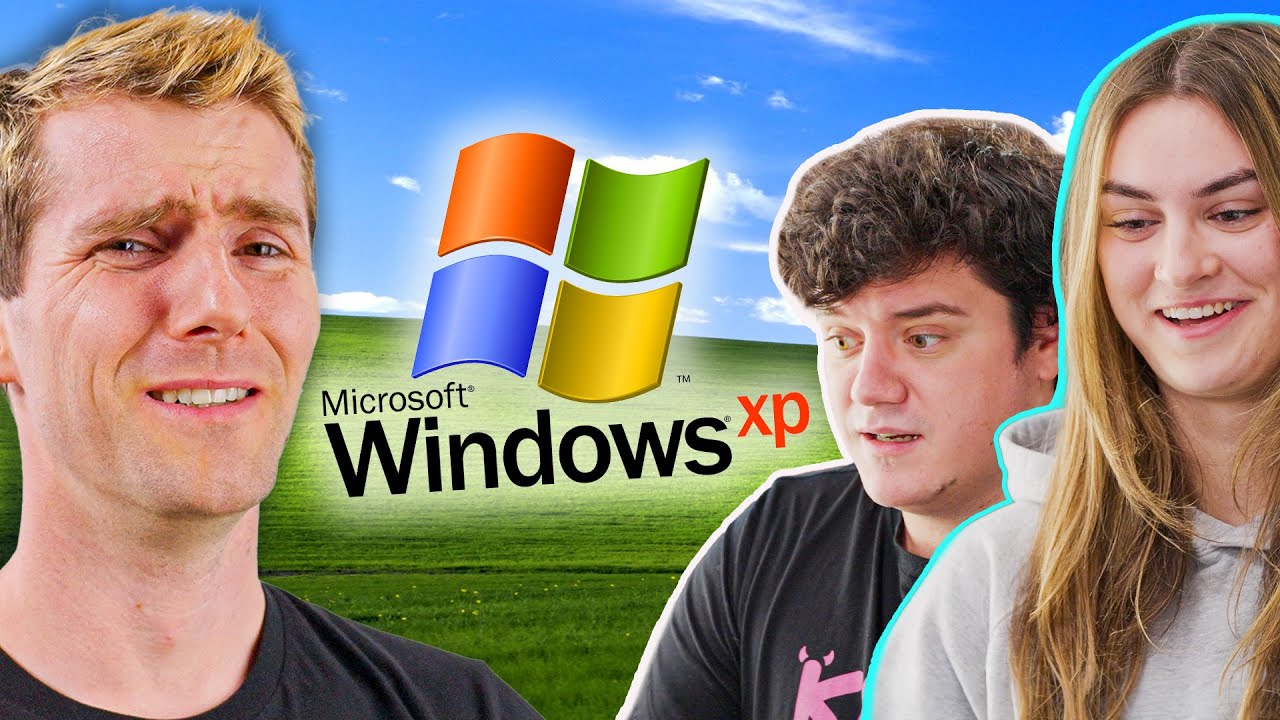
Was Windows XP as Good as we Remember?
0 up · 0 down · 0 ratings
Promos
Check out Acronis Cyber Protect for businesses at go.acronis.com Signup for a Hetzner server and use code LTT24 to save €20 at: htznr.li Windows XP holds a special place in many nerdy hearts, but is it really worthy of GOAT status? We challenged some Windows XP newbies - and that one guy that owns a display - to take on some simple XP-era tasks to see if it really was as great as people remember. Discuss on the forum: linustechtips.com ► GET OUR MERCH: lttstore.com ► GET EXCLUSIVE CONTENT ON FLOATPLANE: lmg.gg ► GET A VPN: piavpn.com ► SPONSORS, AFFILIATES, AND PARTNERS: lmg.gg Purchases made through some store links may provide some compensation to Linus Media Group. CHAPTERS --------------------------------------------------- 0:00 Intro 1:08 First! 2:40 Remember Screen Savers? 3:58 Ripping and Burning 6:56 Installing Software 9:07 Surfing The Web... slowly 10:15 Games 11:14 Looking Back 14:09 Credits
The video revisits Windows XP, posing the question of whether it really deserved the much-remembered GOAT status or if nostalgia colors our judgments. It frames XP as a milestone that bridged older dos-based paradigms with the modern NT kernel, emphasizing its balance of stability, security, and user-facing features for the average home user. The hosts and guest testers navigate a series of XP-era tasks, like exploring the control panel, setting up screensavers, managing drives, and using bundled multimedia applications, all while comparing those experiences to modern operating systems. Throughout, the narrative intertwines personal anecdotes, such as the struggle to insert a CD, the ritual of ripping audio tracks, and the long-winded CD burning workflows, to illustrate how different daily computing felt in the XP era. The discussion also highlights XP's introduction of features like clear type, improved search, and a more reachable Start Menu, arguing that these small design and usability shifts contributed to a nostalgic image of the OS. By the end, the video blends reflections on XP’s legacy with the reality of its age, acknowledging both its historical impact and its limitations in a modern context. The result is a balanced look at how memory and technology intersect, showing that what feels iconic may be a product of both real capability and cultural memory. The piece ends by noting XP’s contributions to later Windows designs, while also acknowledging the leaps in usability and security that followed in subsequent generations.
Topics · technology · computing_history · retro_computing · software
Questions answered
- What made Windows XP stand out compared to Millennium Edition and Vista according to the video?
- XP combined stability and security improvements from the NT kernel with user-friendly features like an updated Start Menu, improved search, and better multimedia and networking capabilities, which broadened its appeal beyond business users.
- Why do the testers feel XP is nostalgic, and where do they see its limitations?
- They reminisce about familiar UI elements and workflows such as CD burning and ripping, but they also acknowledge aging interface conventions and performance gaps when compared with modern operating systems.