Corsair H50 Hydro Series CPU Water Cooler Unboxing Linus Tech Tips
0 up · 0 down · 0 ratings
Description
Corsair launched the H50 a few months ago to much critical acclaim, so I decided to grab one from the warehouse and see what all the fuss is about
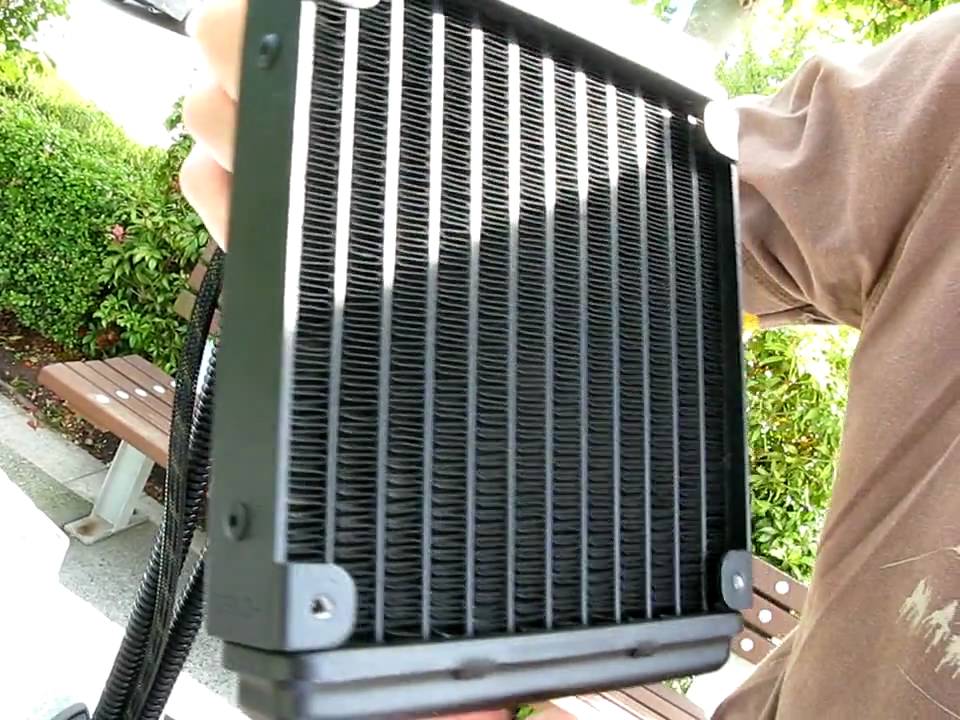
The video opens with Linus Tech Tips presenting the Corsair H50 Hydro Series CPU Cooler, positioning it as a low-cost liquid cooling solution that aims to combine the simplicity of air cooling with the performance of high-end kits. Linus walks through the unboxing, noting the 120 mm radiator, the attached fan, and the four-tube connection to the CPU block and pump unit, all housed as a single integrated unit. He explains the target audience for the H50: users who want easy installation, broad motherboard compatibility, and a compact footprint compared to traditional DIY liquid cooling loops. The packaging and protective measures are shown, including the plastic coverings and the sleeve protecting the radiator fins during transit, with cautionary remarks about avoiding bent fins which could impact performance and acoustics. The video delves into the included mounting hardware, such as LGA 775 and LGA 1366 backplates and retention rings, and mentions that Corsair planned to ship an 1156 backplate and ring as well, illustrating the product’s near-term socket compatibility. Linus also highlights the quick start guide, its multilingual sections, and explains how the radiator and fan are intended to be installed,recommending a rear-back mounting orientation where the fan can draw outside air through the radiator, and detailing how the screws pass through the case and into the radiator threads for secure mounting. Throughout the segment, the host emphasizes the product’s intent as a user-friendly, all-in-one cooling solution designed to simplify CPU cooling while maintaining case compatibility and straightforward setup, concluding with a recap of the main components and a note of appreciation for viewers checking out the unboxing.
Topics · technology · hardware · unboxing · pc cooling · computer components
Questions answered
- What is the Corsair H50 designed to be, in terms of use case and target audience?
- It is designed as a low-cost, easy-to-install all-in-one liquid cooling solution that aims to combine the simplicity of air cooling with the performance of higher-end kits while maintaining broad motherboard compatibility.