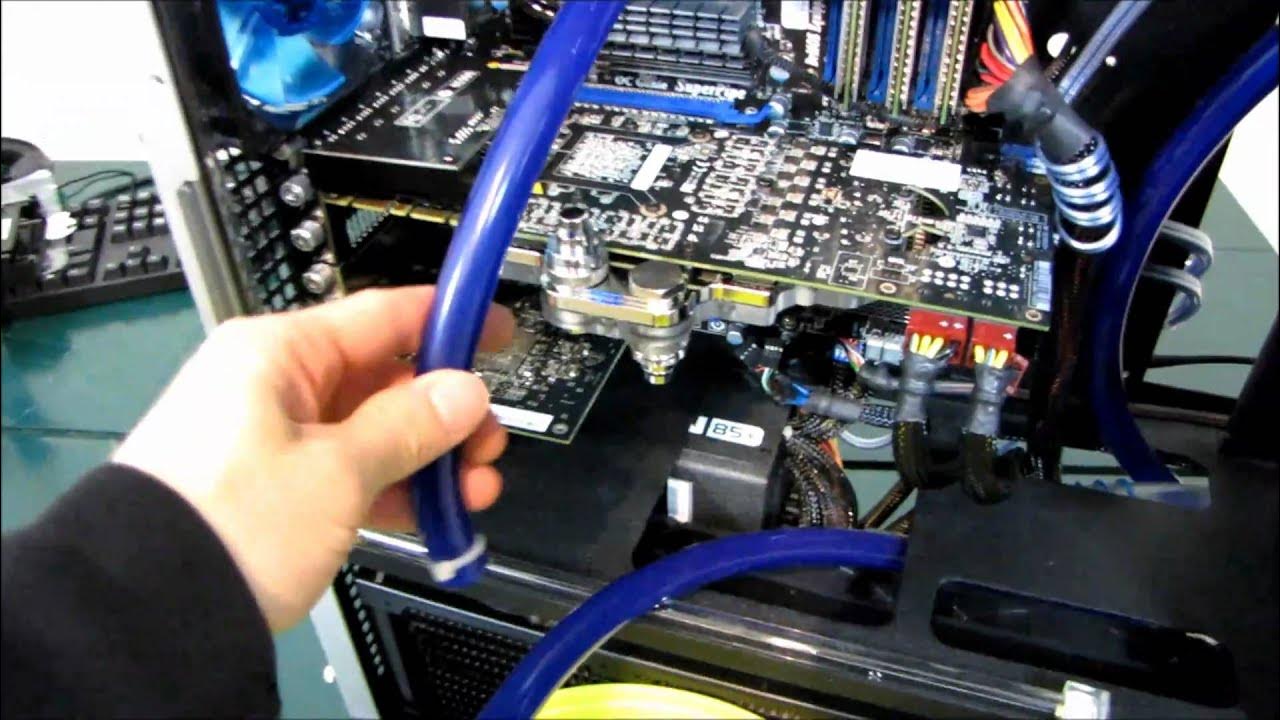
Video Card Water Cooling Upgrade Installation Guide Linus Tech Tips
0 up · 0 down · 0 ratings
Description
This video is about putting the water cooled video card into your liquid cooling system. I have a separate video about mounting the water block on the card.
The video documents a practical upgrade where Linus Tech Tips demonstrates installing a water block onto a graphics card and integrating it into a larger loop. The host begins by noting that system water cooling guides are lengthy and often unnecessary for casual viewers, then outlines a step-by-step process for swapping in a new card, installing the water block, and routing tubing to a compact, clean configuration. He removes the old setup and installs the new card with the water block, then measures tubing lengths, attaches the top compression fittings, and secures the connections before powering the system. The host admits a desire to leak-test thoroughly but proceeds with powering the system to bleed the loop, explaining techniques to remove air bubbles such as adjusting pump speed and gently shaking the loop. The video closes with a brief tour of the finished system and a note that the bleeding process can take some time as bubbles gradually resolve, emphasizing careful handling and system readiness before continuous operation.
Topics · technology · computing · hardware · pc_building · water_cooling · maintenance_and_troubleshooting