iOS 11 Explained
0 up · 0 down · 0 ratings
Promos
What should you know about the latest version of iOS? Freshbooks message: Head over to freshbooks.com and don’t forget to enter Tech Quickie in the “How Did You Hear About Us” section when signing up for your free trial. Techquickie Merch Store: designbyhumans.com Techquickie Movie Poster: shop.crowdmade.com Follow: twitter.com Leave a reply with your requests for future episodes, or tweet them here: twitter.com
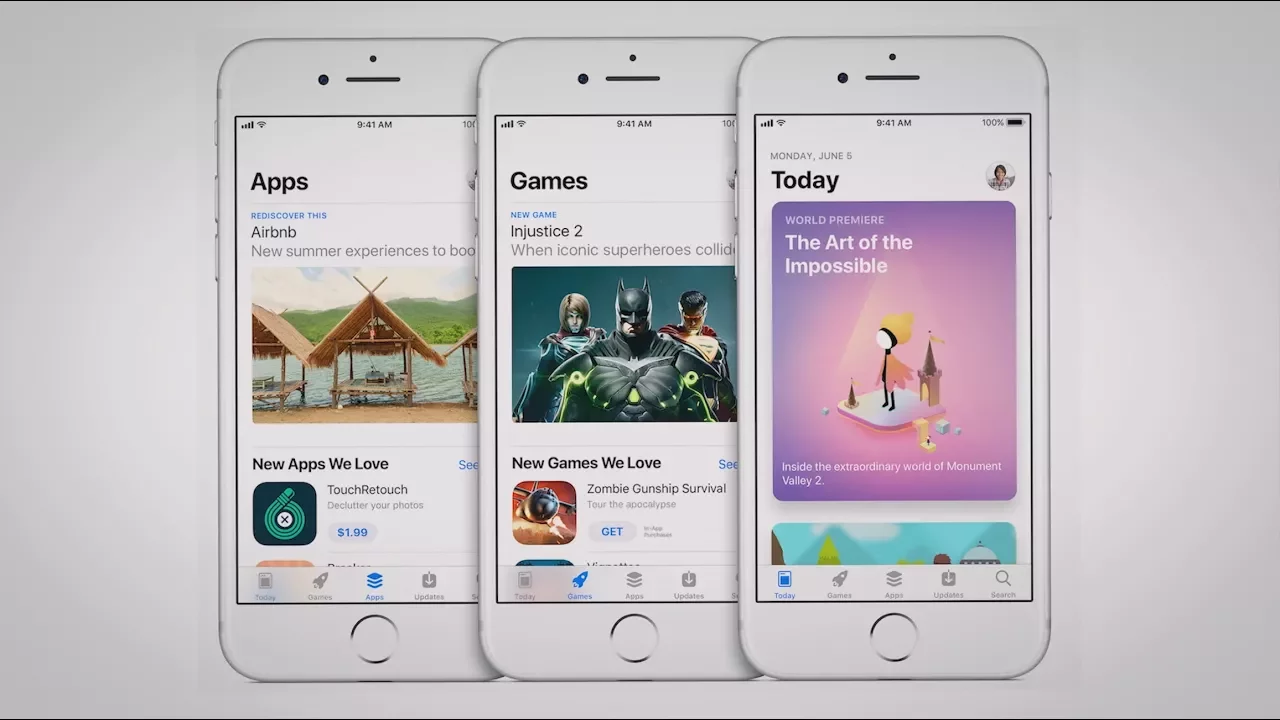
iOS 11 brings a substantial set of refinements and new features that aim to modernize the experience across iPhone and iPad. The video outlines major navigation and map upgrades, including detailed floor plans for airports and malls, plus a driving-focused Do Not Disturb feature designed to reduce distractions on the road. It also highlights an overhaul of the control center, which now spans the full screen and is customizable, allowing users to rearrange widgets to fit their needs even though some viewers find the new layout less intuitive. The story then shifts to intelligent software features such as on-device machine learning that helps organize photos into albums and makes Siri smarter with proactive search suggestions and music recommendations. Additional privacy and storage considerations are discussed, including a feature that can automatically delete unused apps to reclaim space, alongside the reality that iOS 11 still does not offer expandable storage. The video covers iMessage integrations with Apple Pay, a redesigned App Store with immersive visuals, and AirPlay 2 for multi-room audio control, before touching on iPad multitasking improvements like drag-and-drop between split view apps and new Apple Pencil markup capabilities. Overall, the update is positioned as a push toward a more capable, integrated ecosystem, while also noting potential tradeoffs in data collection and user experience complexity. The presenter balances practical benefits with caveats, preparing viewers to decide which features are most valuable for their own device usage.
Topics · technology · mobile operating systems · consumer electronics · apple ecosystem