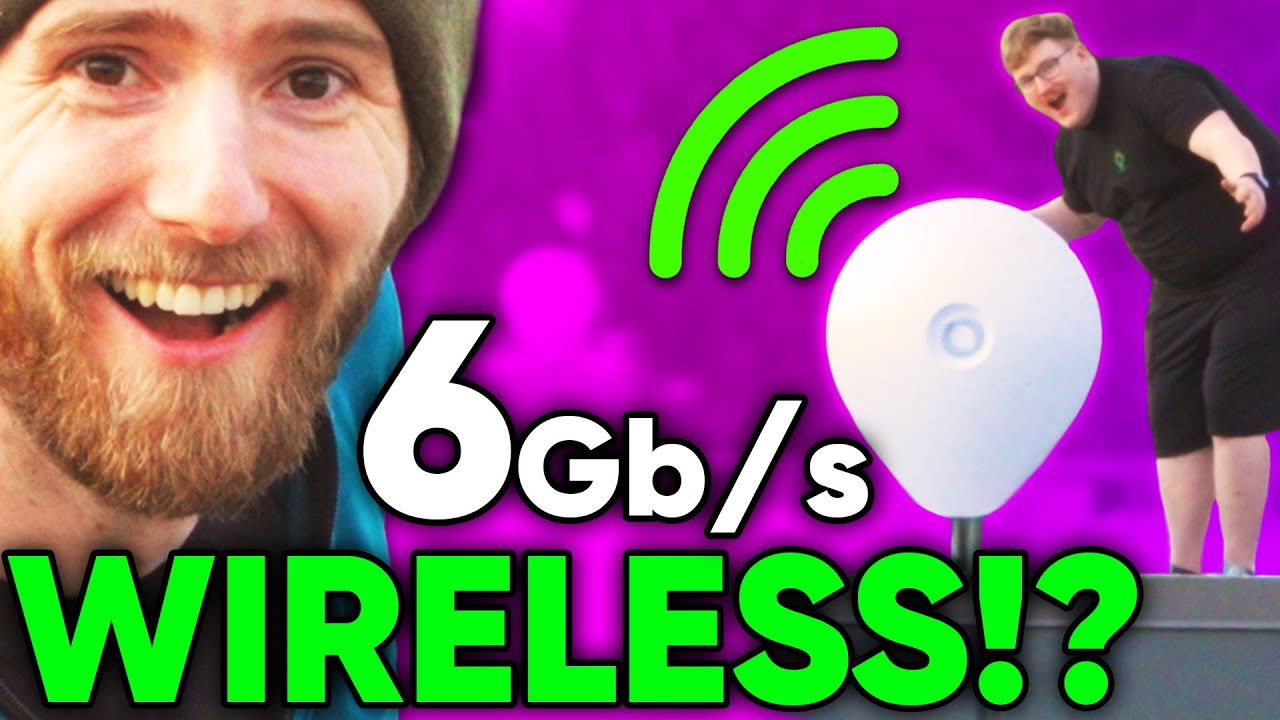
Our New Internet is FREE! Ubiquiti AirFibre 60 XG Install
0 up · 0 down · 0 ratings
Description
Answer your emails faster, in the appropriate tone, and with confidence with Grammarly! Go to grammarly.com to sign up for a FREE account and get 20% off Premium! Get your Crucial P5 Plus NVMe SSD today at crucial.gg We're expanding the team behind LTTStore.com so much that we had to get them their own office space, but rather than paying for ANOTHER internet connection we figured, why not share the 10 Gigabit connection we have at the main office... except rather than through a wire... we're doing it wirelessly with the help of Ubiquiti's new AirFibre XG wireless point to point bridge system. Discuss on the forum: linustechtips.com
Check out the Ubiquiti AirFibre 60 XG (Early Access): lmg.gg
Check out Infinite Cables Heavy Duty Roof Mount: lmg.gg
Promos
Check out Infinite Cables for CAT6A & More: lmg.gg Purchases made through some store links may provide some compensation to Linus Media Group. ► GET MERCH: lttstore.com ► AFFILIATES, SPONSORS & REFERRALS: lmg.gg ► PODCAST GEAR: lmg.gg ► SUPPORT US ON FLOATPLANE: floatplane.com FOLLOW US ELSEWHERE --------------------------------------------------- Twitter: twitter.com Facebook: @LinusTech Instagram: @linustech TikTok: @linustech Twitch: twitch.tv MUSIC CREDIT --------------------------------------------------- Intro: Laszlo - Supernova Video Link: youtube.com iTunes Download Link: itunes.apple.com Artist Link: soundcloud.com Outro: Approaching Nirvana - Sugar High Video Link: youtube.com Listen on Spotify: spoti.fi Artist Link: youtube.com Intro animation by MBarek Abdelwassaa @mbarek_abdel Monitor And Keyboard by vadimmihalkevich / CC BY 4.0 geni.us Mechanical RGB Keyboard by BigBrotherECE / CC BY 4.0 geni.us Mouse Gamer free Model By Oscar Creativo / CC BY 4.0 geni.us CHAPTERS --------------------------------------------------- 0:00 Intro 0:21 The game plan 2:10 The gear 2:35 Getting the gear onto the roof... with a rope 6:07 Mounting 9:02 Alignment 9:46 The AirFibre 60 XG 10:38 Wiring 13:50 It works! 14:20 But how fast? 15:50 The infamous wrench 16:40 Aligning the dishes 18:22 How fast? part 2
The video documents a practical build of a shared high speed link between two office buildings using Ubiquiti AirFibre 60 XG hardware. It starts with the team outlining the plan to avoid a second internet connection by exploiting a wireless point-to-point bridge, sharing the existing main office connection across buildings. The on-site phase covers gear hauling, roof mounting, and securing the large satellite dishes with a rope based hoisting method. The crew discusses the weight of the dish, the need for careful tying, and the constant tension and wind as they secure the installation, emphasizing safety and professional procedures. As the installation progresses, they troubleshoot mounting stability, run outdoor-rated Ethernet cabling, and set up surge protection and grounding to protect the link from the elements. The moment of truth arrives when the link lights up, the alignment is completed, and they begin testing throughput, discovering that the connection performs far better than expected with gigabit scale speeds. Throughout the video, the presenters narrate their expectations, celebrate small wins, and highlight how this new wireless link could replace the need for a dedicated fiber line between buildings. The segment concludes with real-world speed tests showing sustained gigabit performance, underscoring the potential impact on their business operations and daily workflows while acknowledging some alignment challenges and weather considerations along the way.
Topics · technology · networking · diy-project · infrastructure · office-setup
Questions answered
- What equipment is used for the AirFibre 60 XG installation in this video?
- The setup uses Ubiquiti AirFibre 60 XG units mounted on roof dishes, along with outdoor-rated Cat6/ethernet connections, surge protectors, and grounding. The system includes alignment tools and power indicators to monitor the link.
- What speeds did the team observe after alignment and tuning?
- Initial testing showed around 1 gigabit per second in real-world transfers, with discussions suggesting possible improvements in upload speeds and sustained gigabit performance after alignment tweaks.
- What were the main challenges during the installation?
- Key challenges included hoisting and permanently mounting a heavy dish on a roof, securing weatherproof cabling, achieving proper alignment in windy conditions, and ensuring proper grounding and surge protection.
- What potential benefits does this install bring to the office setup?
- It provides a high-speed, fiber-like link between buildings without installing a new internet connection, enabling shared access to the main office internet and reducing ongoing monthly costs if the link remains stable.
- What tips do viewers offer for improving PtP wireless links like this?
- Viewers suggest tuning power settings, correct antenna polarization, securing proper LOS, increasing height to avoid parapet interference, and using high-quality surge protectors and NTP for time synchronization.