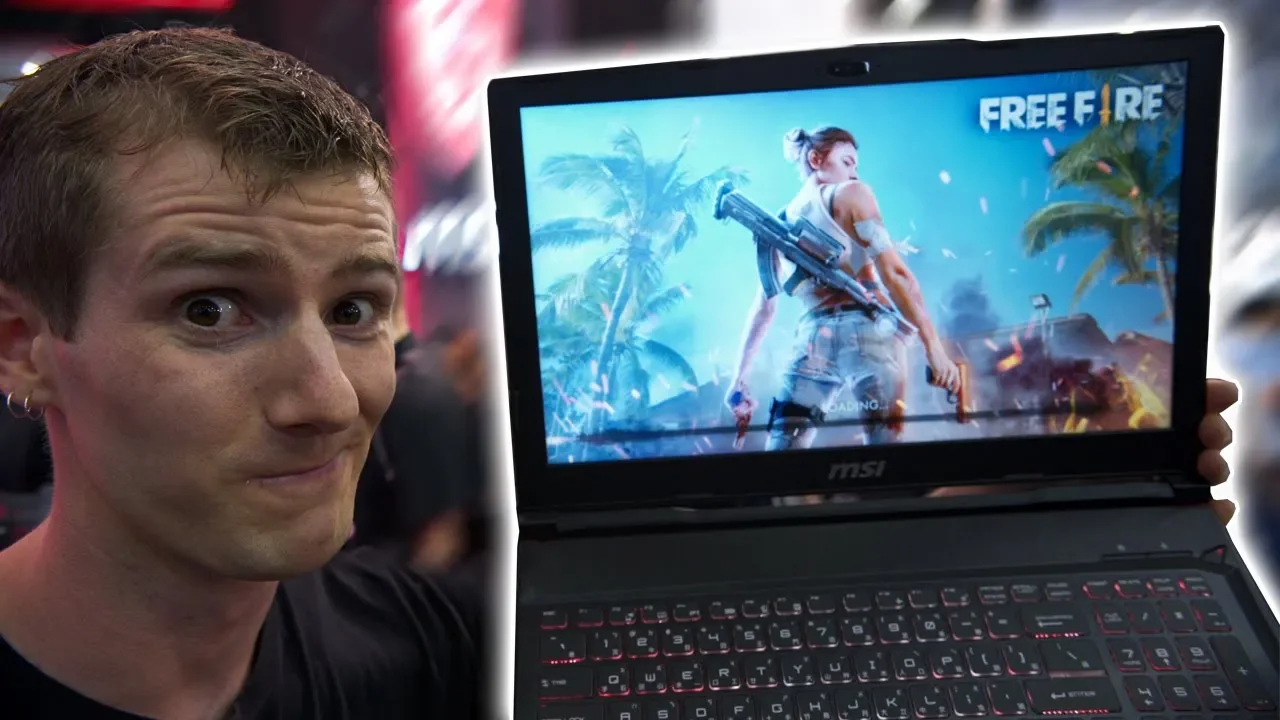
Razer WISHES they Thought of This - MSI App Player First Look
0 up · 0 down · 0 ratings
Channels and socials
Thanks to Lastpass for sponsoring our Computex 2018 coverage! Start securing your passwords today with LastPass at bit.ly Subscribe for more Computex content: youtube.com Follow so you don't miss an upload: @linustech twitter.com
The video delivers a first look at MSI App Player, an Android emulator built into MSI hardware ecosystems. The host explains that this isn’t merely running Android apps on a PC, but packaging a ready-to-use experience that leverages desktop input options, high refresh rate displays, and full access to the Google Play Store. He demonstrates using a mouse, WASD controls, and even a game controller to navigate Android games, highlighting the advantage over typical mobile play. The presenter emphasizes that the platform can utilize not just gaming laptops but a wide range of MSI devices, including motherboards, GPUs, and even prestige notebooks, with support extending beyond gaming-centric machines. He also outlines practical use cases for streamers, such as running Android games alongside OBS or XSplit on a single machine, enabling two-screen workflows and easier content creation. The video concludes with a nod to MSI’s broader strategy, the integration of features like hotkeys and keyboard remapping, and a teaser about a life-size MSI dragon mascot tied to the brand’s Computex presence, followed by a sponsor segment for LastPass. From a practical standpoint, the MSI App Player is positioned as a high-performance, convenient Android environment that takes advantage of PC hardware to deliver smoother gameplay, better input methods, and the ability to avoid mobile constraints like battery life and network latency. The host also notes that the software is based on the Bluestacks emulator but packaged in a more usable form, with MSI branding and hardware-agnostic support across MSI’s product lineup. The discussion underscores the potential for multitasking, such as running multiple Android games in parallel to minimize downtime while waiting for respawns. In the wrap-up, the sponsor message about LastPass reinforces a sponsorship tie-in for Computex coverage, while reiterating the video’s focus on showcasing MSI’s software enhancements and hardware synergy for enthusiasts and creators alike.
Topics · technology · gaming · hardware · emulation · streaming · sponsorship · computex
Questions answered
- What is MSI App Player and what does it aim to do on MSI hardware?
- MSI App Player is an Android emulator packaged with MSI branding that runs Android apps and games on PC hardware, leveraging full desktop input methods, high refresh displays, and MSI hardware support to deliver a desktop Android experience.
- Can MSI App Player be used on non-gaming MSI products and other MSI components?
- Yes, the presenter notes support extends beyond gaming notebooks to MSI motherboards, GPUs, and prestige notebooks, allowing a desktop Android experience across a range of MSI devices.
- What are practical use cases highlighted for MSI App Player besides gaming?
- Practical use cases include streaming Android games by running the emulator alongside OBS or XSplit on a single machine, enabling convenient content creation and multitasking.