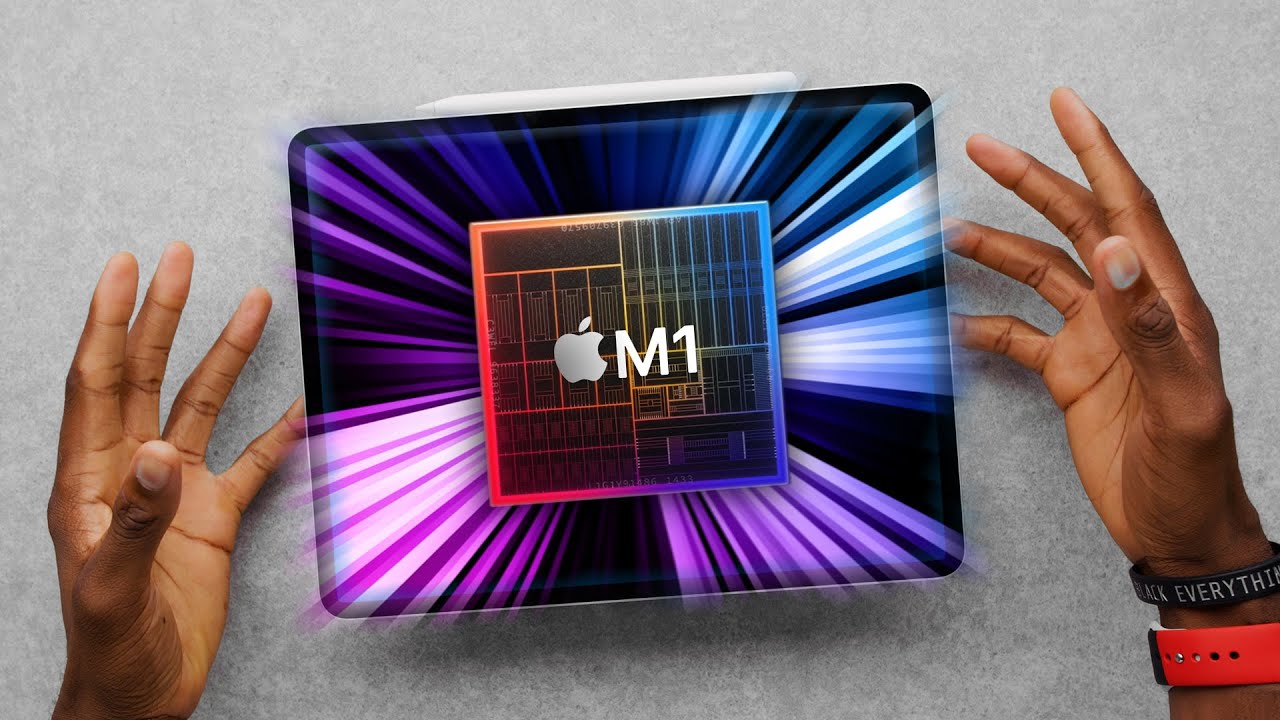
iPad Pro M1 Review: The Ultimate Spec Bump!
0 up · 0 down · 0 ratings
Promos
The M1 iPad Pro is unreal fast... at all the same stuff. Bring on iOS15! iPad Pro skins: dbrand.com MKBHD Merch: shop.mkbhd.com Tech I'm using right now: amazon.com Intro Track: youtube.com Playlist of MKBHD Intro music: goo.gl Computer provided by Apple for review. ~ twitter.com @MKBHD @MKBHD
The iPad Pro M1 marks a substantial leap in performance for a tablet, thanks to Apple's M1 chip inside. The reviewer highlights an 8-core CPU, 8-core GPU, and a 16-core neural engine, with RAM varying by configuration (8GB in lower/storage versions and 16GB in the higher 1TB and 2TB options). In hands-on use, the device feels blisteringly fast across heavy apps like Lightroom, Photoshop, and video editing pipelines, with apps resuming instantly from memory due to the generous RAM. Benchmarks demonstrate a dramatic performance jump, with Antutu scores exceeding 1 million and multi-core Geekbench scores well above previous iPad Pro generations, making it faster than many laptops in some contexts. While the raw power is evident, the reviewer notes that for everyday tasks most users may never fully utilize this headroom, though power users will benefit from faster exports, smoother multi-layer edits, and better rendering timelines. The device also integrates notable hardware upgrades such as a larger 12.9 inch liquid retina XDR display (with mini-LED technology) on the larger model and a bright, vivid display on the 11 inch, which significantly improves HDR content viewing, brightness, and contrast. In addition to performance, Apple has upgraded connectivity with a Thunderbolt/USB4 port and 5G cellular option, enabling faster file transfers and more flexible setups. The front camera gains an ultra-wide lens and a center stage feature that tracks faces during calls, while still relying on the same Face ID system. Battery life remains solid at around 10 hours, though power demands from the M1 chip and RAM can slightly affect endurance in heavy usage, especially with the keyboard accessory connected. Overall, the M1 iPad Pro is presented as the ultimate spec bump that elevates the iPad Pro to near-computer levels in speed and capability, while the reviewer contemplates whether software and accessories will ever fully unlock its potential to replace a traditional laptop for mainstream users.
Topics · Technology · Reviews · Hardware · Tablet Computing
Questions answered
- What are the key hardware upgrades in the iPad Pro M1 compared to the previous generation?
- The iPad Pro M1 introduces Apple's M1 chip with an 8-core CPU, 8-core GPU, 16-core neural engine, and RAM options up to 16GB on the 1TB and 2TB models. It also adds a Thunderbolt USB4 port, 5G cellular option, a brighter mini-LED display on the 12.9 inch model, and an ultra-wide front camera with center stage.
- How does the M1 iPad Pro perform in benchmarks and real-world tasks?
- In benchmarks, it scores around 1,084,000 on Antutu and well over 6,900 in Geekbench multi-core, placing it in a higher performance tier than previous iPad Pros and even some laptops. Real-world tasks like high-end video exports and heavy photo or video editing load quickly, with longer apps and projects resuming instantly due to large RAM pools.
- Can the iPad Pro M1 fully replace a computer for most users?
- The device is described as the ultimate spec bump and very capable, but the reviewer suggests it still depends on software and ecosystem. For many, a MacBook Air remains a better overall computer due to balance, keyboard, and full desktop software; the iPad Pro excels as a high-end tablet with strong multitasking and professional workflows, but might not fully replace a traditional computer for everyone.