ASUS MS236H 23" Widescreen Ultra Slim 1080p LCD Monitor Unboxing & First Look Linus Tech Tips
0 up · 0 down · 0 ratings
Description
ASUS has given me the opportunity to look at quite a few of their products lately, and this one is REALLY cool. This is the slimmest LCD I've seen in person to date!
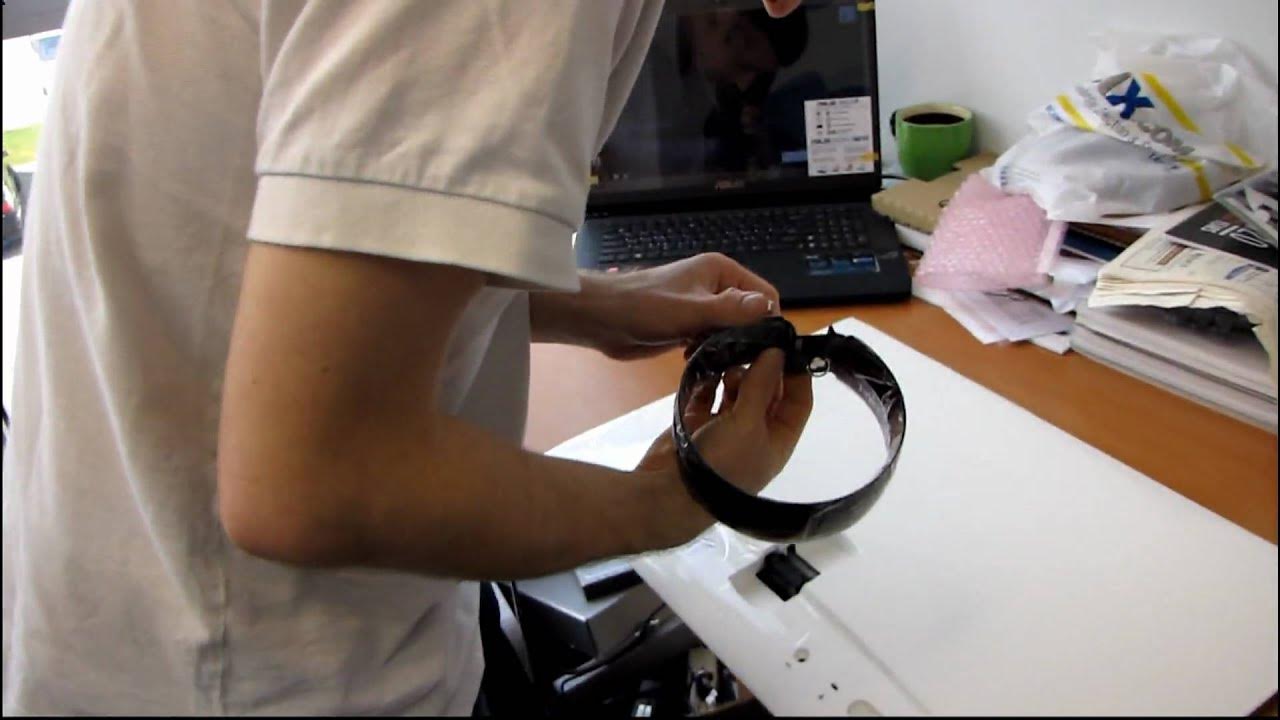
The video provides an in-depth unboxing and first impressions of the ASUS MS236H 23 inch widescreen LCD monitor. Linus begins by noting the extreme thinness of the panel and proceeds to open the box, detailing the included accessories such as a compact power brick, HDMI-to-DVI adapter, and a standard VGA cable. He discusses the design choices, highlighting the glossy exterior finish versus a matte active panel and explains why matte screens can offer more accurate colors despite less vibrant textures. The setup sequence includes identifying the monitor stand, assembling it, and connecting the panel to a ASUS notebook he had previously unboxed. Linus then demonstrates the monitor’s inputs on the back, including HDMI, VGA, and a Kensington lock, and he confirms the initial detection by the computer. The first power-on experience shows the on-screen display responding to touch-sensitive controls, and he explores several preset display modes such as standard, theater, gaming, and scenery, noting the intuitive brightness adjustments and straightforward source-switching process. In the second segment, Linus tests the monitor with a real hardware setup by connecting it to the ASUS gaming notebook and switching between HDMI and VGA inputs to verify signal detection. The video emphasizes the monitor’s ultra-slim profile, light weight, and the practical approach ASUS took by including flexible connectivity options to work with existing setups. He comments on the overall aesthetics, the feel of the stand, and the ease of mounting, while also pointing out the key features like 1080p resolution and 16:9 aspect ratio. The unboxing winds down with a satisfied note on the plug-and-play nature of the device and a quick recap of the main advantages and initial impressions, leaving viewers with a clear sense that this is a stylish, space-saving monitor that is easy to set up and immediately usable right out of the box.
Topics · technology · unboxing · hardware · monitors
Questions answered
- What are the key connectivity options on the ASUS MS236H and how do you switch input sources?
- The monitor offers HDMI, VGA, and BNC-like headphone passthrough for HDMI, with a Kensington lock for security. Input sources can be switched using the touch-sensitive menu controls on the side, selecting HDMI or VGA as needed.
- Does the MS236H perform well out of the box, and what are the notable first-impression positives?
- Yes, the monitor powers on smoothly with the detected signal, supports a 1920x1080 resolution in 16:9, and provides multiple display modes. Its slim profile and light weight combined with includes like an HDMI-to-DVI adapter contribute to an easy, plug-and-play setup.