Cyborg R.A.T. 3 Laser Gaming Mouse Unboxing & First Look Linus Tech Tips
0 up · 0 down · 0 ratings
Description
ncix.com The R.A.T. series of mice has gotten a lot of attention over the past few months for bringing some true innovation to gaming enthusiasts worldwide. This is the value member of the lineup, and as such it lacks some of the features of its older brothers, but also has a very palatable price tag.
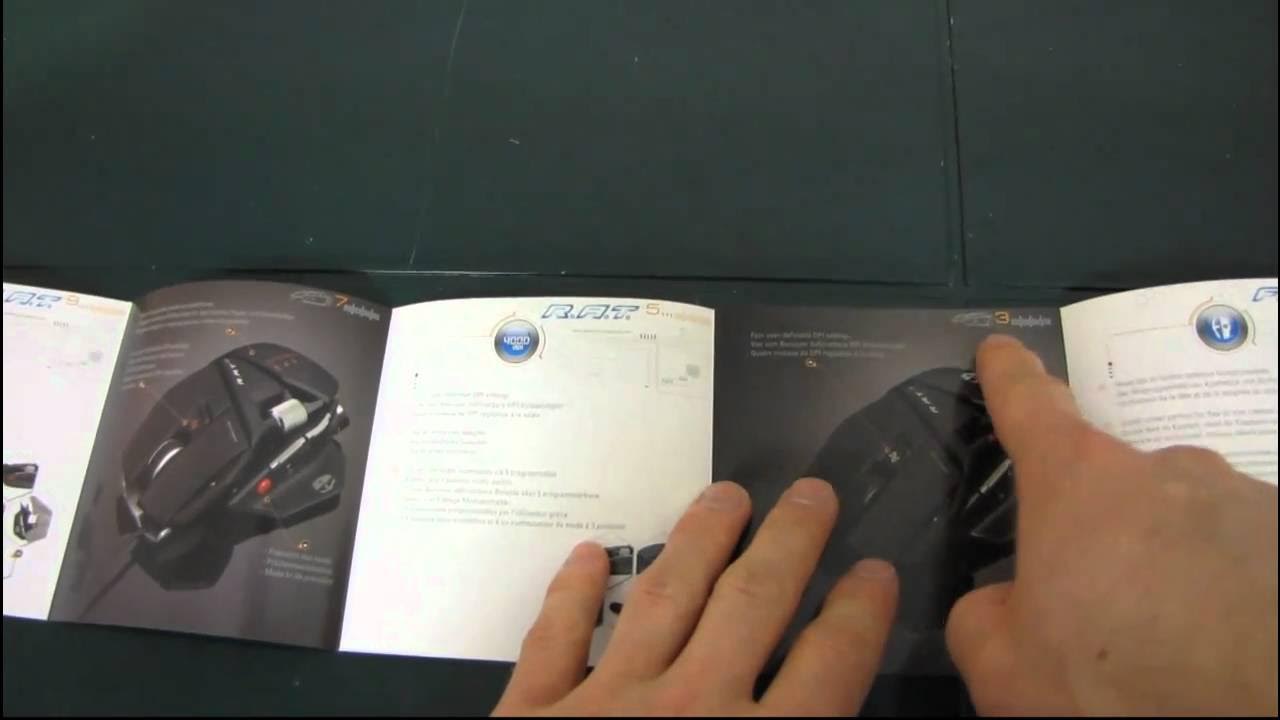
The Linus Tech Tips unboxing and first look at the Cyborg R.A.T. 3 Laser Gaming Mouse focuses on positioning this value option within the Rat line. The host notes that the Rat 3 is a lower DPI, more affordable model compared to the Rat 7, highlighting its 3200 DPI sensor, 400 to 3200 DPI in 400 DPI steps, and a dynamic 500 Hz polling rate. As the box is opened, the reviewer discovers a fully plastic chassis and a few surprising customization details, such as a palm-rest adjustment mechanism and a visible build that accommodates a claw grip. The packaging content and branding are walked through, including references to the Cyborg and Mad Catz ecosystem, product guides, and the overall aim of providing more affordable yet capable gaming peripherals. The host then delves into practical usability, praising the apparent flexibility of the Rat 3’s shape for varied hand sizes and grip styles, and explaining the programmable buttons, DPI indicators, and the optional middle-click and wheel functionalities. He demonstrates the quick adjustments possible on the fly, such as DPI settings via LED indicators and a three-position mode switch, while also noting the absence of a metal base plate and how the design remains predominantly plastic. The video wraps with a close look at the gold-plated USB connector, the overall feel of the mouse, and a call to subscribers for more unboxings and Linus Tech Tips content. The overall takeaway is that the Rat 3 provides notable customization within a budget, with emphasis on adjustable palm rest positioning and programmable buttons as key selling points for gamers seeking value.
Topics · technology · hardware · unboxing · review
Questions answered
- What are the key features of the Cyborg R.A.T. 3 compared to higher-end models?
- Key features include a 3200 DPI laser sensor with 400 DPI step options, 500 Hz polling rate, programmable forward and back buttons, DPI indicators, three programmable side buttons, and a mode switch, all in a fully plastic chassis with a palm-rest that can be adjusted.
- How is the palm rest adjustment accomplished on the Rat 3?
- The palm rest adjustment is achieved by loosening specific hex screws and sliding the palm rest forward or backward to fit the user’s hand size and grip style.