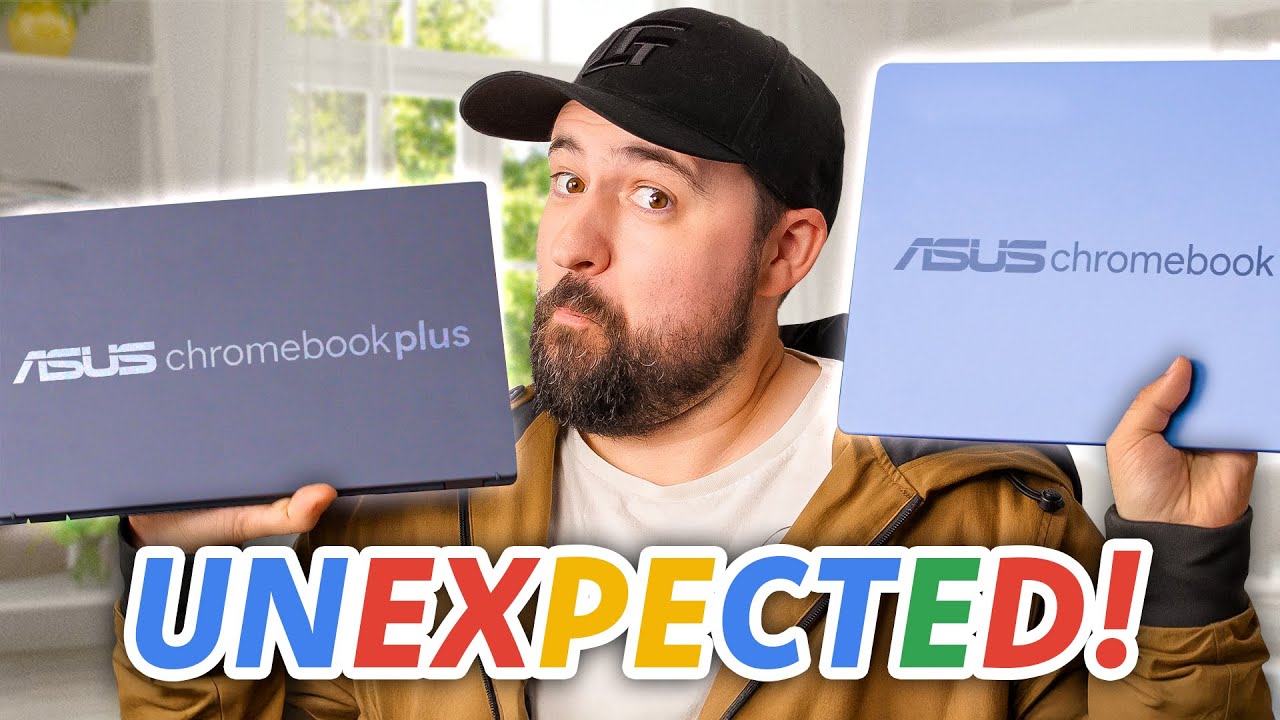
How is this Chromebook so tempting... - ASUS Chromebooks
0 up · 0 down · 0 ratings
Description
Thanks to ASUS for Sponsoring this video!
Promos
Check out the chromebooks we featured, along with a few others, using our links below: ASUS Chromebook Plus CX34: Product Page: us.asus.click Where to Buy: lmg.gg ASUS Chromebook CX15: Product Page: us.asus.click Where to Buy: lmg.gg ASUS Chromebook Plus CX14: Product Page: us.asus.click Where to Buy: lmg.gg ASUS ExpertBook CX54 Chromebook Plus: Product Page: us.asus.click Where to Buy: lmg.gg ASUS Chromebook CM30 Detachable: Product Page: us.asus.click Where to Buy: lmg.gg Plouffe tests two ASUS Chromebooks: the $599 CX34 and the $160 CX15. One is slim, premium, and spec’d with Intel Core i5, while the other is a bargain big-screen workhorse with a Celeron chip. Plouffe looks at build quality, performance, displays, keyboards, webcams, and speakers. Want us to unbox something? Make a suggestion at lmg.gg ► GET MERCH: lttstore.com ► GET A VPN: piavpn.com ► GET EXCLUSIVE CONTENT ON FLOATPLANE: lmg.gg ► SPONSORS, AFFILIATES, AND PARTNERS: lmg.gg Purchases made through some store links may provide some compensation to Linus Media Group. Affiliate links powered in part by affilimate.com Linus Sebastian is an investor in Framework Computer, Inc CHAPTERS --------------------------------------------------- 0:00 Intro 0:27 CX34 Unboxing 1:27 I/O 2:27 Keyboard and trackpad 3:50 Specs 4:57 Speakers 5:29 Webcam and microphone 6:10 Build quality 6:50 Price 7:26 CX15 Unboxing 7:43 Price 8:12 I/O 8:25 Fingerprints and color 8:45 Weight 9:05 Keyboard 9:25 Specs 10:15 Display 10:33 Speakers 11:10 Webcam and mic 12:10 Outro
The video opens with Floof explaining a sponsorship from ASUS and his intention to test two Chromebooks side by side to decide whether a full Windows laptop is necessary for his workflow, or if a Chromebook suffices for web browsing and script writing. The first device he unboxes is the CX34, a premium 14-inch Chromebook with a 1080p display, a light chassis at about 3 pounds, and a 50Wh battery that ASUS advertises for up to 10 hours. He notes practical IO including two USB-C ports with charging and DP Alt Mode, plus HDMI and several USB-A ports, and remarks on the chassis design and accessibility for potential repairs. The keyboard and trackpad receive mixed but generally practical feedback for everyday typing, with praise for adequate key spacing and palm rejection, while the touchscreen and Windows-key omissions are mentioned as compromises of the Chrome OS form factor. Performance testing shows multitasking with multiple tabs, video playback, and even a light gaming attempt, revealing that the CX34 is not a gaming machine but handles everyday tasks smoothly with 8GB RAM and a 13th generation Core i5 processor. The display is described as serviceable with around 250 nits of brightness, and speakers are not deep but acceptable for typical classroom or office use. The webcam and microphone are evaluated with a focus on meeting and lecture scenarios, highlighting a full HD webcam, AI-enhanced audio/video features, and a physical privacy shutter for security. The video then pivots to price and value, emphasizing the CX34’s premium feature set for around 599 USD and noting a bundled Gemini subscription, which Boosts overall value. The discussion shifts to the more affordable CX15, a 15.6-inch model with a lower-end Celeron processor, multiple IO ports, and a lighter feature set. The CX15’s keyboard is described as more familiar to Windows users, with a Google button and a numeric keypad, while the CPU and memory are more modest (Celeron N4500, 4GB RAM), yet still usable for basic Chrome OS tasks, Google Docs, and streaming. Finally, Floof compares the perceived value of both models, acknowledges the significant price-to-performance gap between high-end Chromebooks and full Windows/macOS laptops, and concludes by reiterating that buyers should consider their needs and budget when choosing between the CX34 and CX15, with links to more ASUS Chromebooks in the description and sponsorship acknowledgment.
Topics · technology · reviews · consumer-electronics · computing · education-tech · hardware
Questions answered
- What are the two ASUS Chromebooks reviewed in the video and their target use cases?
- The CX34 is a premium 14-inch Chromebook with an Intel Core i5, designed for performance and versatility, while the CX15 is a budget 15.6-inch model with a Celeron processor aimed at basic tasks, portability, and value.
- Is the CX34 suitable for tasks beyond web browsing and note taking?
- Yes, the CX34 supports multitasking with up to 8GB RAM, multiple Chrome tabs, video playback, and light productivity tasks, though it is not intended for heavy gaming.
- What is highlighted about the CX15’s value proposition?
- The CX15 offers a larger screen at a low price, has sufficient IO for external monitors, and remains usable for standard Chrome OS work such as docs, meetings, and light multitasking.