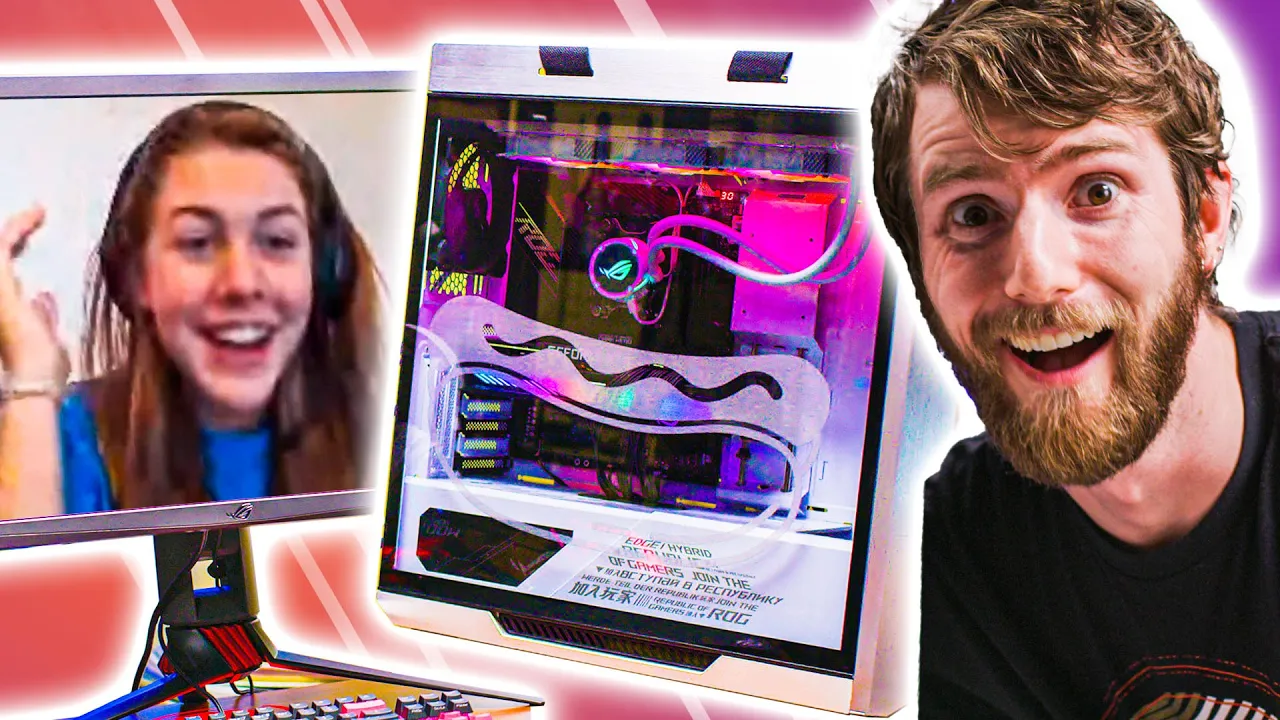
She should've studied - ROG RIG Reboot 2020
0 up · 0 down · 0 ratings
Description
Thanks to ASUS ROG for sponsoring this video!
Check out the ASUS ROG PC Parts below and
check out more ASUS ROG Rig Reboot at bit.ly Emma won ROG Rig Reboot and the prize is building a PC with Linus.... or is it a punishment?
Promos
Check out Emma's winning video at youtu.be Buy ASUS ROG Crosshair VIII Dark Hero On Best Buy (PAID LINK): geni.us On Newegg (PAID LINK): geni.us On B&H (PAID LINK): geni.us Buy ASUS XG27UQ Monitor On Amazon (PAID LINK): geni.us On Newegg (PAID LINK): geni.us On B&H (PAID LINK): geni.us Buy ASUS Nvidia RTX 3080 Strix On Amazon (PAID LINK): geni.us On Newegg (PAID LINK): geni.us Buy AMD Ryzen 7 5800X CPU On Amazon (PAID LINK): geni.us On Best Buy (PAID LINK): geni.us On Newegg (PAID LINK): geni.us On B&H (PAID LINK): geni.us Buy Crucial RAM On Amazon (PAID LINK): geni.us On Newegg (PAID LINK): geni.us On B&H (PAID LINK): geni.us Buy ASUS ROG Strix Helios GX601 White Edition On Amazon (PAID LINK): geni.us On Newegg (PAID LINK): geni.us On B&H (PAID LINK): geni.us Buy ASUS ROG Thor 1200W PSU On Amazon (PAID LINK): geni.us On Newegg (PAID LINK): geni.us On B&H (PAID LINK): geni.us Buy ASUS ROG Strix LC 360 RGB White Edition On Amazon (PAID LINK): geni.us On Newegg (PAID LINK): geni.us On B&H (PAID LINK): geni.us Buy Crucial P5 NVME SSD On Amazon (PAID LINK): geni.us On Best Buy (PAID LINK): geni.us On Newegg (PAID LINK): geni.us On B&H (PAID LINK): geni.us Purchases made through some store links may provide some compensation to Linus Media Group. Discuss on the forum: linustechtips.com ►GET MERCH: lttstore.com ►SUPPORT US ON FLOATPLANE: floatplane.com ►LTX EXPO: ltxexpo.com AFFILIATES & REFERRALS --------------------------------------------------- ►Affiliates, Sponsors & Referrals: lmg.gg ►Private Internet Access VPN: lmg.gg ►Our Official Charging Partner Anker: lmg.gg ►MK Keyboards: lmg.gg ►Nerd or Die Stream Overlays: lmg.gg ►NEEDforSEAT Gaming Chairs: lmg.gg ►Displate Metal Prints: lmg.gg ►Official Game Store: nexus.gg ►Epic Games Store (LINUSMEDIAGROUP): lmg.gg ►Amazon Prime: lmg.gg ►Audible Free Trial: lmg.gg ►Streamlabs Prime: geni.us ►Our Gear on Amazon: geni.us FOLLOW US ELSEWHERE --------------------------------------------------- Twitter: twitter.com Facebook: @LinusTech Instagram: @linustech Twitch: twitch.tv FOLLOW OUR OTHER CHANNELS --------------------------------------------------- Techquickie: lmg.gg TechLinked: lmg.gg ShortCircuit: lmg.gg LMG Clips: lmg.gg Channel Super Fun: lmg.gg Carpool Critics: lmg.gg MUSIC CREDIT --------------------------------------------------- Title: Laszlo - Supernova Video Link: youtube.com iTunes Download Link: itunes.apple.com Artist Link: soundcloud.com Outro Screen Music Credit: Approaching Nirvana - Sugar High youtube.com Monitor And Keyboard by vadimmihalkevich / CC BY 4.0 geni.us Mechanical RGB Keyboard by BigBrotherECE / CC BY 4.0 geni.us Mouse Gamer free Model By Oscar Creativo / CC BY 4.0 geni.us
ROG Rig Reboot 2020 presents a lighthearted, sponsored PC build challenge where Emma is guided by Linus as she attempts to assemble a high-end gaming PC with ASUS ROG parts. The episode begins with a playful setup, where Emma admits she has little to no prior PC-building experience, and Linus jokes about how chaotic the process might become. The team screens four motherboard options and ultimately settles on the ASUS ROG Crosshair VIII Dark Hero, highlighting its IO and features while Emma learns about CPU sockets and compatibility. The central focus is Emma installing a Ryzen 7 5800X, then navigating the tricky steps of seating the CPU, installing RAM, and placing M.2 drives. The dialogue emphasizes the learning curve, with humorous missteps clearly captured, including misoriented chips, RAM in single-channel mode, and the ever-present tension between giving helpful guidance and letting Emma figure things out on her own. The first major milestone is getting the CPU and RAM seated, followed by adding storage, cooling, and mounting the motherboard into the case, interspersed with banter about the challenges and the quantity of screws required. The video culminates with Emma mounting a RTX 3080, sliding in the graphics card, and revealing the fully built machine, which Linus modestly celebrates while poking fun at the process. The finale blends genuine achievement with playful self-deprecation, as Emma’s side panel is engraved and the team demonstrates a high-end gaming setup, including a 4K 144 Hz monitor, RGB effects, and a wireless charging mouse pad. Viewers are left with a mix of admiration for Emma’s perseverance and amusement at the chaotic, entertaining build journey, ending with a tease of more ROG Rig Reboot challenges to come.
Topics · technology · gaming · lifestyle · education · diy · build-log
Questions answered
- What is the main objective of the video, and who participates in the build challenge?
- The video centers on Emma building a high-end ASUS ROG PC with Linus guiding her through the process.
- Which motherboard is chosen for the build and why?
- The Crosshair VIII Dark Hero is chosen for its IO mix and x570 chipset.
- What CPU is installed in Emma's build?
- A Ryzen 7 5800X is installed.
- What is a notable design or troubleshooting moment in the build?
- Emma learns about CPU socket alignment, RAM placement, and potential single-channel RAM issues.