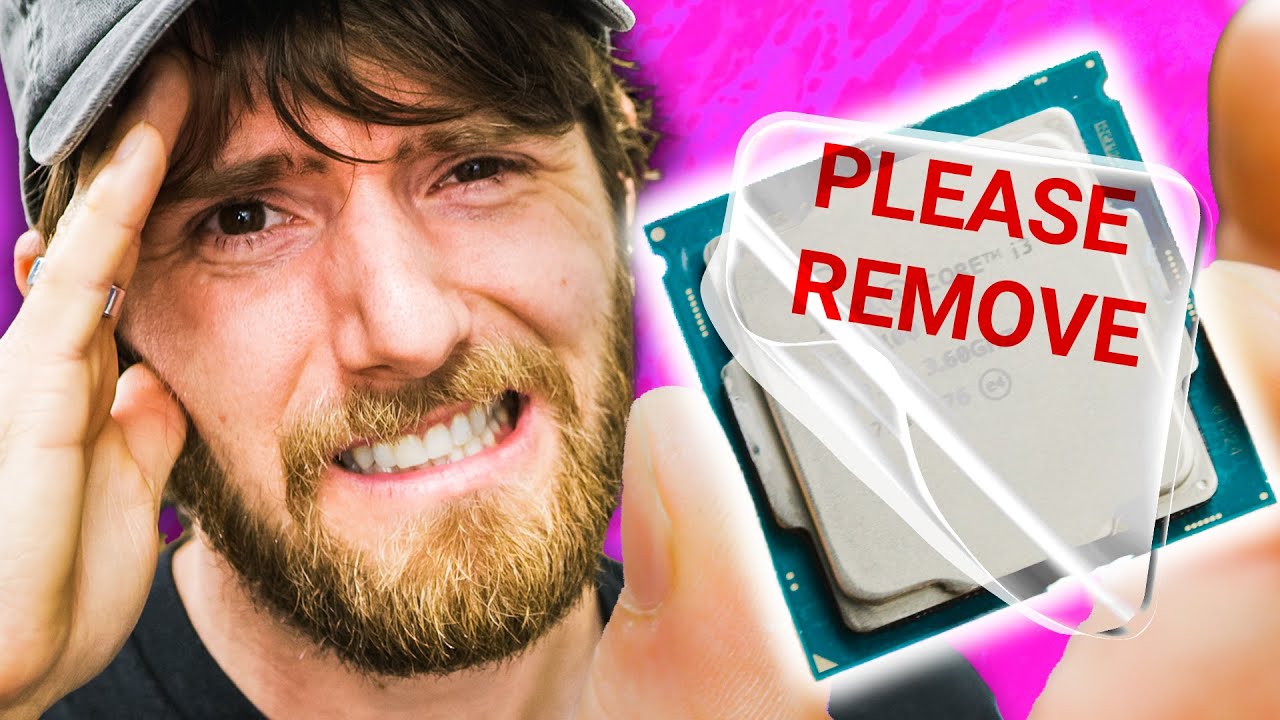
How BAD is it if you forget to peel??
0 up · 0 down · 0 ratings
Promos
Start your build today at buildredux.com Save 10% and Free Worldwide Shipping at Ridge Wallet by using offer code LINUS at ridge.com Waterblocks and air coolers both share the common trait of a metal cold plate that makes
Contact
contact with the CPU for heat transfer. This needs to be protected, and not all protection is created equal. What happens to your Core i9 if you forget to peel that little piece of plastic? Let's find out. Buy Cooler Master Hyper 212 Evo CPU Cooler: geni.us Buy NZXT Kraken x62: geni.us Purchases made through some store links may provide some compensation to Linus Media Group. Discuss on the forum: linustechtips.com ► GET MERCH: lttstore.com ► AFFILIATES, SPONSORS & REFERRALS: lmg.gg ► PODCAST GEAR: lmg.gg ► SUPPORT US ON FLOATPLANE: floatplane.com FOLLOW US ELSEWHERE --------------------------------------------------- Twitter: twitter.com Facebook: @LinusTech Instagram: @linustech TikTok: @linustech Twitch: twitch.tv MUSIC CREDIT --------------------------------------------------- Intro: Laszlo - Supernova Video Link: youtube.com iTunes Download Link: itunes.apple.com Artist Link: soundcloud.com Outro: Approaching Nirvana - Sugar High Video Link: youtube.com Listen on Spotify: spoti.fi Artist Link: youtube.com Intro animation by MBarek Abdelwassaa @mbarek_abdel Monitor And Keyboard by vadimmihalkevich / CC BY 4.0 geni.us Mechanical RGB Keyboard by BigBrotherECE / CC BY 4.0 geni.us Mouse Gamer free Model By Oscar Creativo / CC BY 4.0 geni.us CHAPTERS --------------------------------------------------- 0:00 Intro 1:22 Why is plastic protection needed? 2:40 i3-8100 - Setup 3:36 Brandon gives away the mystery :( 3:46 i3-8100 - Testing 6:19 i9-9900k - Setup 7:07 i9-9900k - Testing 8:00 Heat transfer explanation 9:49 Thermal throttling explanation 10:42 How bad is it ACTUALLY?
The video investigates a tiny but potentially impactful detail in PC cooling: the plastic protective layer left on a CPU cooler. It begins with the host recounting three build mistakes, highlighting how a missing RAM seat or a power switch issue can still leave the system powered, yet silently hurt performance if protection is not removed. The core experiment uses two CPUs, an i3-8100 and later an i9-9900K, to demonstrate whether leaving the plastic film between the CPU and cooler actually degrades cooling. Through a series of boot tests, gaming runs, and synthetic benchmarks, the host shows that with lower wattage CPUs the temperature rise may be modest and not immediately obvious in everyday use, but with high-end CPUs, especially under multi-core loads, the plastic adds significant thermal resistance. The video delves into the physics of heat transfer, explaining how metal-to-metal contact minimizes resistance, how thermal paste fills gaps, and why plastic presents a barrier that can throttle performance under heavy workloads. It also discusses real-world implications, noting that even if temperatures spike, modern CPUs employ thermal throttling to protect hardware, and the long-term risk is largely a performance loss rather than an immediate catastrophe. The host wraps up with practical guidance and a sponsored plug, reinforcing that peeling off protective plastic is a simple step that can improve cooling efficiency and sustain higher performance, particularly for enthusiasts who push CPUs with demanding tasks. Overall, the piece blends hands-on testing with accessible explanations of heat transfer, throttling, and best practices for PC assembly. The takeaway is clear: when in doubt, remove the plastic to ensure the cooler sits flush and heat moves efficiently from CPU to heatsink.
Topics · technology · hardware · pc_building · computing · cooling
Questions answered
- What happens if you forget to peel the plastic from a CPU cooler during build?
- For low to mid range CPUs the impact can be small, but under heavy multi core workloads the plastic adds thermal resistance that can raise temps and cause throttling, reducing performance. Removing it flushes the cooler for better heat transfer and can restore expected performance.
- Can modern CPUs still perform well if the plastic is left on?
- Yes in some cases the system can run normally, especially with lower wattage CPUs or light workloads, but there is a risk of reduced cooling efficiency and potential throttling under heavy use.