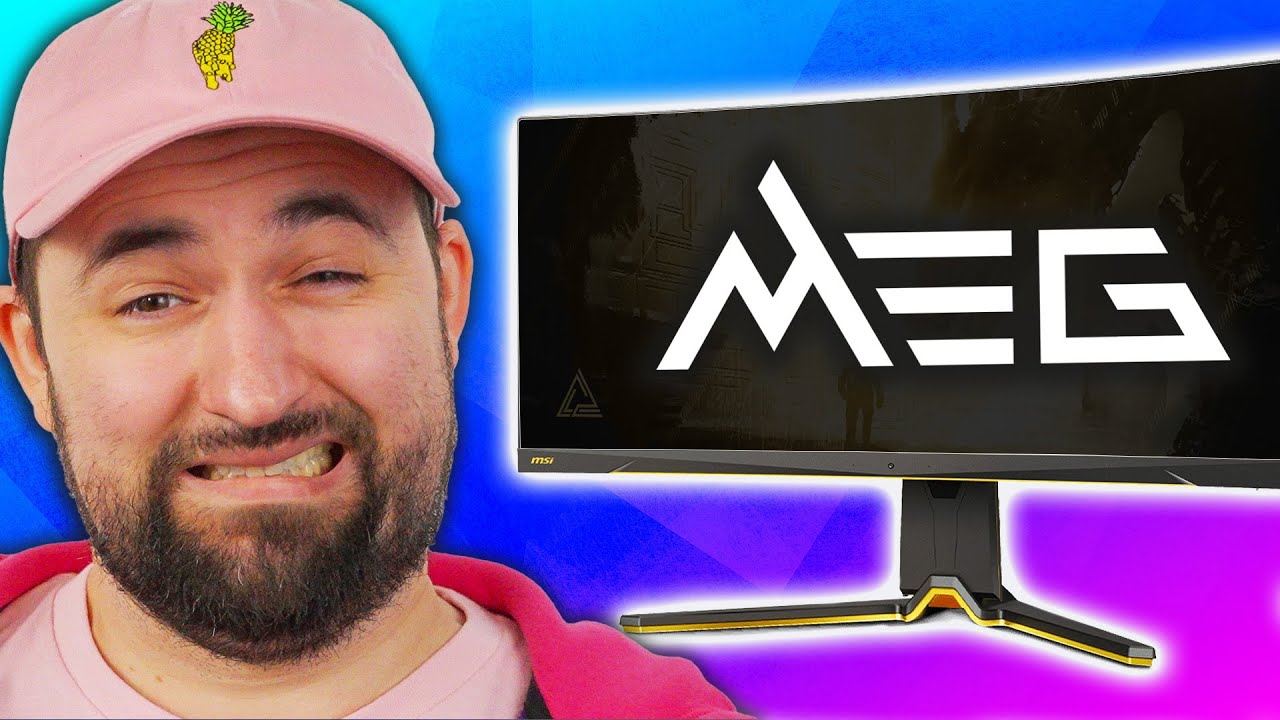
I regret my purchase... - MSI MEG 342C
0 up · 0 down · 0 ratings
Promos
Thanks to Secretlab for sponsoring today's video! Check them out at lmg.gg Plouffe loves his Alienware AW3423DW monitor. It's got a high refresh rate, QD-OLED panel, nicely curved screen, and a great design... but now there's competition! MSI's new MEG 342C has a tasteful black and gold colour scheme, a nice touch of RGB, and a high-powered USB-C port while still maintaining the excellent QD-OLED panel the Alienware does. Is Plouffe's favourite monitor about to change? Buy a MSI 34" 175Hz MEG 342C Curved Gaming Monitor: geni.us Buy an Alienware 34" 175Hz AW3423DW Curved Gaming Monitor: geni.us Purchases made through some store links may provide some compensation to Linus Media Group. Want us to unbox something? Make a suggestion at lmg.gg ► GET MERCH: lttstore.com ► LTX 2023 TICKETS AVAILABLE NOW: lmg.gg ► GET EXCLUSIVE CONTENT ON FLOATPLANE: lmg.gg ► SPONSORS, AFFILIATES, AND PARTNERS: lmg.gg ► PRODUCTS WE USE ON THE SHORTCIRCUIT SET: lmg.gg FOLLOW US ELSEWHERE --------------------------------------------------- Twitter: twitter.com Instagram: @shortcircuityt TikTok: @linustech Facebook: @ShortCircuitYT CHAPTERS --------------------------------------------------- 0:00 Plouffe has a monitor 0:31 Unboxing 1:47 Installing the stand 3:06 Display specs, design, and ports/buttons 6:11 Sponsor - Secretlab 6:41Shoutout to the included cables 7:17 HDMI woes 7:53 HDR impressions 8:59 OSD settings 12:08 Stand adjustments and hot key 13:33 Gaming - Counter-Strike 14:11 Why ClearMR is important 15:09 Gaming - Resident Evil 4 Remake 17:11 Pricing and overall thoughts 18:13 Outro
I walk through unboxing the MSI MEG 342C, a 34 inch ultra wide QD-OLED monitor that Linus describes as visually striking with a black and gold color scheme and a premium feel. The packaging and stand assembly are shown in detail, including a non clip in stand design that requires a small Phillips head screwdriver to secure the base, which adds a sense of security despite sacrificing some tool-less convenience. Early impressions focus on the 34 inch, 21:9 panel, 175 Hz refresh rate, and the new ClearMR motion rating from VESA which promises exceptionally low blur. I compare the MSI 342C to the Alienware AW3423DW, noting the OLED color accuracy, the gold accent styling, and the included RGB touches that make the unit stand out. Throughout the unboxing and setup, the emphasis is on build quality, the stand design, and the cable management options that the display provides, including a cable cover that contributes to a clean desk look once everything is connected.
Topics · tech · hardware · monitors · gaming
Questions answered
- What makes the MSI MEG 342C stand out against the Alienware AW3423DW?
- Key differentiators include a black and gold design, a high powered USB-C port with 65W power delivery, two HDMI 2.1 ports, and a built in KVM, all paired with a QD-OLED panel and 175 Hz refresh rate.
- Does the monitor support HDR effectively?
- Yes, it supports HDR with up to 1000 nits peak brightness, though HDR 400 is the base rating; OLED panel enables strong per-pixel brightness control for deep blacks and high contrast.
- Is setup difficult due to the stand design?
- The stand uses a traditional screw-in base rather than a clip-in design, so a small screwdriver is needed for assembly, which some users may find less convenient but provides a secure mount.
- Can the monitor be used well for consoles or PC gaming
- HDMI 2.1 allows console connections, while DisplayPort is preferred for PC with high refresh rates, and the 65W USB-C PD can power laptops or devices directly from the monitor.