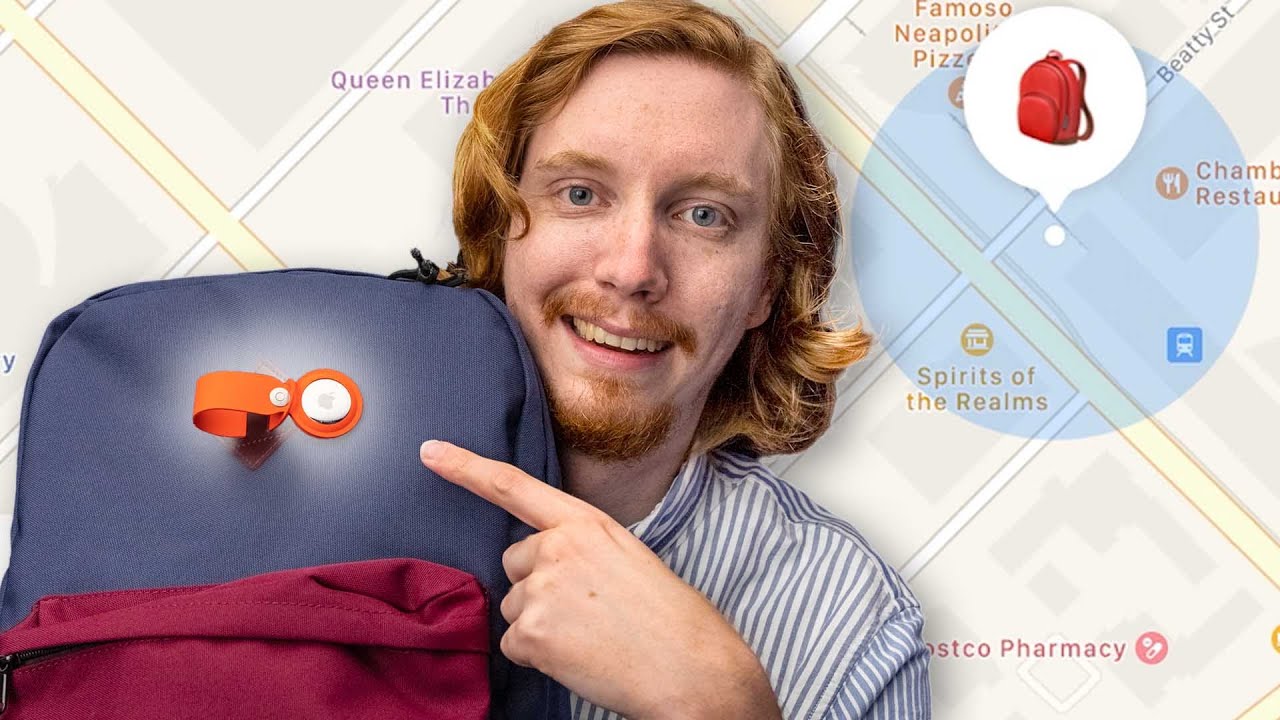
I left my backpack on the train - Apple AirTags Review
0 up · 0 down · 0 ratings
Channels and socials
The point of Apple’s new AirTags is to help you find your lost items. So we set up the ultimate test, leaving an AirTagged backpack on public transport to see how easy it is to get it back. Buy Apple AirTags (PAID LINK): geni.us Buy Apple AirTag Holder (PAID LINK): geni.us Buy Apple iPhone 12 Mini (PAID LINK): geni.us Timestamps: 0:00 - Intro 0:10 - What is an Apple AirTag? 0:41 - What Lost Mode is and how to enable it 1:07 - Finding a lost set of keys with an AirTag attached 1:31 - How Apple AirTags work 2:13 - Real World Test #1 - The Lost Keys 3:41 - Let's talk about the design and price 4:37 - Personal privacy explanation 5:27 - Trying to find the backpack 7:09 - Backpack update 8:00 - Trying to get the backpack from lost and found 8:59 - Final thoughts Follows us on: Twitter - twitter.com Instagram - @macaddressyt Facebook - @MacAddressChannel
Apple's AirTag is introduced as a Bluetooth-based tracker designed to help you locate lost items using the Find My network. The video kicks off with the host explaining the premise of a real world test: leaving a backpack attached with an AirTag aboard a train to see how easily it can be recovered. The explanation covers how AirTags do not contain GPS and instead rely on Bluetooth LE and the Find My network of iPhones to relay location data securely. Early on, the video demonstrates Lost Mode, which stores a contact number so a finder can reach the owner via NFC and a webpage. The host then shows how directions are provided by Apple Maps when locating a tagged item and explains the role of Ultra Wide Band technology for precise locating on compatible iPhones. This section also notes that AirTags can emit a sound to aid in nearby n locating, and discusses the general privacy protections built into the design to prevent misuse. The test proceeds with real world tracking, showing how the backpack moves along the transit line and how battery of the AirTag interacts with the user’s iPhone for updates, sounds, and proximity cues. As the device approaches, the host notes the limitations of Ultra Wide Band range and the sometimes slow or inconsistent alerts when an AirTag is not in the immediate vicinity. The video then revisits design considerations, including the lack of a built-in attachment hole, which necessitates purchasing a separate holder, and the price implications of adding accessories. Privacy explanations are revisited, highlighting how notifications work for nearby AirTags and the potential delay in alerts when someone else’s device picks up the signal. Ultimately, the backpack is recovered the next day at the stadium/maintenance area, underscoring how the Find My network can recover items and reduce the frustration of item loss. The host wraps with final thoughts on the practicality of AirTags for bags and other objects, noting that the system is particularly effective for everyday items that you frequently misplace, while recognizing some caveats when it comes to larger loss scenarios or non-Apple device environments. The video finishes with a light reveal of other items in the backpack and a signature call to like and subscribe for more tech reviews.
Topics · science and technology · consumer electronics · product review · privacy and security
Questions answered
- How does Lost Mode work on AirTag and what information is exposed to a finder?
- Lost Mode lets you attach a contact phone number to the AirTag, so a finder can view a webpage and contact you via NFC if they scan the AirTag with their device.
- What technology enables precise location, and what are its limitations?
- Ultra Wide Band provides precise directions on compatible iPhones, but only within a limited range; non-UWB devices can still hear a sound to locate the tag.
- Can AirTag help in recovery of larger items and what privacy safeguards exist?
- AirTag relies on a network of nearby iPhones to relay location data, and it includes alerts to prevent covert tracking, with notifications if an AirTag is moving with someone else’s device.