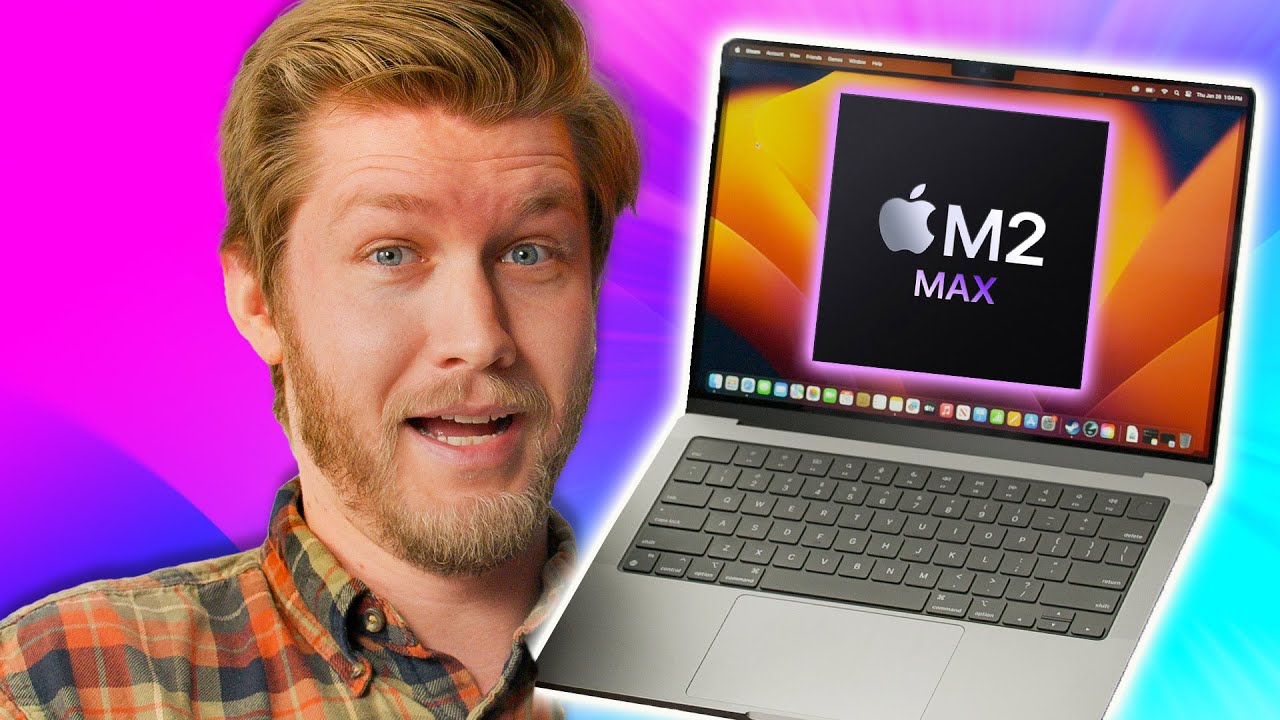
Windows doesn't have an answer - M2 MacBook Pro 14" and 16"
0 up · 0 down · 0 ratings
Promos
Get a dbrand skin or grip case today at shortlinus.com Our laptop specialist Alex is here to take a look at the new M2 MacBook pros to see if these new laptops are as good as everyone seems to think. Is M2 enough to make Alex switch from Windows, or is something still holding him back? Want us to unbox something? Make a suggestion at lmg.gg Buy an Apple 14” M2 MacBook Pro: geni.us Buy an Apple 16” M2 MacBook Pro: geni.us Purchases made through some store links may provide some compensation to Linus Media Group. ► GET MERCH: lttstore.com ► COME TO LTX 2023: lmg.gg ► GET EXCLUSIVE CONTENT ON FLOATPLANE: lmg.gg ► AFFILIATES, SPONSORS & REFERRALS: lmg.gg ► OUR WAN PODCAST GEAR: lmg.gg FOLLOW US ELSEWHERE --------------------------------------------------- Twitter: twitter.com Instagram: @shortcircuityt TikTok: @linustech Facebook: @ShortCircuitYT CHAPTERS --------------------------------------------------- 0:00 Alex loves Macs 0:10 Unboxing the 14" 1:04 Unboxing the 16" 2:00 Weight vs compatible laptops 2:34 Ports and build quality 3:25 Alex hates opening MacBooks 4:23 SSD speed testing vs the M1 MacBook 5:14 Sponsor - dbrand 5:47 Test results 6:14 14" Specs, keyboard, trackpad, and touchscreens on Mac 8:10 16" specs, keyboard, trackpad, and palm rest 9:38 Display impressions 11:08 The state of gaming on Mac 11:49 Speakers and comparisons to various laptops 13:30 Trying to game and why Alex can't use a Mac 14:57 Webcam/microphone test and comparisons 17:30 Teardown and battery (ft. Windows Modern Standby) 20:54 Pricing and overall thoughts 21:50 Outro
The video is a hands-on unboxing and first impression of Apple's M2 MacBook Pro lineup, focusing on the 14-inch and 16-inch models. The host emphasizes the strong initial impressions from the unboxing, including the distinctive Apple packaging scent, the MagSafe adapters, and the overall premium feel of the devices. The 14-inch model is described as lighter and more portable, while the 16-inch is heavier but offers a larger chassis for more ports and a different thermal profile. Throughout the segment, there are practical observations about build quality, keyboard behavior, touchpad size, and the user experience of opening the lid, including a humorous debate about webcam placement and fingerprint smudges on the display notch area. The SSD configuration and storage layout receive notable critique, highlighting a terabyte SSD in the 14-inch versus the 16-inch configuration, and questions about upgradeability and performance in real-world tasks. The host provides a series of real-world tests such as SSD speed comparisons, display quality impressions, and speaker evaluations, contrasted with Windows laptops, to paint a clear picture of the M2 MacBook Pro's capabilities and limitations. Price is discussed in relation to battery life, display quality, and overall efficiency, with a strong takeaway that the M2 MacBook Pro offers remarkable endurance and camera improvements but struggles in scenarios requiring Windows-only software or touch screen interaction. The reviewer concludes that for users prioritizing battery life, display quality, and mobile creative work, the MacBook Pro lines present a compelling option, while noting the high cost and some trade-offs such as gaming accessibility and Windows compatibility. The overall message is that Windows devices currently lack a direct substitute for the battery life and efficiency of the M2 MacBook Pro, especially in non-engineering domains, making the Macs a strong choice for certain workloads and creative tasks. The video ends with a call to action to like, subscribe, and enjoy a positive outlook on the viewer experience, despite acknowledged biases and potential disagreements with Apple-centric conclusions.
Topics · technology · laptops · consumer electronics · product reviews
Questions answered
- What is the sustained brightness capability of the MacBook Pro display, and how does HDR content affect it?
- The displays can sustain around 1000 nits in full-panel brightness during HDR content, with peak brightness up to 1600 nits in limited areas. In non-HDR conditions, typical brightness is lower, closer to 500 nits.
- Can you run Windows software on the M2 MacBook Pro without Windows or Parallels?
- Native Windows applications that require Windows-only environments may not run on the M2 MacBook Pro. Some users rely on virtualization or dual-boot methods for previous Intel-based MacBooks, but these options are not universally available or practical on the M2 series.
- Is Face ID available on the MacBook Pro with the M2 chip
- Face ID is not available on these MacBook Pro models, and the webcam notch remains, which has been a point of contention for some users.