Here’s What All Those Connectors On Your PC Do
0 up · 0 down · 0 ratings
Promos
Get 20% off DeleteMe US consumer plans when you go to joindeleteme.com and use promo code Techquickie at checkout. DeleteMe International Plans: international.joindeleteme.com Need a quick overview of the ports and connectors on the back of your computer? Let us de-mystify things for you. Leave a reply with your requests for future episodes. ► GET MERCH: lttstore.com ► GET EXCLUSIVE CONTENT ON FLOATPLANE: lmg.gg ► SPONSORS, AFFILIATES, AND PARTNERS: lmg.gg FOLLOW US ELSEWHERE --------------------------------------------------- Twitter: twitter.com Facebook: @LinusTech Instagram: @linustech TikTok: @linustech Twitch: twitch.tv
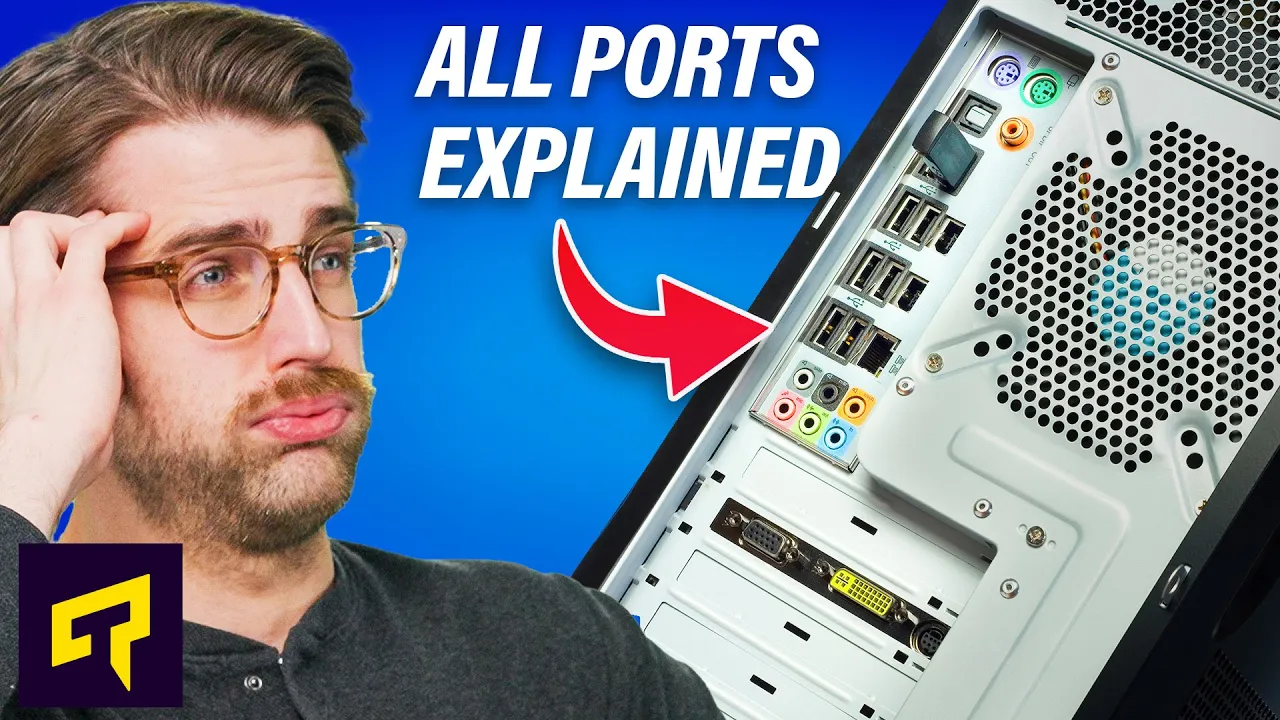
The video opens with a look at the back of a typical PC, highlighting a chaotic assortment of ports and connectors that can feel overwhelming. The host explains that many of the colorful audio ports are used for basic speaker and microphone setups, with a green audio out, pink mic, and blue line-in, plus optional center, side, and rear speaker connections for surround sound configurations. They describe how those extra ports can connect to external amplifiers or AV receivers, including the optical TosLink port for digital audio, which helps bypass the PC's built-in sound processing. Moving on to networking, the ethernet port is covered, noting at least 1 gigabit per second capability on modern machines, plus the common indicator lights for activity and link speed, and the occasional inclusion of antenna jacks for Wi-Fi on desktops. PS2 ports are revisited as legacy connectors for keyboards and mice, typically purple for keyboards and green for mice, with modern systems often consolidating into one port or disappearing entirely. After a brief pause for a sponsor segment, the host returns to USB, explaining the versatility and ubiquity of USB ports. They emphasize that USB is not monolithic , ports differ in speed, charging capability, and features like firmware updates, with USB-C ports becoming more common and sometimes supporting Thunderbolt for advanced uses like external GPUs. The episode wraps up with a concise primer on display outputs, covering DisplayPort and HDMI, noting that both can carry audio and that users should rely on whichever port their monitor supports. The host teases deeper dives into legacy connectors like VGA and DVI, and invites viewer input for future episodes, wrapping with a reminder to like, comment, and subscribe for more tech explainers.
Topics · technology · computing · hardware · audio_video · networks
Questions answered
- Why does a PC still include a PS2 port, and when might you use it today?
- PS2 ports remain on some systems for legacy keyboards or mice, especially older peripherals that benefit from simple, interrupt-driven input. They can free up USB ports and are still valued by some enthusiasts for reliability in certain high-sensitivity setups, though most users have moved to USB.
- What should I connect to a DisplayPort versus an HDMI port on a modern PC?
- DisplayPort and HDMI both carry audio and video; use whichever port your monitor supports. DisplayPort often offers better multi-monitor support and daisy-chaining in certain setups, while HDMI is ubiquitous on TVs and many displays. For most single-monitor setups either is fine, but check your monitor and GPU capabilities for features like high refresh rates or multi-stream transport.