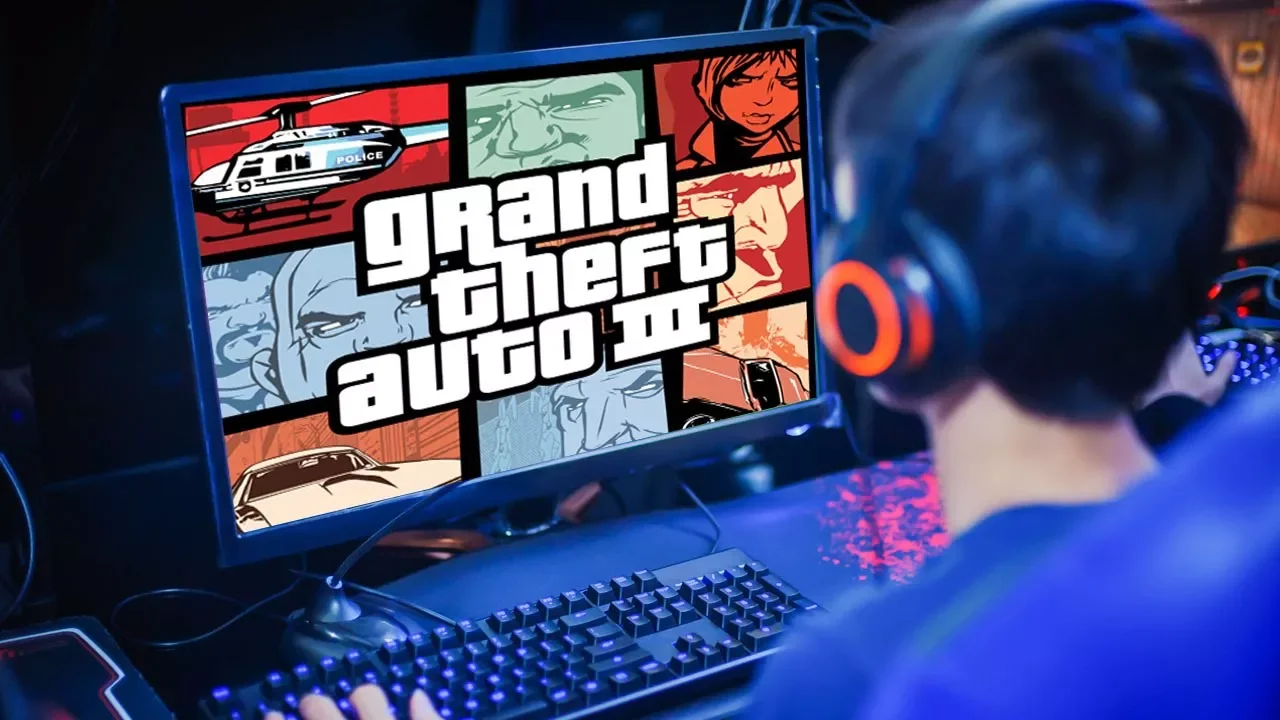
Why Don't Old Games Work on New Computers?
0 up · 0 down · 0 ratings
Promos
Sign up for Private Internet Access VPN at privateinternetaccess.com Why can it be such a challenge to get older games to work on new computers - even ones built for gaming? Techquickie Merch Store: designbyhumans.com Techquickie Movie Poster: shop.crowdmade.com Follow: twitter.com Leave a reply with your requests for future episodes, or tweet them here: twitter.com Join the community: linustechtips.com Intro Theme: Showdown by F.O.O.L from Monstercat - Best of 2016 Video Link: youtube.com iTunes Download Link: itunes.apple.com Listen on Spotify: open.spotify.com
Older games often refuse to run on modern PCs not merely due to raw horsepower but because software and systems have evolved in ways that break legacy code. The video explains that many classic titles were written for 32-bit environments, while contemporary systems run 64-bit operating systems and multi-core CPUs that can complicate how older programs execute. It highlights how 64-bit Windows emulates 32-bit code for compatibility, but this emulation is imperfect and can fail when games depend on older 16-bit interfaces, obsolete dlls, or special DRM schemes like SafeDisc. The discussion connects how hardware advancements, such as multi-core processing, can actually disrupt games that were not designed to be parallelized, leading to crashes or unstable performance. It also notes that drivers and device interfaces may no longer support legacy calls, causing additional roadblocks for old software. The host presents a spectrum of coping strategies, from using 32-bit Windows editions and dual-boot setups to more involved options like virtual machines or DOSBox for truly ancient software. It emphasizes that the most reliable path to preservation is often finding a compatible version on a modern platform through reputable distributors like Steam or Good Old Games, with digital re-releases typically containing updated compatibility layers. The overall takeaway is that keeping classic titles accessible on modern hardware frequently requires creativity and a willingness to trade some original experience for stability and ease of use.
Topics · technology · gaming · software-compatibility · hardware
Questions answered
- Why do many old games fail on modern Windows systems
- Because these games were designed for older 32-bit architectures and legacy DLLs, while modern Windows uses 64-bit systems and newer drivers, which can break compatibility and DRM schemes.
- What are common workarounds to run older titles on new PCs
- Use 32-bit Windows versions, dual-boot with 32-bit/64-bit OS, run software in a virtual machine or DOSBox, adjust CPU affinity or disable multi-core processing, or obtain a compatible version from Steam or Good Old Games.
- Can DRM and security copy protections prevent old games from starting
- Yes, protections like SafeDisc or SecuROM may be incompatible with modern systems or updates, preventing launch without specific compatibility layers or re-releases.