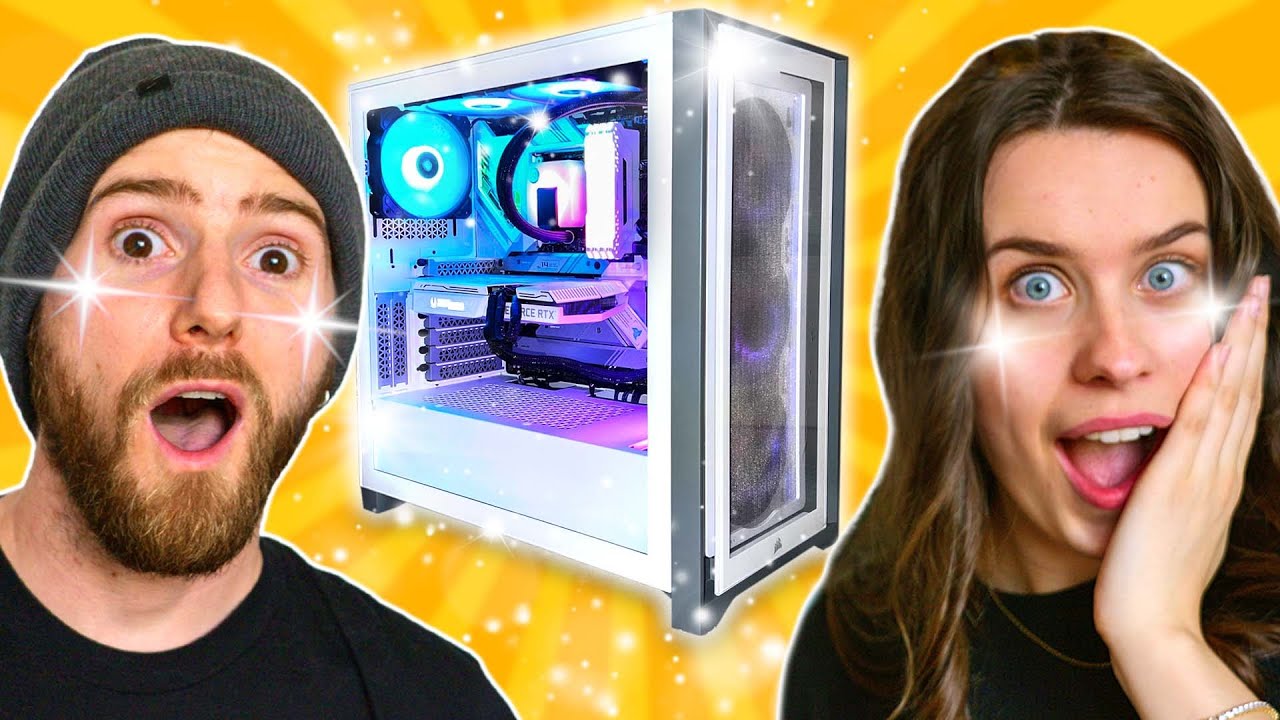
The Prettiest Gaming Setup - Intel $5,000 Extreme Tech Upgrade
0 up · 0 down · 0 ratings
Promos
Thanks to Intel for continuing to sponsor this series! Buy an Intel CORE 12700K: geni.us Discuss on the forum: linustechtips.com GroveMade: bit.ly Buy a Zotac RTX 3060 AMP: geni.us Buy an ASUS Z690-A Strix: geni.us Buy a Corsair 4000X RGB: geni.us Buy an Gigabyte G27Q 27" Monitor: geni.us Buy a Logitech C920S: geni.us Buy an LG G Pro X Superlight: geni.us Buy a Rode PSA1 Mic Arm: geni.us Buy an AT2020 USB Mic: geni.us Buy a AT8458a Mic Shock Mount: geni.us Buy the Kanto YU2 Speakers: geni.us Buy the Kanto S2 Stands: geni.us Buy a SecretLab TITAN EVO 2022: lmg.gg Buy a Wacom Intuos Tablet: geni.us Buy the Posca Pens set: geni.us Buy an Anker PowerExpand 9-in-2 Media Hub: geni.us Buy a Vitruvi Diffuser: geni.us Buy an IKEA Lack Shelf: geni.us Buy an Nanoleaf Light Panels Smarter Kit: geni.us Buy a Universal Audio Volt 1 USB-C Audio Interface: geni.us Purchases made through some store links may provide some compensation to Linus Media Group. ► GET MERCH: lttstore.com ► AFFILIATES, SPONSORS & REFERRALS: lmg.gg ► PODCAST GEAR: lmg.gg ► SUPPORT US ON FLOATPLANE: floatplane.com FOLLOW US ELSEWHERE --------------------------------------------------- Twitter: twitter.com Facebook: @LinusTech Instagram: @linustech TikTok: @linustech Twitch: twitch.tv MUSIC CREDIT --------------------------------------------------- Intro: Laszlo - Supernova Video Link: youtube.com iTunes Download Link: itunes.apple.com Artist Link: soundcloud.com Outro: Approaching Nirvana - Sugar High Video Link: youtube.com Listen on Spotify: spoti.fi Artist Link: youtube.com Intro animation by MBarek Abdelwassaa @mbarek_abdel Monitor And Keyboard by vadimmihalkevich / CC BY 4.0 geni.us Mechanical RGB Keyboard by BigBrotherECE / CC BY 4.0 geni.us Mouse Gamer free Model By Oscar Creativo / CC BY 4.0 geni.us CHAPTERS --------------------------------------------------- 0:00 – Intro 1:38 – Sarah’s Parts 4:46 – Building the PC 14:14 – Setting up her Streaming and Design Space 20:53 – Unboxing the rest 23:12 - Conclusion
The video functions as an enthusiastic tour of Sarah Butt’s Intel Extreme Tech Upgrade, showcasing a $5,000 budget allocated across a complete design and gaming workstation. The opening moments set a playful tone, with Linus and Sarah joking about a $4,000 Starbucks card and the reveal of a carefully planned upgrade. We are introduced to Sarah’s goal: a balanced setup for graphic design, gaming, and streaming that remains elegant and cohesive, with attention paid to white and black theming and tactile details like cables and art supplies. The segment then focuses on Sarah’s parts list, including a 12th Gen Intel CPU, a Z690-A motherboard, RAM from her previous build plus new DDR4 modules, and a high performance SSD, framed within the aesthetic direction of the build. Throughout this portion, the team emphasizes practical choices, ensuring future-proofing for Adobe Creative Cloud, Steam gaming, and titles like Apex and Minecraft, while also addressing the role of the design space and art accessories in the upgrade. The video blends hardware assembly with design commentary, including the decision to reuse a power supply, the incorporation of art supplies and Grovemade accessories, and the playful addition of star components like the LTT store cable ties to maintain visual harmony. In the midsection, Sarah begins assembling the core PC, starting with the motherboard and CPU alignment, illustrated by the triangle notches and socket guidelines. The crew explains how to line up the CPU using the golden triangle and socket notches, then proceeds to install RAM across two existing sticks and two new modules, with a technical aside about populating RAM away from the camera for best results. Attention shifts to the M.2 SSD installation, highlighting the tool-less locking mechanism on ASUS boards and selecting the Rocket 4 Plus Gen 4 drive. The process also covers mounting hardware and IO shield placement, with a few comedic hiccups that keep the tone light while demonstrating troubleshooting and problem solving in real time. This section underscores the importance of component compatibility, airflow considerations, and cable routing as the build progresses toward a finished system. As the PC nears completion, the focus expands to peripheral and desk setup, including a Reckoning of microphones, monitor arms, and studio monitors, paired with a near-term streaming configuration. The team discusses camera and mic choices, selecting an Audio-Technica microphone and an XLR audio interface, while also showcasing a PSA1 mic arm and a Logitech webcam. The narrative emphasizes cable management as a crucial aesthetic and functional element, and Sarah’s design sensibilities extend to desk pads, Wacom tablet integration, and art-themed decor, such as A24 merch and dinosaur-inspired art pieces. A running thread is the desire for a calm, productive workflow that doubles as a visually striking design studio, with multiple unboxing moments and on-camera building demonstrations that keep the sequence dynamic and engaging. In the closing stretch, the setup is finalized upstairs, with a focus on monitor placement, chair comfort, and the overall harmony of the white and black motif across components. The moment of truth arrives as the system powers on and RGB lighting confirms functional hardware, followed by a celebratory note about streaming readiness and the ability to host design and gaming content in a single, polished space. The video wraps with Sarah reflecting on the completed build, along with a shout-out to Intel for sponsorship and a tease of upcoming episodes in the Extreme Tech Upgrade series. The result is a visually cohesive, performance-conscious, and design-forward setup that embodies the intersection of graphic design and modern gaming with practical, real-world upgrade choices.
Topics · technology · design · gaming · streaming · hardware · sponsorship · home-office
Questions answered
- What is the total budget allocated for Sarah Butt's Intel Extreme Tech Upgrade?
- A budget of $5,000 was allocated for the upgrade.
- Which motherboard and CPU are featured in the build?
- The build uses a Z690-A motherboard and a 12th Gen Intel Core i7-12700K CPU.
- What is the purpose of the Wacom tablet in the setup?
- The Wacom tablet is included to enhance graphic design workflows alongside gaming and streaming.
- What audio setup is used for streaming?
- An Audio-Technica microphone with an XLR interface and a PSA1 mic arm are used for streaming audio.
- How is the final space described in terms of design language?
- The space emphasizes a black and white theme with artful decor and practical cable management, creating a cohesive design-forward setup.