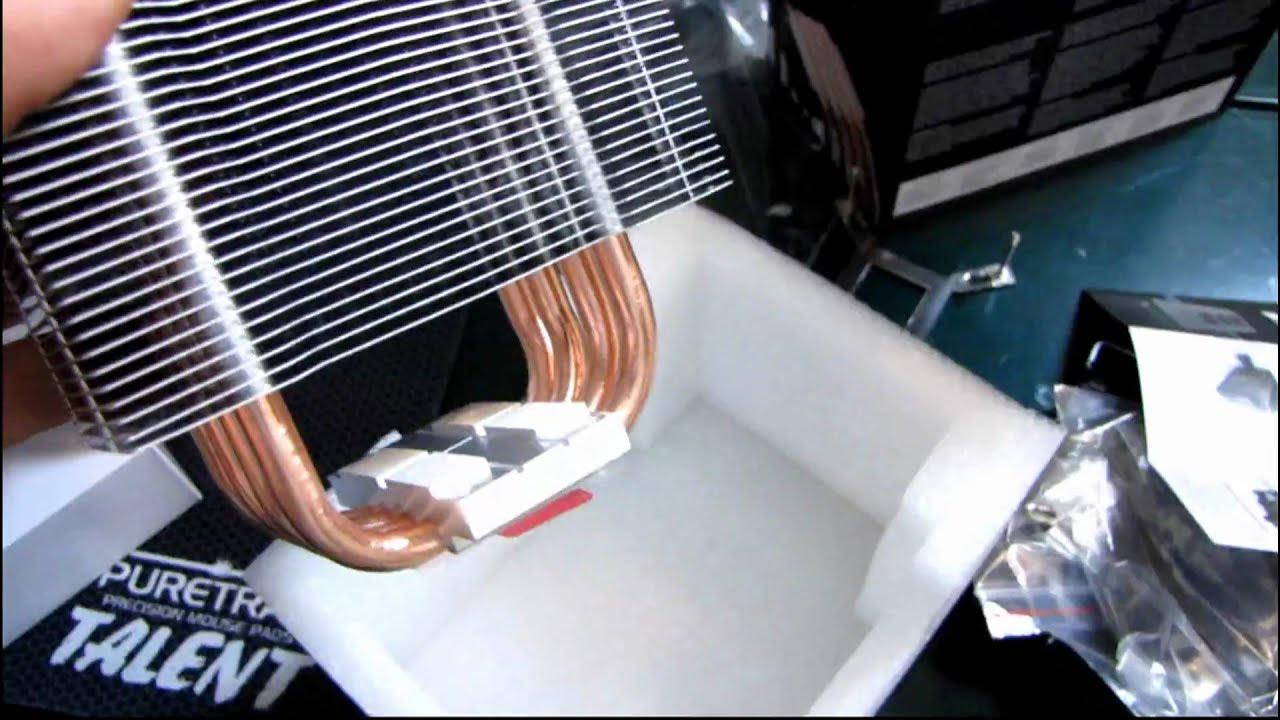
Corsair A70 High Performance CPU Dual 120mm Fan Air Cooler Unboxing & First Look Linus Tech Tips
0 up · 0 down · 0 ratings
Description
ncix.com This is Corsair's latest and (somewhat) greatest. It's the greatest in their new series of air coolers, but I doubt very much that it beats out the venerable H50 water cooling unit. Either way if you want to save a few bucks or you're not comfortable with liquid cooling, this looks like a very good alternative.
The video presents an in-depth unboxing and first look at the Corsair A70 High Performance CPU Air Cooler. The host introduces the Corsair A70 as part of their Air series, highlighting its dual 120 mm fans and four large copper direct contact heat pipes. He discusses compatibility across sockets including LGA775, 1156, 1366, AM2, and AM3, noting that the A70 is aimed at offering an air cooling alternative to hydro cooling options. The packaging is opened to reveal two boxes, with the smaller box containing mounting hardware, adapters, and a backplate for Intel sockets, and the larger unit housing the cooler itself. Throughout the unboxing, the host explains design choices like the shroud that helps channel airflow and minimize dead space, and he compares the A70’s construction to older Corsair coolers, pointing out the dense fins and thick heat pipes that enable strong air performance. He also comments on the look of the cooler, admiring the black aesthetic and copper accents, and envisions how it would appear inside a black interior case, such as the Corsair 800D. In closing, the host acknowledges the cost but argues that the A70’s performance justifies the investment and invites viewers to subscribe for future coverage, including related NCIX and Linus Tech Tips content.
Topics · technology · hardware · product_unboxing · cpu_cooler
Questions answered
- Does the Corsair A70 support AMD AM2 and AM3 sockets without an additional backplate?
- Yes, the A70 includes an AMD backplate and mounting hardware for AM2 and AM3 sockets, so no extra backplate is needed for those platforms.
- What is the purpose of the shroud included with the Corsair A70?
- The shroud helps keep the fan slightly separated from the cooler to reduce dead spots and makes sure more of the fan air is directed through the heatsink, improving cooling performance.
- Which Intel sockets are explicitly supported by the Corsair A70 mounting hardware?
- The mounting hardware supports Intel sockets including LGA775, LGA1156, and LGA1366, with adapters provided to fit those platforms.