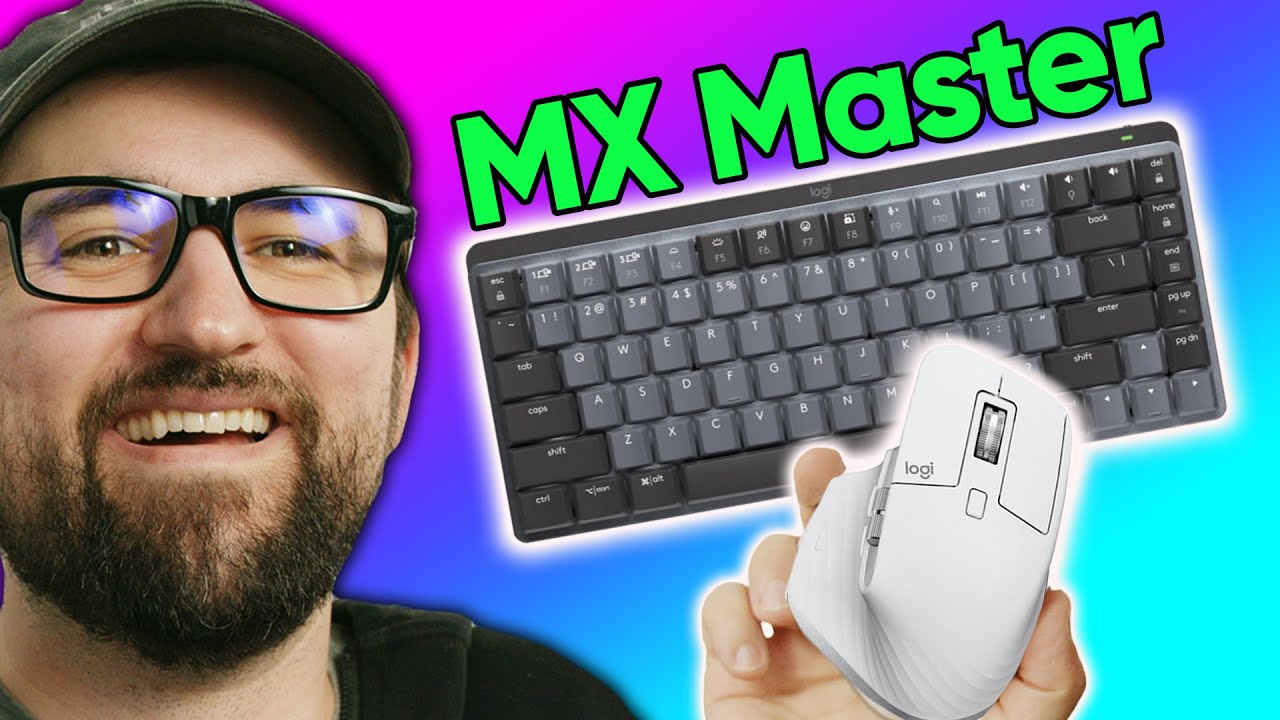
Have they finally won me over? - Logitech MX Master Mechanical Keyboard + MX3S Mouse
0 up · 0 down · 0 ratings
Promos
Check out the OnePlus 10 Pro 5G with 12GB RAM & 256GB of storage at bit.ly Logitech makes some great products, but not everyone likes their keyboards. Is their new MX Master Mechanical good enough for Plouffe? Buy Logitech MX Mechanical Mini Wireless Keyboard: geni.us Buy Logitech MX Master 3s Wireless Mouse: geni.us Purchases made through some store links may provide some compensation to Linus Media Group. Want us to unbox something specifically for a video? Make a suggestion at lmg.gg ► GET MERCH: lttstore.com ► AFFILIATES, SPONSORS & REFERRALS: lmg.gg ► PODCAST GEAR: lmg.gg ► SUPPORT US ON FLOATPLANE: floatplane.com FOLLOW US ELSEWHERE --------------------------------------------------- Twitter: twitter.com Instagram: @shortcircuityt TikTok: @linustech Facebook: @ShortCircuitYT CHAPTERS --------------------------------------------------- 0:00 Intro 0:31 MX Master 3S overview and unboxing 2:31 First impressions and comparison 3:07 MX Mechanical Mini unboxing 5:00 Key switch impressions 6:27 MX Mechanical Unboxing 7:38 Key switch and key cap impressions 9:35 Sponsor - OnePlus 10 Pro 5G 10:19 Setting up the mouse and keyboard 13:03 Trying them out! 15:29 Conclusion
In the opening segment, the creator expresses a long-standing skepticism toward Logitech keyboards while being intrigued by the new MX Mechanical line, particularly the MX Master 3S mouse and the MX Mechanical Mini keyboard. He contrasts his past experiences with older Logitech keyboards, emphasizing Roamer-G switches and aesthetics as pain points, and then pivots to the potential appeal of the newer mechanical lineup. The unboxing and first impressions focus on the MX Master 3S, highlighting its silent click, 8K DPI sensor, and the side scroll wheel that enhances productivity. He also notes the Logi Bolt USB receiver and Bluetooth options, discussing its impact on multi-device workflows and the convenience of switching between devices. The discussion then shifts to the MX Mechanical Mini keyboard, examining the three switch options, the box contents, environmental packaging, keycap profile, and the overall build quality, including the aluminum top plate and low-profile keycaps. By this point he begins to evaluate how both devices fit into a multi-device, wireless setup and whether Logitech can convert him to a “MX Master” ecosystem enthusiast. In the second major section, the host delves into practical setup experiences and real-world usage. He demonstrates pairing both the MX Master 3S and the MX Mechanical Mini via Logi Bolt and Bluetooth, showing how quickly devices are detected and how easy it is to switch between them on a single receiver. He compares the feel of the keyboard switches,linear, tactile, and clicky,describing personal preferences and noting that the tactile and quieter clicky options are acceptable while the linear switch is less pleasing to him. The host also comments on the USB-C detachable cable for the keyboard and the power switch, as well as the overall footprint and aesthetics of the mechanical setup. He comments on software experience, device status indicators, and mentions the Quick access features like dictation and emoji, which add a touch of personality to Logitech products. As the video progresses toward hands-on testing, the reviewer types on actual text to gauge real-world performance, comparing the MX Master 3S’s feel against his existing MX Master 3. He acknowledges the high price point for a wireless mechanical keyboard, but also notes the value of a feature-rich, multi-device Logitech ecosystem with the Logi Bolt receiver that can support multiple devices simultaneously. He concludes with a balanced verdict: while there are compelling aspects like quiet clicks, multi-device pairing, and the overall design, his preference remains with the MX Master 3 for now, and he encourages viewers to share their own experiences with these Logitech devices. Overall, the video presents a thorough, balanced examination of whether Logitech’s newer MX Master mechanical products finally win over a skeptical buyer, combining unboxing, build quality assessments, keyboard switch impressions, setup experiences, and a candid verdict.
Topics · technology · computer_hardware · peripherals · wireless_tech · product_reviews