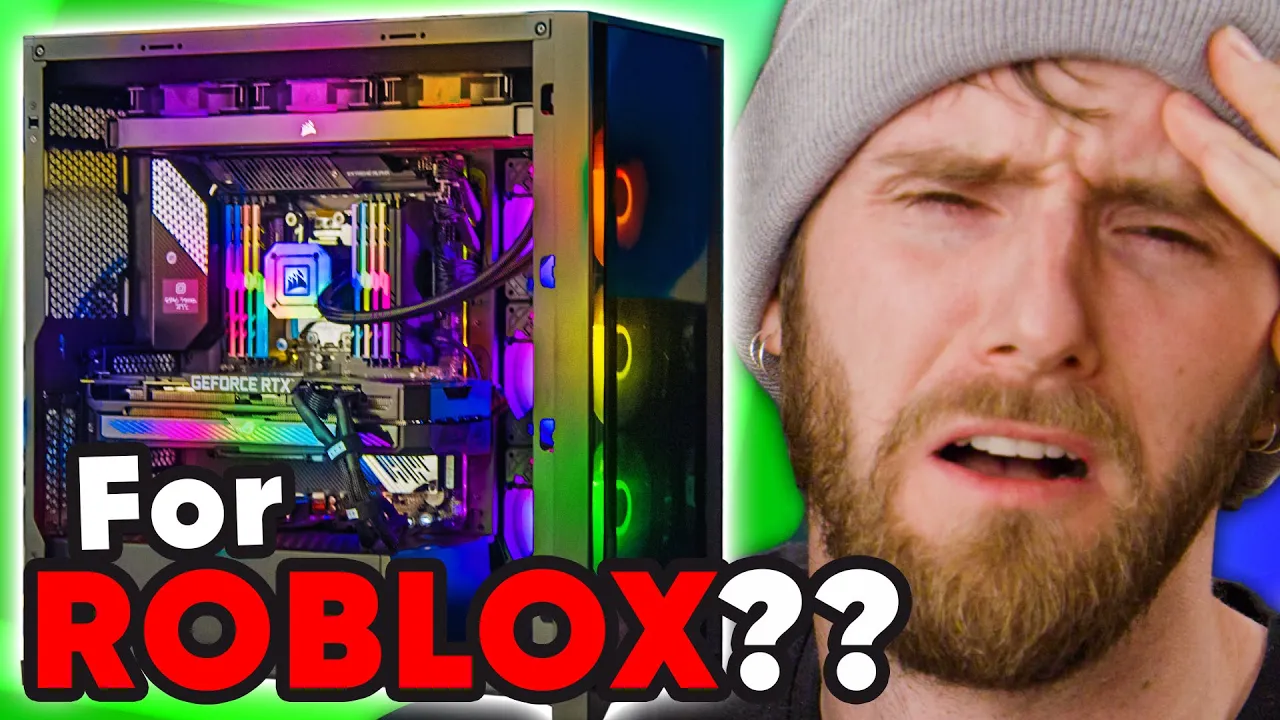
Building A $10,000 PC for ROBLOX
0 up · 0 down · 0 ratings
Description
Check out the Hammer Fidget Spinner Artizen Keycap from Drop at dro.ps They asked us to build the ultimate ROBLOX machine, and we delivered. Buy AMD Ryzen Threadripper 3990X CPU: geni.us Buy ASUS RTX 3090 ROG Strix GPU: geni.us Buy Corsair iCUE H150i Elite Capellix CPU Cooler: geni.us Buy G.SKILL TridentZ RGB 64GB (4x16GB) RAM: geni.us Buy Samsung 2TB 980 PRO M.2 NVMe SSD: geni.us Buy Seasonic Prime 1300W Platinum PSU: geni.us Buy Corsair iCUE 5000X RGB Case: geni.us Buy AVerMedia Live Gamer 4K Capture Card: geni.us Purchases made through some store links may provide some compensation to Linus Media Group.
Promos
Check out TeraBrite Games: youtube.com Discuss on the forum: linustechtips.com ► GET MERCH: lttstore.com ► AFFILIATES, SPONSORS & REFERRALS: lmg.gg ► PODCAST GEAR: lmg.gg ► SUPPORT US ON FLOATPLANE: floatplane.com FOLLOW US ELSEWHERE --------------------------------------------------- Twitter: twitter.com Facebook: @LinusTech Instagram: @linustech TikTok: @linustech Twitch: twitch.tv MUSIC CREDIT --------------------------------------------------- Intro: Laszlo - Supernova Video Link: youtube.com iTunes Download Link: itunes.apple.com Artist Link: soundcloud.com Outro: Approaching Nirvana - Sugar High Video Link: youtube.com Listen on Spotify: spoti.fi Artist Link: youtube.com Intro animation by MBarek Abdelwassaa @mbarek_abdel Monitor And Keyboard by vadimmihalkevich / CC BY 4.0 geni.us Mechanical RGB Keyboard by BigBrotherECE / CC BY 4.0 geni.us Mouse Gamer free Model By Oscar Creativo / CC BY 4.0 geni.us CHAPTERS --------------------------------------------------- 0:00 Intro 0:50 PC Build 12:04 PC Boots Up 12:10 Peels & Buttoning Everything Up 12:57 Capture Card 13:20 Linus Plays ROBLOX 15:54 Linus Discovers ROBLOX Capitalism 16:35 Outro
Building a $10,000 PC for Roblox showcases Linus Tech Tips taking on a commission from TeraBrite to create a no-compromise workstation capable of both Roblox gameplay and demanding creative tasks like video editing. The episode begins with a focus on the motherboard choice, the ROG Zenith II Extreme Alpha, highlighting its vast PCIe lane count and support for multiple M.2 drives, setting the stage for a powerhouse system. The team then details their storage strategy, RAM capacity, and cooling plan, explaining why they chose 128 GB of RAM and a dual Samsung 980 PRO 2 TB NVMe setup, with room for future expansion. As assembly begins, the video delves into practical challenges such as mounting a Corsair 5000X case, fitting a Threadripper cooler, and ensuring reliable cable management, all while balancing aesthetics like RGB with airflow and maintenance accessibility. After the hardware goes in, they discuss power requirements, semi-modular cabling, and the importance of organize wiring through hubs to ensure clean performance and future upgrades. The first boot confirms Windows loads successfully and the team continues with benchmarking and real Roblox testing, including a discussion of FPS potential and the software environment that might unlock higher frame rates. The segment culminates with a lighthearted take on Roblox capitalism and a playful nod to sponsorship, ending with the team reflecting on the value of commissioned builds and the excitement of delivering a high-end, adaptable Roblox workstation.
Topics · technology · computing · gaming · hardware-build
Questions answered
- What processor was chosen for the build and why was it considered overkill for Roblox?
- The build uses a AMD Ryzen Threadripper 3990X, chosen for its extreme core count and bandwidth to handle both Roblox gameplay and heavy workstation tasks like video editing, with the rationale that a no-compromise, future-proofed system benefits professional use and potential future workloads.
- Which motherboard and cooling solution were selected for this build?
- The motherboard is the ROG Zenith II Extreme Alpha, paired with a Corsair iCUE 5000X case and a Corsair liquid cooler, customized to fit the Threadripper’s size and to manage the extensive cooling requirements of a 24-core CPU.
- Is Roblox FPS capped, and what did the video demonstrate about frame rates?
- Roblox is commonly capped around 60 FPS in many scenarios, but the video notes the possibility of unlocking higher FPS with tools like Roblox FPS Unlocker, and the demonstrated setup recorded well over 200 FPS in tested scenarios.
- What storage configuration did they choose for this rig?
- They installed two Samsung 980 PRO 2 TB NVMe SSDs, delivering high sequential speeds and plenty of headroom for Roblox assets, video projects, and other software, with room to add more drives later.
- What is the general takeaway about commissioning builds from this video?
- The hosts express enthusiasm for commissioned builds, highlighting the opportunity to push hardware boundaries and tailor a workstation to a demanding workflow, while sharing practical build tips and a sense of enjoyment in delivering a top-tier system.