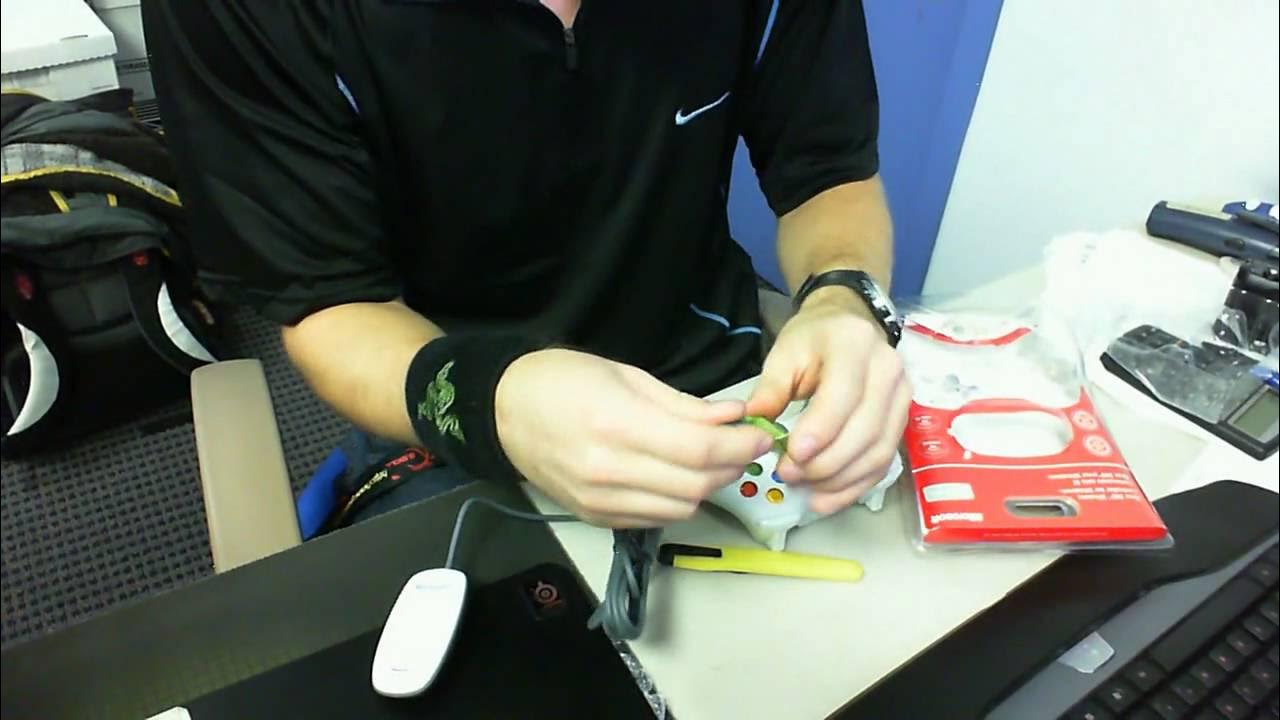
Microsoft Wireless Xbox 360 PC Game Controller Unboxing Linus Tech Tips
0 up · 0 down · 0 ratings
Description
So this video was shot with the Lifecam Cinema WebCam from Microsoft. I bought this thing for Batman: AA, but I ended up finishing the game with the Mouse/Keyboard before it came in stock, so oh well...
In this Linus Tech Tips unboxing video, the presenter demonstrates the Microsoft Wireless Xbox 360 PC Game Controller. The package is shown containing the white wireless Xbox 360 controller and a USB dongle, with explanation that the controller is compatible with both Xbox 360 and Windows PC games, including titles that support Games for Windows. The host walks through the physical layout of the controller, noting the standard Xbox button layout, analog sticks, D‑pad, trigger and shoulder buttons, and identifies a button on the dongle used for syncing with the controller. He describes the initial setup steps, emphasizing that software should be installed for the wireless receiver before plugging it into the computer, and demonstrates pressing the sync button on the dongle. The video also covers the power setup, showing two AA batteries included in the package, and walks through installing the batteries in the controller and inserting the battery cartridge into the back of the controller. The host jokes about the process and concludes the unboxing by noting the final weight and appearance of the assembled controller, thanking viewers for watching the unboxing.
Topics · technology · gaming hardware · unboxing