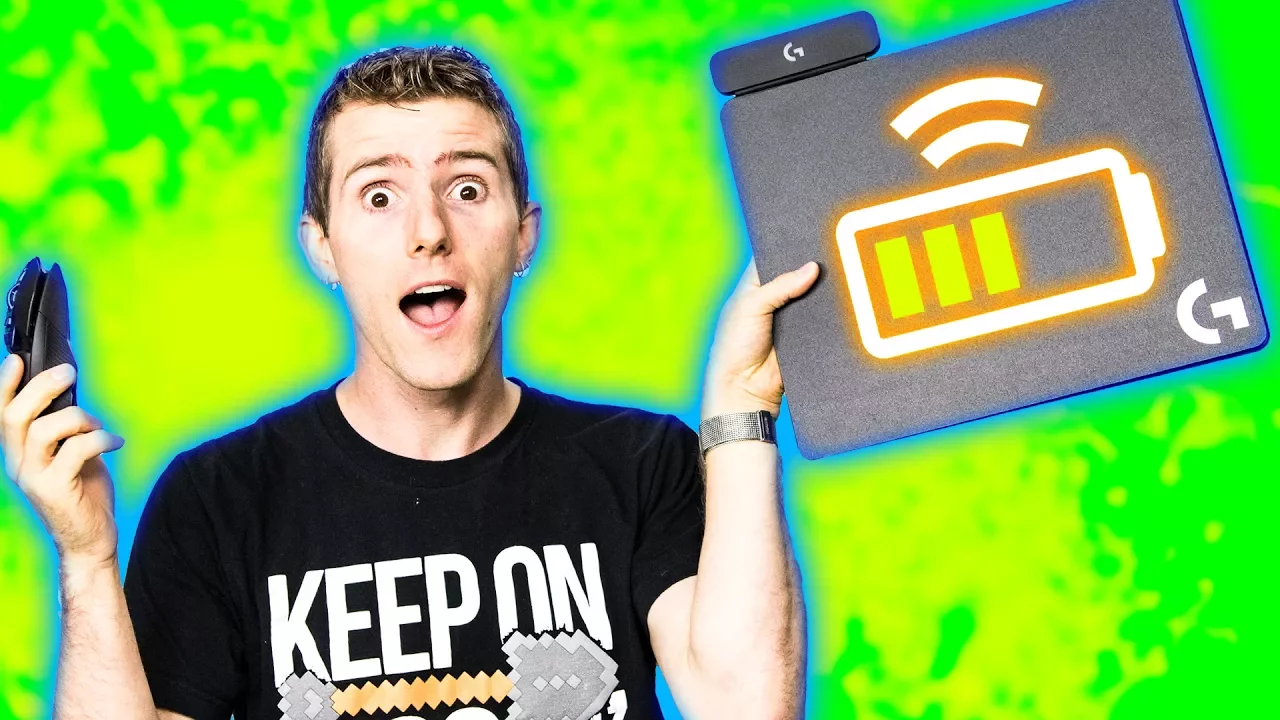
A Wireless Mouse That Lasts FOREVER! - HOLY $H!T Ep. 20
0 up · 0 down · 0 ratings
Promos
THE LOGITECH G POWERPLAY IS HERE, AND THE FUTURE IS NOW. NO CABLES, NO PROBLEMS! Freshbooks sponsor link: For your unrestricted 30 days free trial, go to freshbooks.com and enter in “Linus Tech Tips” in the how you heard about us section. Tunnelbear sponsor link: Try Tunnelbear for free at tunnelbear.com and save 10% Buy Logitech G POWERPLAY Amazon: geni.us Newegg: geni.us Logitech: geni.us Discuss on the forum: linustechtips.com Our Affiliates, Referral Programs, and Sponsors: linustechtips.com Linus Tech Tips merchandise at designbyhumans.com Linus Tech Tips posters at crowdmade.com Our production gear: geni.us Twitter - twitter.com Facebook - @LinusTech Instagram - @linustech Intro Screen Music Credit: Title: Laszlo - Supernova Video Link: youtube.com iTunes Download Link: itunes.apple.com Artist Link: soundcloud.com Outro Screen Music Credit: Approaching Nirvana - Sugar High youtube.com Sound effects provided by freesfx.co.uk
A detailed look at Logitech PowerPlay, presented within the HOLY $H!T episode format, focuses on turning wireless gaming mice into truly wireless devices with perpetual charging. The video opens by contrasting traditional wired setups with a new power-enabled wireless solution, introducing the PowerPlay charging surface and how it integrates with Logitech’s G903 and G703 mice. The host explains that the PowerPlay pad delivers charging across almost the entire surface, reducing the need to plug in a dongle, and highlights the 2 millimeter thin form factor that fits under the mouse pad. A key emphasis is placed on the built-in battery management strategy, which aims to keep lithium-ion cells healthy by maintaining charge between 80% and 95%, thereby reducing wear and enabling ongoing wireless use. The segment also covers practical setup steps, such as connecting the PowerPlay puck, enabling RGB lighting, and verifying that the pad activates the charging surface under the mouse pad. The host compares performance against wired mice, noting quicker response times and the perception of “no compromise” in charging during play, while also acknowledging the current price point of around $100 for the charging pad. The video concludes with a straightforward verdict that PowerPlay offers genuine wireless charging with the caveat of price, and invites viewers to explore the technology further through Logitech software and recommended accessories. Overall, the episode blends hands-on unboxing with technical explanation, practical testing, and a candid assessment of what the PowerPlay means for long sessions and mobility.
Topics · technology · hardware · gadgets · reviews
Questions answered
- What is Logitech PowerPlay and how does it work with wireless gaming mice?
- Logitech PowerPlay is a charging surface that powers compatible wireless mice across nearly the entire pad, eliminating the need for a dongle while you play. It uses a magnet-based puck and a contact interface to provide continuous charging even during use, with a thin 2 mm form factor that fits under the mouse pad.
- How does the PowerPlay handle battery health for the mouse?
- Logitech employs battery management that keeps the lithium-ion battery between roughly 80% and 95% charge to maintain battery health and allow continued mobility without excessive charging cycles.
- Is there any downside mentioned for using PowerPlay?
- The main drawback discussed is the price, with the charging pad costing around $100, and the need to ensure proper setup and a compatible flat surface to avoid performance issues.