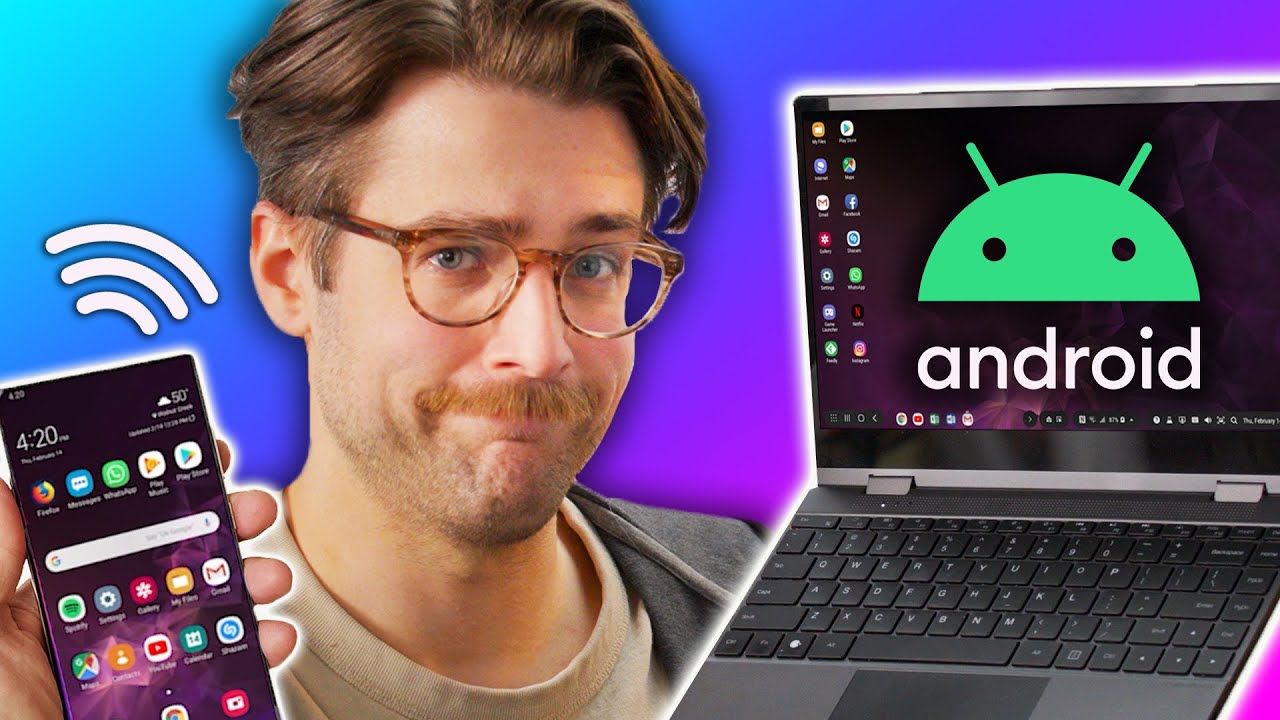
It's like steroids for your phone! - NexDock Wireless
0 up · 0 down · 0 ratings
Description
Better sleep makes a better you!
Promos
Check out Eight Sleep at eightsleep.com and use code LMG for $150 off the Pod Cover. Laptops can be big and bulky, and our phones are getting more and more powerful, so why not just use it as your portable computer? The new NexDock Wireless is here to hopefully make that dream a reality and Riley's here to see if they've made build quality improvements compared to the NextDock Touch from years ago. Want us to unbox something? Make a suggestion at lmg.gg ► GET MERCH: lttstore.com ► LTX 2023 TICKETS AVAILABLE NOW: lmg.gg ► GET EXCLUSIVE CONTENT ON FLOATPLANE: lmg.gg ► SPONSORS, AFFILIATES, AND PARTNERS: lmg.gg ► PRODUCTS WE USE ON THE SHORTCIRCUIT SET: lmg.gg FOLLOW US ELSEWHERE --------------------------------------------------- Twitter: twitter.com Instagram: @shortcircuityt TikTok: @linustech Facebook: @ShortCircuitYT CHAPTERS --------------------------------------------------- 0:00 An argument for the ages 1:08 Unboxing 1:44 Design, ports, and specs 4:05 Connection options 4:43 Sponsor - Eight Sleep 5:14 OSD settings and setup 6:20 Initial impressions 8:18 The problem with "No software updates" 10:24 Display and speaker impressions 12:43 Does it work with an AYANEO? 14:25 Pricing and overall thoughts 15:44 Outro
The video kicks off with a nostalgic nod to the old concept of using a phone as a laptop and frames the NexDock Wireless as a newer take on the lapdock idea. The host welcomes the product and sets the stage for a hands-on unboxing and first impressions, noting that NexDock has progressed from earlier models like the NexDock Touch. In the unboxing segment, the presenter inventories the contents of the box, including the HDMI to mini HDMI cable, a 20 watt USB-C PD charger, a USB-C to C right-angle cable for wired use, and a USB-C to USB-A adapter, highlighting thoughtful accessories for quick setup. The video then dives into the hardware design, ports, and overall build quality, focusing on the 13-inch 1080p IPS display, a four-speaker array, a trackpad, and a keyboard with improved solidity compared to prior NexDock iterations. The host explains two main connection methods: a wired USB-C input and a wireless Miracast setup, clarifying the need to pair the keyboard and touchpad as Bluetooth devices when using wireless mode, and he demonstrates how DeX-like experiences can be cast from a Samsung device. In terms of software and usability, the focus shifts to the on-screen display and setup quirks, including a brief sponsor segment with Eight Sleep, followed by practical testing of DeX and browser apps, latency observations, and a candid assessment of the touchpad. The reviewer lowers some expectations about the touchpad and hardware drivers, noting there is no onboard processor to push updates, which means firmware improvements are limited, but acknowledges the potential of improved workflow if these issues are addressed over time. Overall, the video balances measured praise with constructive criticism, praising improved stability and display quality while insisting that a more responsive touchpad and consistent 60 Hz performance are necessary for wider adoption, and closes with a reflection on the continued relevance of dock-and-dock concepts for future mobile computing ecosystems. The host concludes with a cautious optimism about a future where phones, docks, and laptops converge, while urging NexDock to refine the input devices and display refresh rate before mass adoption, and teases related content from prior NexDock coverage for viewers interested in the full story.
Topics · hardware_review · mobile_computing · wireless_display · nexdock
Questions answered
- What are the main connection options for NexDock Wireless and how do they compare in practice?
- The NexDock Wireless supports two main connection options: a wireless Miracast setup for the display and Bluetooth pairing for keyboard and touchpad, and a wired USB-C input for a direct, lower-latency connection. In practice, wireless offers great portability but introduces noticeable latency and occasional stuttering, while the wired option provides smoother input and display performance, with 60 Hz support. The reviewer suggests wired is preferable for longer use and gaming, though the goal of the video is to assess the hardware and wireless experience rather than optimize software workflows.
- What are the current limitations noted in the review regarding the touchpad and overall usability?
- The reviewer highlights that the touchpad remains a major weakness across NexDock models, exhibiting ghost touches, latency, and occasional unresponsiveness. This compromises usability even when the overall system feels capable. Additionally, the lack of a processor inside the dock means there are no firmware updates to improve drivers, which the reviewer views as a structural limitation that may frustrate future improvements.