HD Tutorial: Diskeeper Pro Premier
0 up · 0 down · 0 ratings
Description
***WATCH IN HD*** You should be defragging your hard drive at least weekly! (Just had to get that off my chest) A lot of people don't know how often to (or even how to) degragment their hard drive. Here I reccomend how often you defragment, and a piece of software to help you do so more easily. Diskeeper Pro Premier offers a huge variety of features, including boot time defragmenting, automatic defragmenting schedule, a quick start guide, etc...
Check out the newest version - it's SO worth the money! diskeeper.com Enjoy - SUBSCRIBE p.s. (In case you didn't notice, I was trying to be FUNNY at the beginning! lol - making fun of old grannies) : )
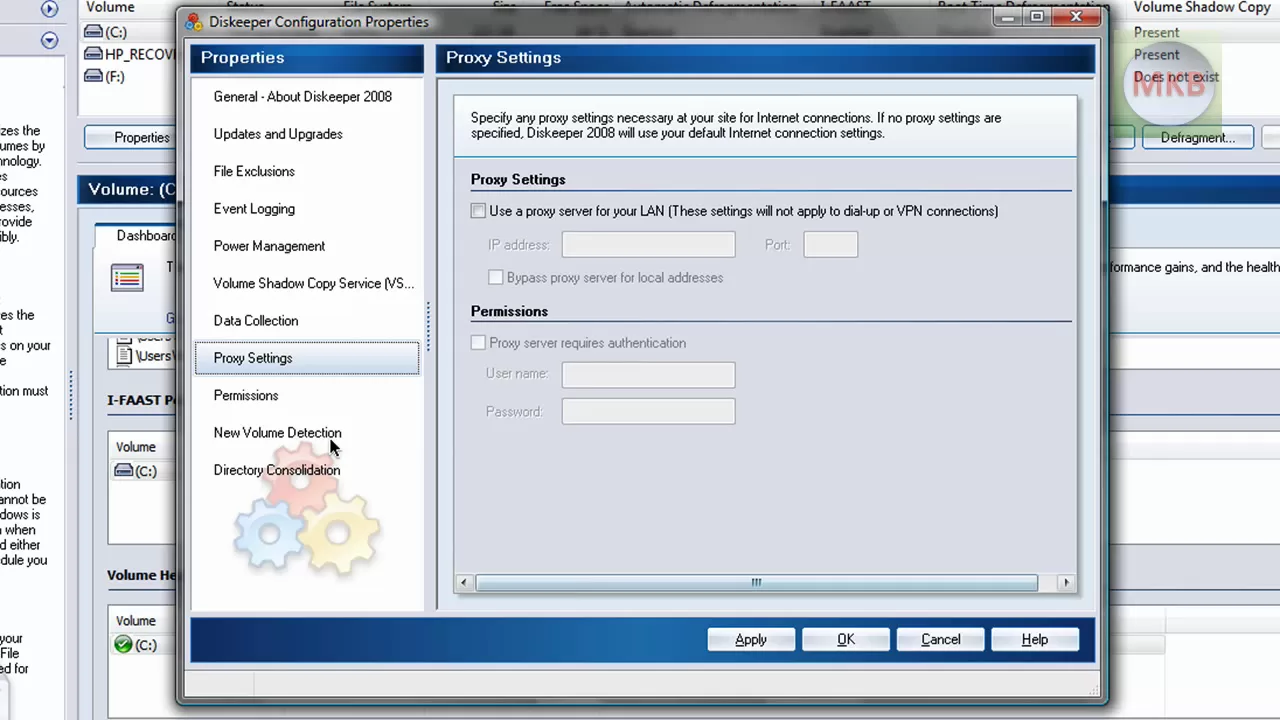
HD Tutorial: Diskeeper Pro Premier walks viewers through the practical use of a third party defragmentation tool, emphasizing why regular defragmentation is important for keeping a computer fast and efficient. The presenter starts by framing the question of how often to defragment, suggesting that many users either neglect it or underutilize tools, and he notes the impact on battery life when running on a laptop. He then introduces Diskeeper Pro Premier 2008, demonstrates how to launch the program, and explains the main interface elements. A core segment covers how to initiate a defragmentation on the C drive and how the program automatically analyzes and defragments, highlighting features like an automatic defragmentation option and a quick start guide. The presenter discusses advanced features such as boot time defragmentation, Frag Shield to prevent fragmentation, and the ability to view resource usage graphs to monitor system impact. He also explains how Diskeeper can replace the built-in Windows defragmenter, and he walks through customizing the launch pane and various view options to tailor the interface. The video closes with a practical takeaway: defragment as often as possible and explore the software’s settings to maximize hard drive performance, while inviting viewers to request more tutorials or subscribe for updates.
Topics · technology · software · computer_maintenance · performance_optimization · tutorials
Questions answered
- What is the difference between placement and consolidation in Diskeeper Pro Premier?
- Placement moves recently accessed files to faster locations on the drive, while consolidation groups file fragments together into fewer blocks to improve contiguity.
- Can Diskeeper Pro Premier automatically defragment your drive?
- Yes, automatic defragmentation can be enabled in the program's volume properties under the automatic defragmentation option.