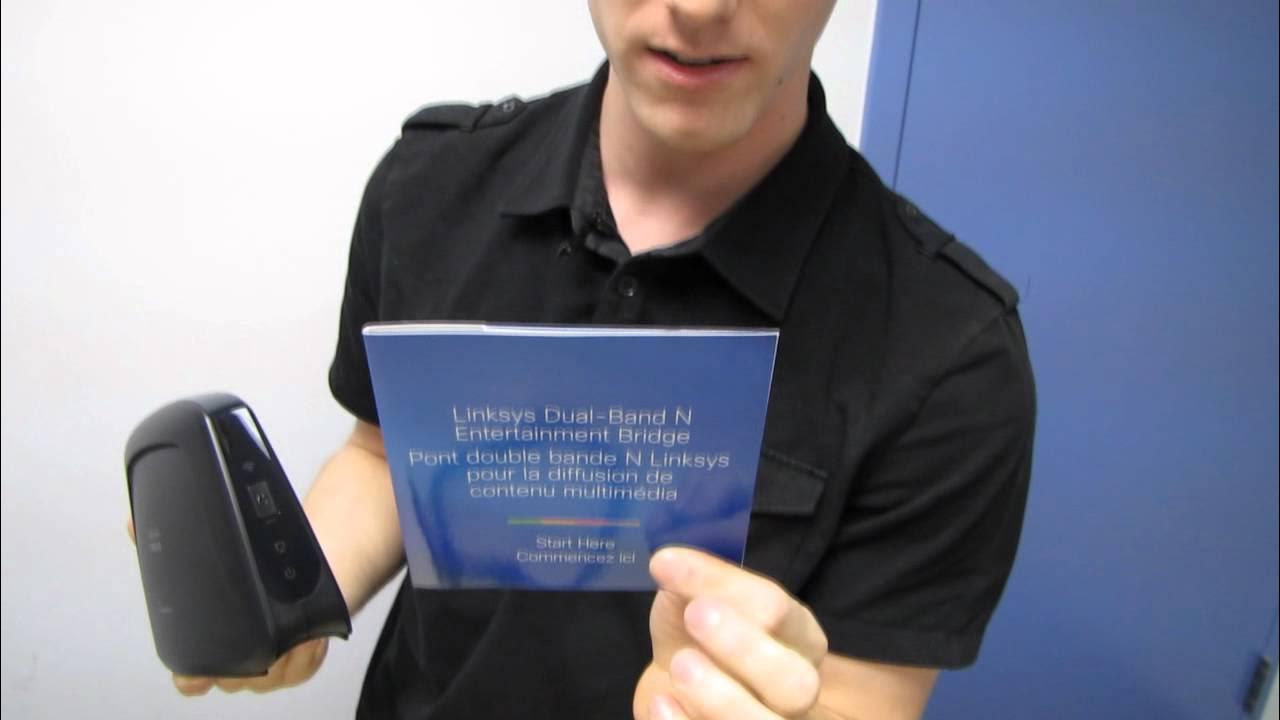
Linksys WES610N Wireless N Entertainment Bridge Unboxing & First Look Linus Tech Tips
0 up · 0 down · 0 ratings
Description
ncix.com Have you ever wished that instead of adding wireless interface cards to all of the devices in a room, you could just use one wireless network device, and then branch out via ethernet to everything else? Well now you can!
The video starts with an unboxing of the Linksys WES610N Wireless N Entertainment Bridge, highlighting its four ethernet ports, dual-band Wi‑Fi capability, and the target use case of connecting multiple entertainment devices without running numerous cables. Linus explains that the device is designed to bridge a wireless network to a wired network for entertainment purposes, emphasizing HD and 3D content readiness with speeds up to 300 Mbps. He describes the setup process as straightforward, mentioning WPS and a setup utility, and notes that the device is intended to simplify home theater connectivity for devices like Blu-ray players, Xboxes, PS3s, and smart TVs. Throughout the unboxing, Linus reiterates the practical scenarios where a single wired connection from the bridge can feed several devices via the four ports, reducing clutter and improving reliability in a typical living room setup. He also discusses placement considerations, such as avoiding exposed cables and choosing between wireless or powerline options based on house layout. The segment concludes with a recap of key features like multiple antennas, QoS for video and gaming, WPA2 security, and compatibility with 802.11n and legacy ABG devices, followed by a quick look at included accessories and a plug-and-play reassurance. Finally, Linus plugs the product, teases its practical usefulness, and encourages viewers to subscribe for more unboxings and tech content from Linus Tech Tips.
Topics · technology · hardware · networking · home_entertainment
Questions answered
- Does the Linksys WES610N Entertainment Bridge work with both wireless and wired devices in a home theater setup?
- Yes, the WES610N connects a wireless network to a wired network and provides four ethernet ports to feed multiple devices such as Blu-ray players, game consoles, and TVs.
- What setup methods are available for configuring the entertainment bridge?
- Setup can be done via WPS or by using the included setup utility and guide to walk through the configuration steps.