Razer Orbweaver Gaming Pad Unboxing & First Look Linus Tech Tips
0 up · 0 down · 0 ratings
Description
This Orbweaver unboxing should pretty much show you everything you need to know about the product. Time to get one... Read more & join our community forum: linustechtips.com Buy it now at NCIX: ncix.com
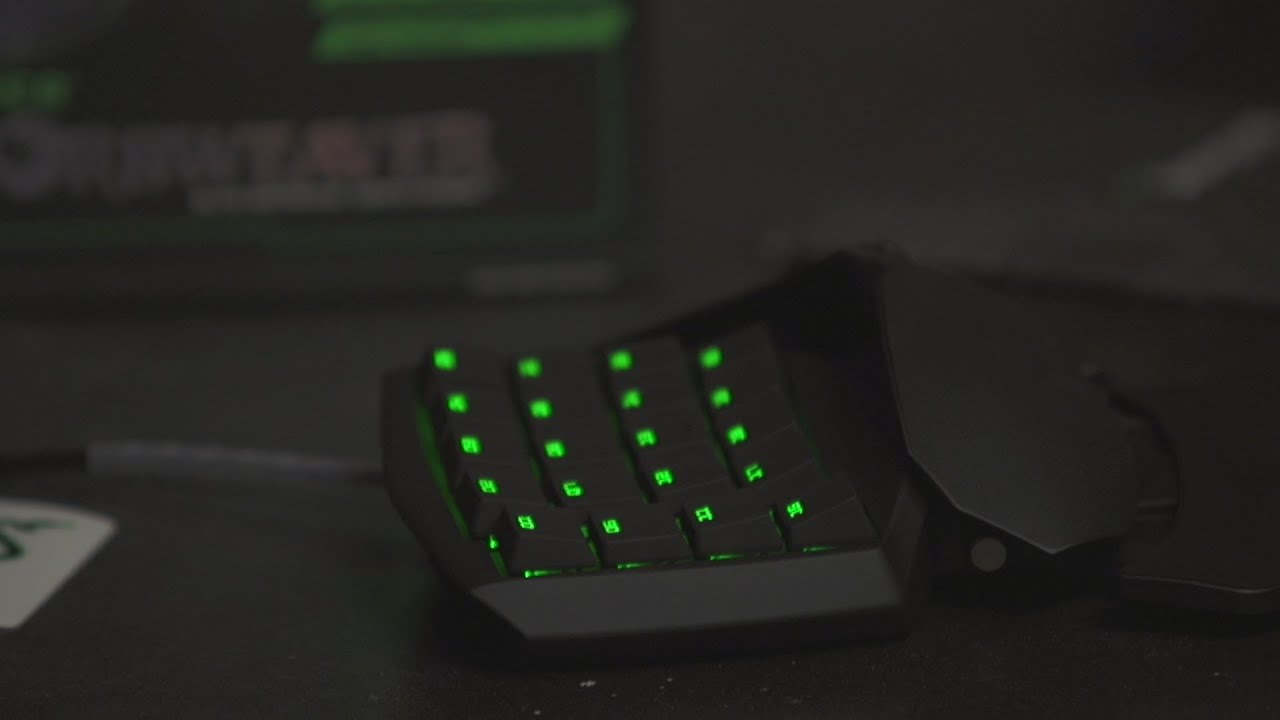
In this unboxing and first look, Linus Tech Tips presents the Razer Orbweaver Gaming Pad, detailing packaging, build quality, and notable design choices. The host highlights the three seals on the retail box, the gold-plated USB connector, and the overall premium presentation that Razer is known for. Once opened, the video showcasing the device emphasizes the fully mechanical Cherry MX Blue switches, the vibrant green LED lighting, and the responsive, tactile feedback that comes with a high-end mechanical setup. Viewers are guided through the key features like the 20 programmable keys, Synapse 2.0 cloud-based profile switching, and the eight-way directional thumbpad, while the adjustable palm rest and expandability of the unit are demonstrated with hands-on testing. The host also discusses practical considerations such as the lack of braided cable, price implications due to mechanical switches, and how the Orbweaver compares to competing products like the Nostromo, concluding that the device represents a premium option for gamers who want deep customization. The closing portion ties together the unboxing experience with the anticipated performance in games and productivity workflows, inviting viewers to subscribe for more Linus Tech Tips content and future reviews. Throughout the video, the presenter moves from packaging details to a thorough tour of the device, including how to swap between key maps in Synapse, adjust the palm rest, and customize the extensible thumbpad. The mechanical switches deliver a satisfying clack that aligns with expectations for high-end peripherals, and the device is described as sturdy with minimal flex. By the end, the reviewer positions the Orbweaver as a premium, feature-rich option that justifies its cost, while also noting practical compromises like the absence of a braided cable. The segment builds to a practical takeaway: if you need extensive macro capability and tactile feedback in a compact gaming keypad, the Orbweaver is worth considering, especially for enthusiasts who value customization and build quality. Viewers are encouraged to weigh the premium features against price when deciding whether to purchase for their own setup.
Topics · Technology · Gadgets · Reviews · Unboxing
Questions answered
- What are the key features of the Razer Orbweaver highlighted in this video?
- The Orbweaver features 20 programmable keys, Synapse 2.0 cloud-based profile switching, an eight-way directional thumbpad, a mechanical analog stick, a movable palm rest, and Cherry MX Blue switches for tactile feedback, plus vibrant green LED lighting.
- Why does the host mention the lack of braided cable, and how does that relate to the product price?
- The host notes the absence of a braided cable as a detail that some users expect in premium peripherals; this omission is tied to manufacturing costs, since the mechanical switches and overall build quality raise production expenses compared to cheaper competing products.