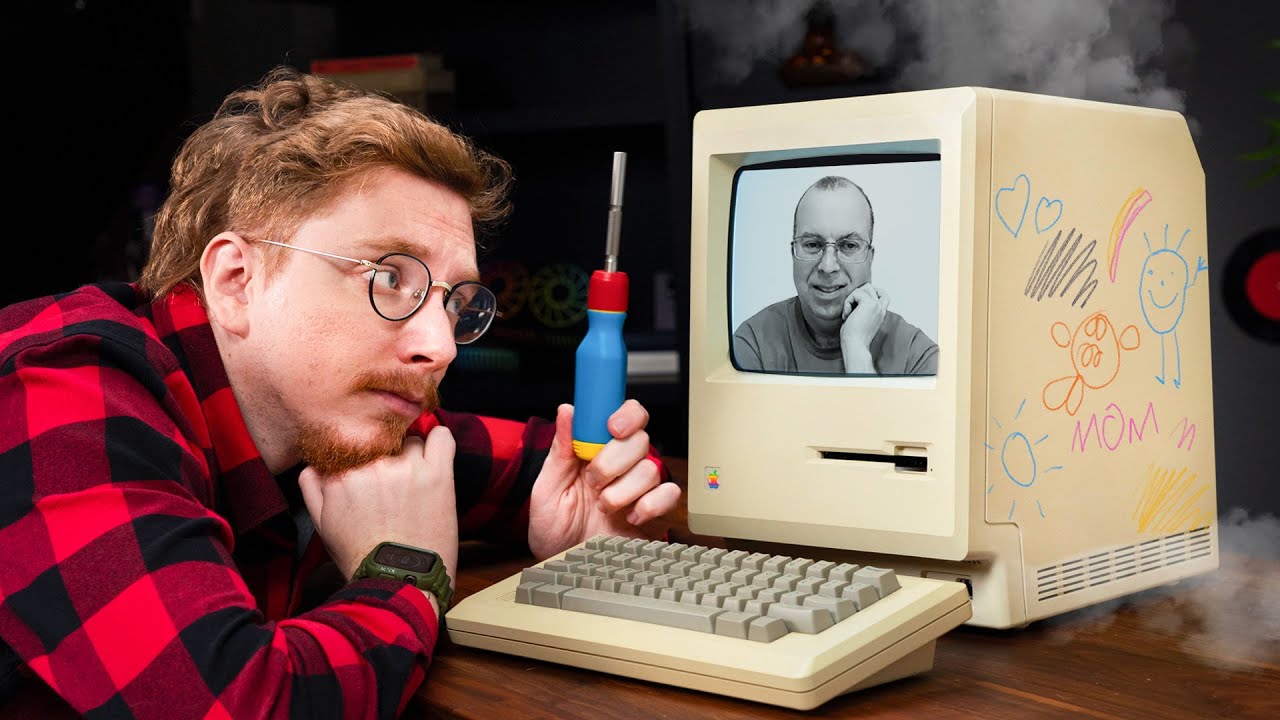
Apple won’t repair this, so I have to! (featuring @The8BitGuy )
0 up · 0 down · 0 ratings
Promos
Save money with Newegg’s Apple refurb programs at: lmg.gg This is Jonathan's father's old computer, a beautiful relic from the 80s. Only thing is, after sitting in storage for a few years, it's broken... Buy a uoboeuq 12" Extra Long Magnetic T15 Screwdriver: geni.us Buy Feihoon 12" Extra Long Magnetic T15 Screwdrivers: geni.us Buy 4x Replacement Gears for Macintosh Floppy Drive from "Stephen_lulz" on eBay: ebay.us Buy 4x Replacement Gears for Macintosh Floppy Drive from "Happyjester" on eBay: ebay.us Buy 4x Replacement Gears for Macintosh Floppy Drive from "Retro_shopbox" on eBay: ebay.us Buy BASF 2DD Floppy Disks on eBay: ebay.us Buy a Floppy Emu Floppy and Hard Disk Emulator: lmg.gg Purchases made through some store links may provide some compensation to Linus Media Group ► GET MERCH: lttstore.com ► GET EXCLUSIVE CONTENT ON FLOATPLANE: lmg.gg ► SPONSORS, AFFILIATES, AND PARTNERS: lmg.gg FOLLOW US ELSEWHERE --------------------------------------------------- Twitter: twitter.com Instagram: @macaddressyt Facebook: @MacAddressChannel CHAPTERS --------------------------------------------------- 0:00 Show and Tell 0:54 Introducing David Murray 2:29 Step 1 - Fixing the Disk Drives 5:37 Thanks Newegg! 6:02 Step 2 - Trying the Computer 9:20 Step 3 - Cleaning the Dang Thing 11:24 Do we retrobrite? 13:03 The Reveal!
The video centers on restoring and resurrecting a vintage Macintosh that belonged to the host’s family, with guidance from The 8-Bit Guy. It begins with a candid assessment of the machine’s condition, explaining that the floppy drives are failing and the system cannot boot from a disk that’s likely deteriorated after years in storage. The host introduces David Murray, aka The 8-Bit Guy, who is renowned for restoring yellowed electronics to their original glory, and they discuss the challenges of working on such aged hardware, including the temptation to be overly cautious and the satisfaction that comes from making progress. Early on, they troubleshoot the drive assembly, identify brittle gears in the drives, and decide to source replacement gears from various sellers while testing the existing hardware to gauge what still functions. A major portion of the video covers the process of opening the case, dealing with the original CRT, and using a long Torx driver to access the internals, highlighting the tactile, mechanical nature of older Apple hardware. As the project progresses, they experiment with modern aids like a floppy disk emulation device to load software, reformat older DOS-floppies to Mac-compatible disks, and attempt to run classic system software. Throughout the restoration, the team weighs the pros and cons of retrobrite for whitening yellowed plastics, explaining potential risks and sharing practical cleaning steps such as baking soda treatments, which yielded visible improvements. The reveal at the end shows a refreshed, display-worthy Macintosh that looks dramatically better and functions more confidently, with both hosts reflecting on the emotional and historical value of saving an antique computer while acknowledging that some parts may still be imperfect. They close by offering practical advice for others with heirloom machines, emphasizing community resources and the importance of setting realistic expectations about restoration outcomes, as well as inviting viewers to share their own nostalgic relics and repair stories. Overall the video blends hands-on repair with a celebration of retro technology, showcasing patience, collaboration, and the joy of reviving a classic computer for both use and display. The sponsorship segment underscores vintage tech availability through refurbished Apple products, tying the project to broader options for enthusiasts who want reliable, modernized access to Apple gear while preserving the past. The final tone is optimistic, emphasizing the value of community knowledge, patient restoration, and the ongoing appeal of keeping old machines alive. The result is a motivating example of hands-on hardware preservation that appeals to retro computing fans and general tech lovers alike.
Topics · technology · retrocomputing · repair · collaboration
Questions answered
- What tools are essential for opening and servicing an original Macintosh computer from the 1980s?
- A long Torx driver, specifically a T15, is needed to access the case screws, and careful attention to the plastic housing is important to avoid damage when opening the unit.
- Can retrobrite be safely used on the Macintosh case, and what are the risks?
- Retrobrite can whiten yellowed plastics, but it may also cause brittleness or uneven coloration if not done carefully. The video discusses weighing the benefits against potential long-term effects and suggests testing on small areas and considering only partial treatment if needed.
- How can modern software be loaded onto an old Macintosh that lacks working disks?
- Use a floppy disk emulator to substitute external disks, and format and transfer programs from newer or different sources, such as DOS floppies, into Mac compatible formats for loading.