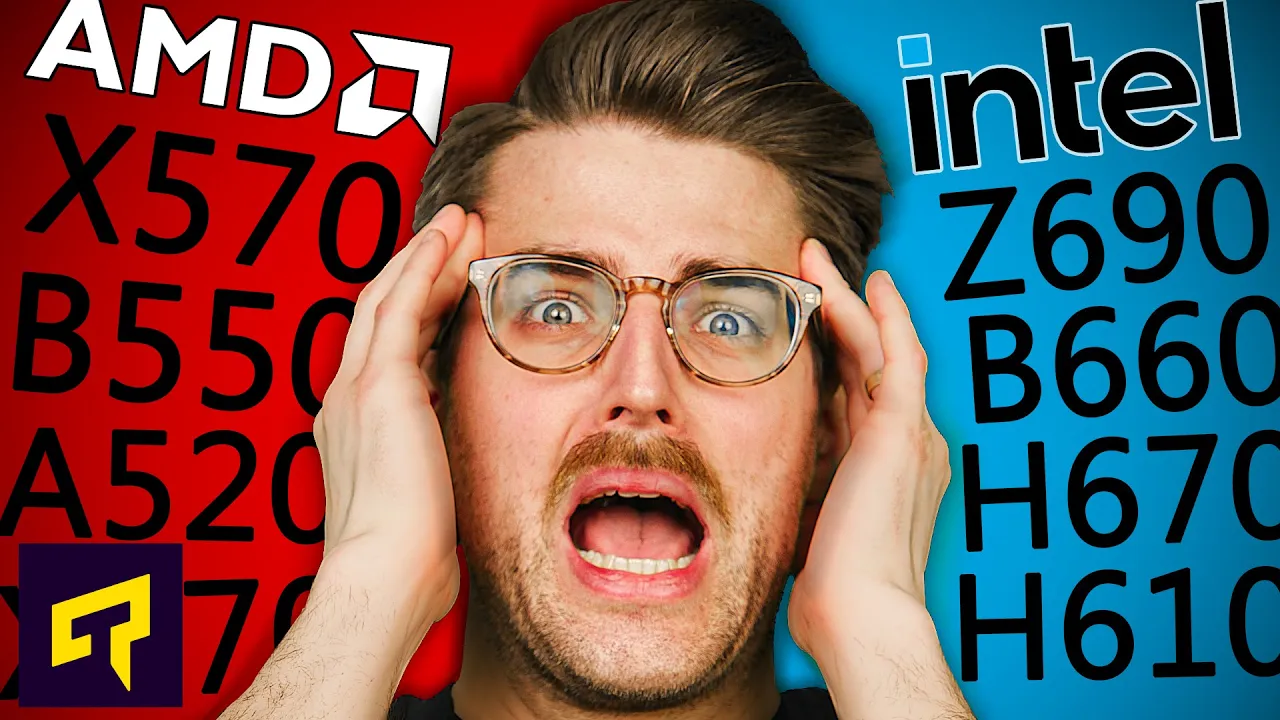
AMD and Intel Chipset Names Explained
0 up · 0 down · 0 ratings
Promos
Check out AMP by CubeCoders at cubecoders.com Confused by all those random letter/number combos AMD and Intel use to describe their chipsets? Don't be - we explain it all in this video. Leave a reply with your requests for future episodes, or tweet them here: twitter.com ► GET MERCH: lttstore.com ► AFFILIATES, SPONSORS & REFERRALS: lmg.gg ► PODCAST GEAR: lmg.gg ► SUPPORT US ON FLOATPLANE: floatplane.com FOLLOW US ELSEWHERE --------------------------------------------------- Twitter: twitter.com Facebook: @LinusTech Instagram: @linustech TikTok: @linustech Twitch: twitch.tv
The video starts by introducing the problem of confusing chipset names used by Intel and AMD and promises a clear decode of what those letters and numbers actually signify for consumer motherboards. It explains that for Intel, chipset names are built from one letter followed by three numbers, with the letter indicating the general tier and the numbers giving generation and feature details. The host emphasizes that Z-series chipsets are the only ones that allow multiplier overclocking, while H, B, and Q chipsets are more budget-oriented and generally lock MHz overclocking to RAM at best. The explanation covers how the second digit in Intel’s scheme marks the chipset generation within a given family, while the first digit identifies the generation compatibility and the third digit is usually zero, with BIOS updates sometimes enabling newer CPUs on older chipsets. The video also notes that higher second-digit values in the Intel stack translate to more PCIe lanes, more USB ports, and more overall connectivity, whereas lower numbers reduce these capabilities. Throughout, the host contrasts Intel’s approach with practical examples like H510 vs H610 and Z-series advantages, and also mentions the importance of BIOS updates for CPU compatibility as a potential workaround. The explanation then shifts to AMD’s naming, describing a simpler three-letter AMD scheme (A, B, and X) and how overclocking and feature sets map to these letters, while noting that CrossFire and SLI support is tied to certain chipsets. Finally, the host wraps up by summarizing the first-generation Zen to modern Zen generations and how the first number in AMD’s trio mainly signifies processor generation, with the other numbers indicating features, and hints at the likelihood of a future AMD naming change with Zen 4. The closing encourages viewers to request future topics and teases a potential follow-up if AMD revises its naming strategy, ending with a light note about the video creator’s personality and channel culture.
Topics · technology · hardware · pc_building · computer_hardware
Questions answered
- What does the Intel Z chipset enable that other chipsets do not?
- The Z chipset enables multiplier overclocking of the CPU.
- What do the second digits in Intel chipsets generally indicate?
- The second digit indicates the chipset generation within the generation family and its feature level.
- What does the first number in AMD's A, B, X scheme indicate?
- The first number indicates the processor generation that the chipset is compatible with.
- Do AMD A series chipsets support CPU overclocking?
- A series chipsets do not support CPU multiplier overclocking; B and X chipsets do.