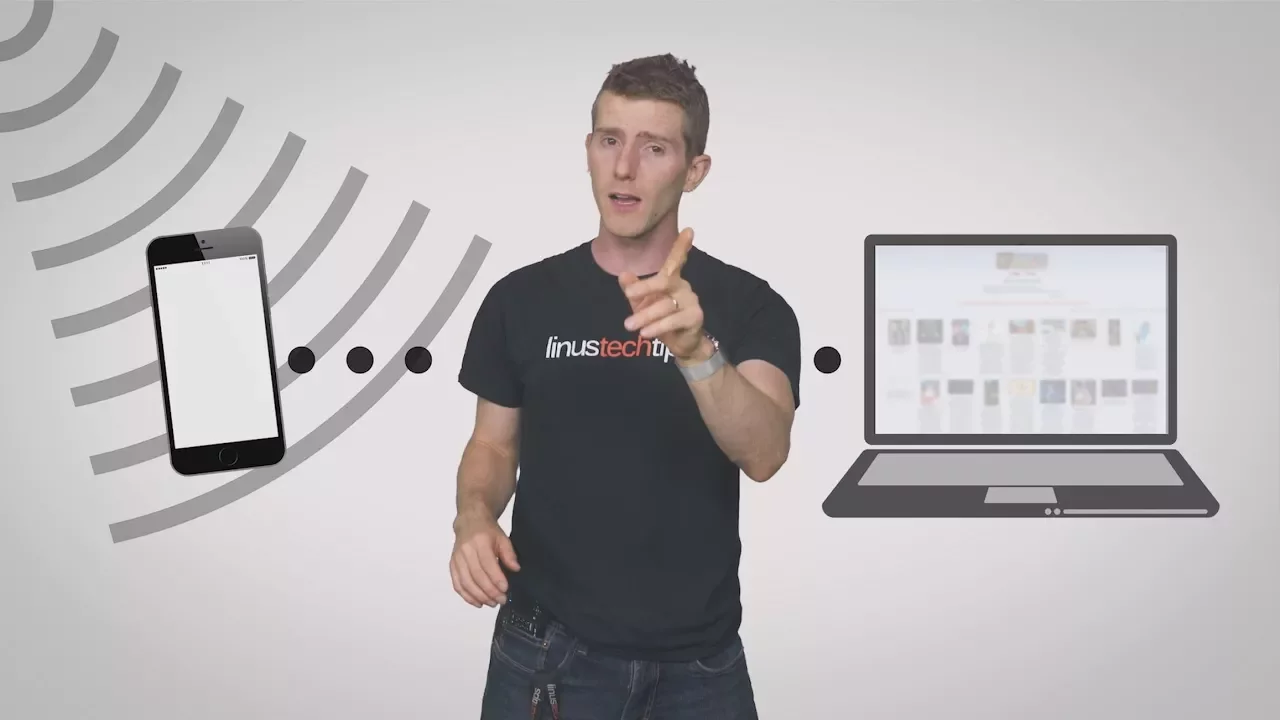
Phone Tethering as Fast As Possible
0 up · 0 down · 0 ratings
Promos
What should you know before using your phone as a Wi-Fi hotspot? TunnelBear message: TunnelBear is the easy-to-use VPN app for mobile and desktop. Visit tunnelbear.com to try it free and save 10% when you sign up for unlimited TunnelBear data. Techquickie Merch Store: designbyhumans.com Techquickie Movie Poster: shop.crowdmade.com Follow: twitter.com Leave a reply with your requests for future episodes, or tweet them here: twitter.com
Phone Tethering as Fast As Possible explains how to turn a smartphone or cellular-enabled tablet into a portable Wi-Fi hotspot, including step by step setup on both iOS and Android devices. The video emphasizes the need for a strong cellular signal and outlines the basic process of enabling personal hotspot on iOS and tethering options on Android, whether via USB or Wi‑Fi. It covers essential security practices, such as setting a hotspot name and a WPA2 password, to prevent unauthorized usage and potential data privacy concerns. The host also discusses practical caveats like data caps, throttling by carriers, and how tethering speeds are ultimately limited by the mobile network’s performance. Throughout, there are reminders about battery draw and power considerations when tethering for extended periods, especially when sharing a Wi‑Fi signal with multiple devices. In addition, the video briefly plugs TunnelBear VPN as a separate tool to maintain privacy while browsing, highlighting its 500 MB free data offer and the option to save with the unlimited plan. The overall takeaway is that tethering can be a useful emergency or on‑the‑go solution, but users should manage expectations based on signal quality, data policies, and security practices. The presentation moves from the practical how‑to steps to the realities of mobile data usage, reinforcing how carriers’ terms and device settings can influence availability. It provides concrete examples of what to expect in terms of speed and reliability, and it cautions viewers about hidden tethering restrictions that some carriers impose. The segment about security underlines the importance of password protection to avoid data misuse or eavesdropping. Finally, by mentioning a VPN option, the video encourages viewers to consider additional privacy protections when using tethering in public or shared networks. The closing portion ties the information together with a quick call to action for viewers to explore related content and channels, while acknowledging that real world performance will depend on hardware, plan terms, and geography.
Topics · technology · mobile-internet · networking · information-technology · consumer-electronics · science-and-technology
Questions answered
- What immediate steps should you take to set up a mobile hotspot on iOS devices?
- Open the Settings app, enable Personal Hotspot, and ensure you use a strong WPA2 password to secure the connection.
- Why should you avoid Bluetooth tethering for speedier connections?
- Because Bluetooth tethering has a much lower maximum speed compared to USB or Wi‑Fi tethering, making it impractical for high‑bandwidth needs.