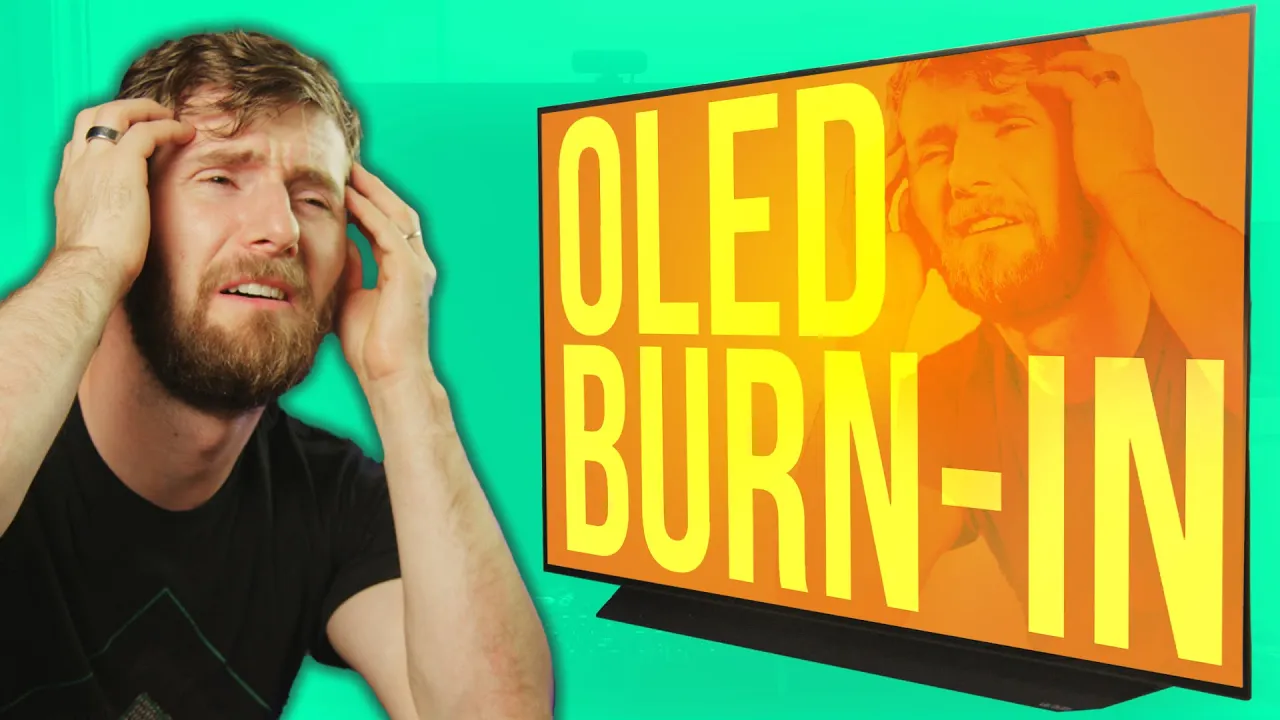
Being an Early Adopter SUCKS - Trying to Fix Burn-in on my LG CX
0 up · 0 down · 0 ratings
Description
New Customers Exclusive – Get a Free 240GB SSD From Micro Center: micro.center
Promos
Check out Micro Center’s Business Solutions here: micro.center Use code LINUS and get 25% off GlassWire at lmg.gg I reviewed the LG OLED CX and LOVED IT but after daily driving for a few months I've already got burn in and keep running into a few other minor annoyances. So I'm gonna try to fix it! Buy LG OLED CX TV Amazon (PAID LINK): geni.us Best Buy (PAID LINK): geni.us Newegg (PAID LINK): geni.us Buy MKJ39170828 Replacement Service Remote Amazon (PAID LINK): geni.us Newegg (PAID LINK): geni.us Purchases made through some store links may provide some compensation to Linus Media Group. Discuss on the forum: linustechtips.com ► GET MERCH: lttstore.com ► AFFILIATES, SPONSORS & REFERRALS: lmg.gg ► PODCAST GEAR: lmg.gg ► SUPPORT US ON FLOATPLANE: floatplane.com FOLLOW US ELSEWHERE --------------------------------------------------- Twitter: twitter.com Facebook: @LinusTech Instagram: @linustech TikTok: @linustech Twitch: twitch.tv MUSIC CREDIT --------------------------------------------------- Intro: Laszlo - Supernova Video Link: youtube.com iTunes Download Link: itunes.apple.com Artist Link: soundcloud.com Outro: Approaching Nirvana - Sugar High Video Link: youtube.com Listen on Spotify: spoti.fi Artist Link: youtube.com Intro animation by MBarek Abdelwassaa @mbarek_abdel Monitor And Keyboard by vadimmihalkevich / CC BY 4.0 geni.us Mechanical RGB Keyboard by BigBrotherECE / CC BY 4.0 geni.us Mouse Gamer free Model By Oscar Creativo / CC BY 4.0 geni.us CHAPTERS --------------------------------------------------- 0:00 Intro 1:00 Recap 1:40 Burn In 4:00 How Likely Is It? 5:00 Can We Do Anything? 6:05 Did it work? 7:20 Daily Use Issues 8:24 Service Remote 10:30 Results 11:50 Conclusion 14:20 Outro
In this video, Linus Sebastian recounts his experience daily driving an LG OLED CX and the burn-in issues that gradually appeared. He explains that burn-in on OLED is not identical to CRT burn-in but is better described as image retention that accumulates as pixels age under static content. He walks through the protections LG built into OLED displays, such as pixel refresh, logo compensation, and pixel shift, and evaluates how effective these features are in real-world use. The discussion also covers how brightness settings, logos, and on-screen UI elements contribute to uneven wear over time, and why conservative usage is often recommended to extend panel life. Linus then explores a hands-on attempt to mitigate burn-in using the service remote and internal menus, detailing risks and the potential for voiding warranties. He concludes that while the service menu can temporarily improve appearance, it does not offer a perfect or permanent fix, and emphasizes the importance of matching display choices to real-world home theater or productivity use cases. Finally, the video argues that OLEDs remain superb for image quality but require careful handling and realistic expectations, especially for enthusiasts who push their displays with static content for long periods. The wrap-up frames OLEDs as high-end, immersive displays that demand attention to usage patterns, plus a willingness to accept trade-offs like auto-dimming or periodic maintenance, rather than a simple burn-in-proof guarantee.
Topics · technology · electronics · consumer_electronics · display_technologies · oled · burn_in
Questions answered
- What is burn-in on modern OLED displays and how does it differ from CRT burn-in?
- Burn-in on OLED refers to long-term deterioration of individual pixels due to static content, leading to image retention and potential dimming. Unlike CRT burn-in, OLED uses self-emitting light without a phosphor coating, so the issue is more about aging of pixels than permanent phospor marks.
- What protections do LG OLEDs have against burn-in and do they work well in practice?
- LG OLEDs include pixel refresher, logo compensation, and pixel shift. These features aim to even out wear and move static elements slightly. In Linus’ experience, they help temporarily but do not fully prevent burn-in over extended daily use, and some drawbacks like occasional brightness shifts remain.
- Is the LG service remote a safe method to address burn-in or related issues?
- The service remote can access hidden menus to adjust settings, but using it carries risks including voiding warranties and potentially misconfiguring the display. Linus notes that returning any changes to stock/default is important if servicing is required, and that the remedy is not a guaranteed fix.