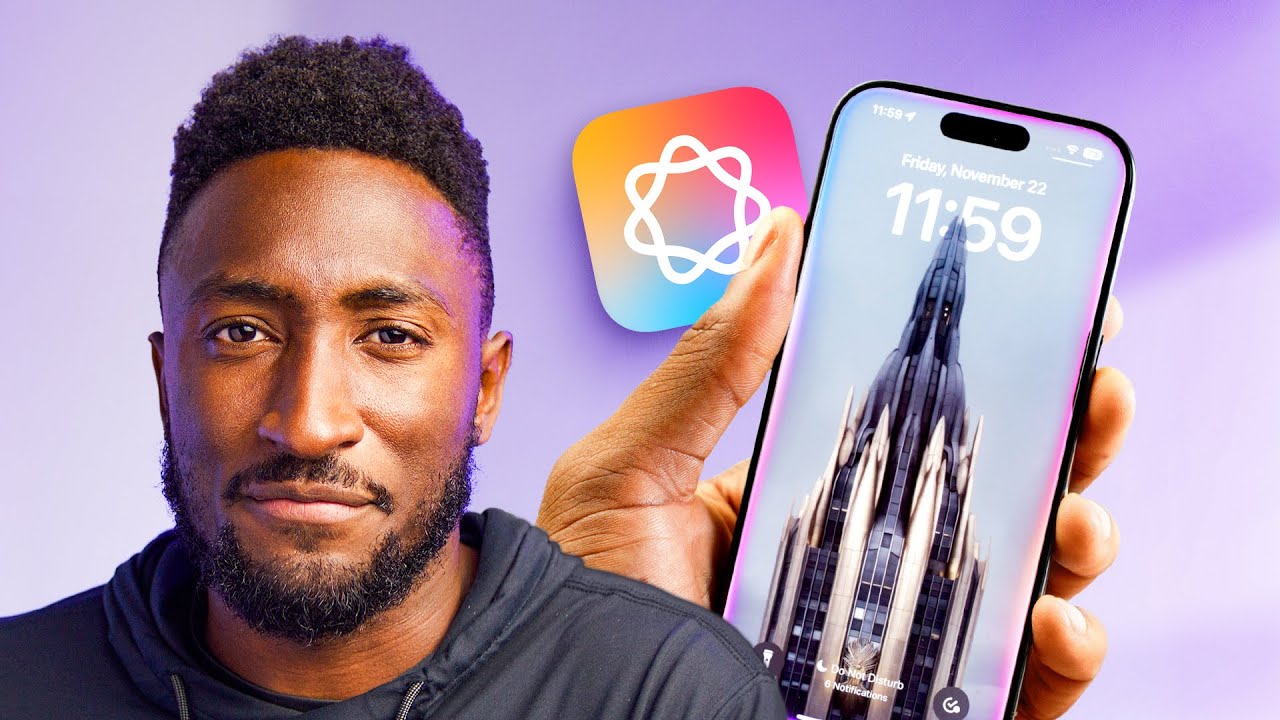
An Honest Review of Apple Intelligence... So Far
0 up · 0 down · 0 ratings
Promos
Reviewing the Apple Intelligence features out so far. Not included in this video: Natural language search in Photos, memory movies, Siri product knowledge and context memory, Mail summaries, Writing Tools Describe Your Change, Image Wand. Get both the MKBHD Carry-on & Commuter backpack together at ridge.com for 30% off That Wallpaper! From outrunyouth: geni.us MKBHD Merch: shop.mkbhd.com Tech I'm using right now: amazon.com Intro Track: Jordyn Edmonds smarturl.it Playlist of MKBHD Intro music: goo.gl iOS 18.2 features shown here are in developer beta, so not completely finalized. ~ twitter.com @MKBHD @MKBHD
Apple Intelligence is framed in this review as a broad initiative promised by Apple that has taken several months to reach a wide audience. The video kicks off by noting the WWDC 2024 announcement and the expectation that features would roll out across iPhone, iPad, and Mac, with Vision Pro left out for now. The reviewer then dives into specific features, starting with writing tools that work offline on device and can transform text to be more professional or concise. He critiques the UI as somewhat clunky and notes that while some modes feel helpful for smaller edits, the tools do not yet offer substantial utility for large documents. Across the discussion, he emphasizes that the most useful aspect may be reliable offline processing rather than dramatic on-device intelligence. The evaluation of writing tools includes observations about proofreading, capitalization, and the limits of document summarization or table creation for lengthy texts, concluding that overall value is modest for a professional writer. The segment closes with a resigned note that, despite some promise, the writing tools feel underutilized in his workflow at this time. The video transitions to notification management, where priority notifications and mail summarization are explored as potential solutions to notification overload. The reviewer explains how AI-driven prioritization could surface important messages during focus modes and in the Mail app, while the broader promise of compression for all alerts remains contested. From his experience, notification summarization has not lived up to expectations, often failing to produce meaningful condensations, and he notes memes and shared anecdotes about overzealous or odd results. This skepticism leads to a conclusion that this feature is perhaps better suited for reducing noise in some scenarios, but it is not reliably beneficial in everyday use. The discussion touches on the broader pattern of Apple adding AI features that may be appealing in theory but are not consistently useful in practice. Overall, the segment presents a cautious outlook on notification management, highlighting variability in user experience. The review then covers image-centric tools, including an emoji creator and an image playground for cartoon-style generation. The emoji tool is described as a niche feature with limited daily utility, capable of creating highly specific emoji art but not integral to most users. The image playground is framed as a standalone experiment that generates non-photorealistic cartoon images on device, with controls that allow selecting familiar people from the user’s library and applying themes or props. The host notes that results are not photorealistic by design, and emphasizes usefulness is debatable, while also acknowledging the safety and content filters that prevent offensive outcomes. He compares performance favorably to some competitors in certain cases but reiterates that these tools do not represent essential functionality for most users. The final verdict on image tools is mixed: interesting in theory, potentially entertaining, but not a must-have feature. Further features like recording summaries and visual intelligence are examined, with a critical eye on how these capabilities fit into real-world workflows. The recording summaries promise a workflow that captures conversations or lectures, transcribes them, and condenses key points into summaries. However, the reviewer points out a disconnect between where the feature lives (notes app rather than the default voice memos app) and how users would realistically initiate and access recordings. The transcription quality is praised, including speaker labeling and accuracy, yet the overall summarization experience feels inconsistent and not as integrated as expected. Visual intelligence is described as visually impressive and quick, but not fundamentally groundbreaking; its practical advantage is seen as incremental rather than revolutionary, and its reliance on new phone hardware reinforces the sense that it is more of a platform-wide enhancement than a groundbreaking feature. The section ends with a balanced view that these tools show potential but require further refinement to become essential in daily use. Towards the end, the reviewer discusses Siri and the integration of ChatGPT as a notable but incomplete advancement. The new Siri animation raises user expectations, but much of the notable AI improvements depend on ChatGPT-backed capabilities that are not fully exposed yet. When asked to handle tasks beyond simple commands, Siri can prompt users to switch to ChatGPT for more robust responses, and users can opt to sign into their ChatGPT accounts for history and higher-tier access. Apple promises data masking to prevent training data leakage, but the integration is still a work in progress. The reviewer articulates optimism that third-party app actions and deeper integrations could redefine Siri’s usefulness, while acknowledging that many features are still forthcoming in future software updates. The closing assessment broadens to a pragmatic view: some features work well, others feel safe but underwhelming, and the most compelling potential lies in future iterations and deeper app integration. Overall, the video presents a measured, cautiously optimistic take on Apple Intelligence, recognizing both achievements and remaining gaps.
Topics · technology · ai · software-ecosystem · consumer-electronics
Questions answered
- Welke Apple Intelligence-functies zijn al beschikbaar op de iPhone, iPad en Mac in deze video review?
- De video behandelt onder meer schrijfhulpmiddelen die offline op apparaten werken, prioriteitsmeldingen in Focus-modus en de verbetering van afbeeldingshulpmiddelen zoals de achtergrondverwijderaar in Foto's. Ook wordt er gesproken over beeldgestuurde intelligentie en transcriptie/ samenvatting van opgenomen audio, met meer nadruk op wat al beschikbaar is in de huidige softwareversies. Sommige functies zijn wel aangekondigd maar nog niet volledig uitgerold of geïntegreerd in alle apps.
- Wat is de reviewer’s algemene conclusie over de klaarblijkelijke meerwaarde van Apple Intelligence tot nu toe?
- De reviewer vindt dat sommige functies nuttig kunnen zijn in theorie en dat de uitvoering offline op-device werkt, wat positief is. Maar hij vindt ook dat veel functies nog niet echt overtuigen in dagelijkse workflows en dat de belofte van Apple Intelligence nog niet volledig gerealiseerd is. De algehele conclusie is dat de features potentieel hebben maar nog veel fine-tuning en betere integratie vereisen.