Shuttle XPC Z77 Barebones Mini PC Unboxing & First Look Linus Tech Tips
0 up · 0 down · 0 ratings
Description
CA: ncix.com US: us.ncix.com Shuttle is so quick to market with this product that even the earliest adopters of the Z77 platform should take some time to SERIOUSLY consider this barebones PC. Hint: I will be uploading a video shortly of me running a 7970 and a quad core with perfect stability in this box... That'd be a KILLER LAN machine!
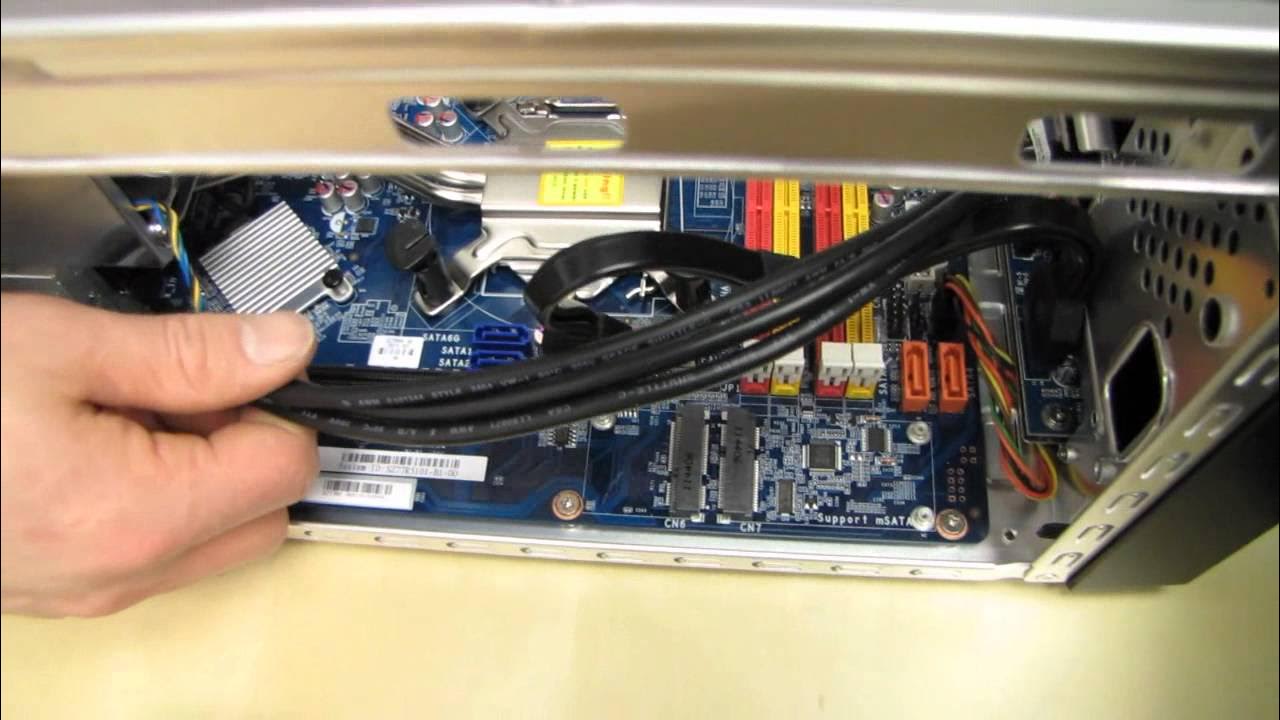
The shuttle XPC Z77 Barebones Mini PC is presented as a compact, enthusiast-friendly build option that simplifies the process of assembling a small form factor computer. The host emphasizes that the barebones kit handles the tricky parts of setup, such as power supply installation and front-panel wiring, while leaving user-configurable components like the CPU, memory, storage, and graphics card up to the builder. The unboxing reveals a solid brushed aluminum chassis with accessible front I/O and a clean internal layout designed for rapid assembly by both newcomers and seasoned builders. The presenter explains the drive bays and the option to use either internal or external 3.5 inch drives, along with the dual 2.0 USB, USB 3.0, Ethernet, and audio outputs. A notable focus is the way Shuttle bundles a straightforward quick start guide and the overall emphasis on compactness without sacrificing upgradeability, including support for a PCIe x16 slot and a PCIe 4x slot for high-end GPUs. The video then walks through the core cooling approach, featuring a custom heat pipe cooler and a central 92mm fan, with a secondary power supply fan contributing to quiet operation. Throughout the showcase the host highlights practical aspects like SATA port options, MSA SSD support for Intel Smart Response Technology, and the ease of installing components such as the CPU after removing a few thumb screws. By the end, the video reinforces the XPC as a versatile LAN-ready platform that can house powerful graphics while maintaining a tiny footprint, and it previews future testing with a high-end GPU to demonstrate stability and performance in this miniature chassis.
Topics · technology · hardware · unboxing · mini pc · computer hardware · pc building
Questions answered
- Can the Shuttle XPC Z77 Barebones support a high-end graphics card like the Radeon HD 7970 without thermal or power issues?
- Yes, the XPC Z77 Barebones supports PCIe x16 and PCIe 4x expansion for high-end GPUs, and it uses a 500W 80 Plus Bronze power supply with a dedicated VRM cooling solution, which helps manage power and thermals for capable GPUs like the HD 7970.
- What components are user-installable in this barebones kit and what is pre-installed for a quick start?
- The kit pre-installs the CPU cooler, CPU socket area, and basic power delivery/headers connections. The user installs the CPU, RAM, storage, and graphics card, while Shuttle provides the drive bays, power connectors, and a quick start guide to simplify setup.