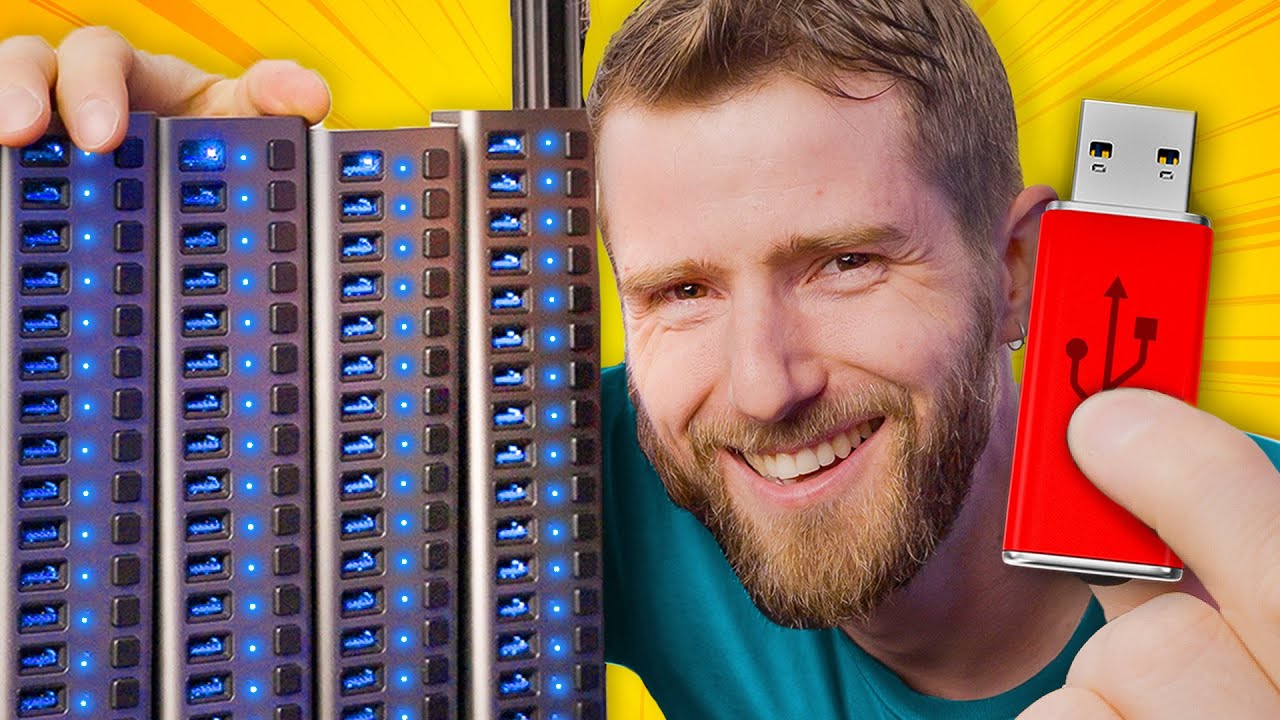
How Many USBs Can You Plug In At Once?
0 up · 0 down · 0 ratings
Promos
How many USB devices can be plugged into a PC at one time? It's a reasonable question, but the answer is more complicated than you might expect. We took 127 USB devices and plugged them in one by one until something broke. Then we took those same devices and reconfigured a few things to see if we can break it a different way. Just how broken do things get? Which limits get hit? How can you calculate YOUR maximum USB amount? Discuss on the forum: linustechtips.com Buy a SABRENT 16 Port Powered USB 3.0 Hub: geni.us Buy a UGREEN USB Card Reader Hub: geni.us Buy a StarTech 7 Port PCI Express USB 3.0 Card: geni.us Buy a StarTech 4 Port PCI Express USB 3.0 Card: geni.us Purchases made through some store links may provide some compensation to Linus Media Group. ► GET MERCH: lttstore.com ► GET EXCLUSIVE CONTENT ON FLOATPLANE: lmg.gg ► SPONSORS, AFFILIATES, AND PARTNERS: lmg.gg ► EQUIPMENT WE USE TO FILM LTT: lmg.gg ► OUR WAN PODCAST GEAR: lmg.gg FOLLOW US --------------------------------------------------- Twitter: twitter.com Facebook: @LinusTech Instagram: @linustech TikTok: @linustech Twitch: twitch.tv MUSIC CREDIT --------------------------------------------------- Intro: Laszlo - Supernova Video Link: youtube.com iTunes Download Link: itunes.apple.com Artist Link: soundcloud.com Outro: Approaching Nirvana - Sugar High Video Link: youtube.com Listen on Spotify: spoti.fi Artist Link: youtube.com Intro animation by MBarek Abdelwassaa @mbarek_abdel Monitor And Keyboard by vadimmihalkevich / CC BY 4.0 geni.us Mechanical RGB Keyboard by BigBrotherECE / CC BY 4.0 geni.us Mouse Gamer free Model By Oscar Creativo / CC BY 4.0 geni.us CHAPTERS --------------------------------------------------- 0:00 Intro 1:06 Limits to push it to 2:21 THE HUB 5:31 Can we break THE HUB? 7:51 Big Hub Energy 9:18 Going Deep (into Bus Topology and DFPs) 10:13 AMD ruins our good time 16:00 Endpoints! 17:40 The USBinator! 19:23 4 ports is better than 7 20:36 USBinator powers on! 23:13 Is...Is this the limit? 24:00 Conclusion
The video opens by framing a seemingly simple question: how many USB devices can be plugged in at once. It immediately pivots to a hands-on experiment, showing 127 USB devices connected and gradually increasing, while the host computer and its USB topology are explained in practical terms. The host controller and bandwidth sharing are introduced early, with warnings that in real life the limits are often dictated by more than just port count or raw speed. The host then experiments with unpowered hubs and powered hubs, noting that unpowered hubs can misbehave and may not adhere strictly to the USB specification, especially under higher power draw. Throughout, the presenter emphasizes the difference between theoretical limits and real-world behavior, and illustrates how devices compete for endpoints, not just power or bandwidth. The first major transition occurs when the team moves from single hubs to multi-hub stacks, exploring how hub depth and downstream ports affect device detection and performance. The narration then dives into topology, showing how each hub adds address space and how powered hubs are essential to maintaining stability as more devices are added. The video continues with a sophisticated setup called the USB-inator, using dedicated USB controller cards to push the limits further, and discusses why some controller configurations perform better than others. Finally, the crew reflects on the practical takeaway: connect hubs directly to the root controller, prefer powered hubs for high-draw peripherals, and recognize that endpoint limits can cap device counts even when ports and power seem sufficient. The conclusion summarizes lessons learned about USB topology, the importance of managing endpoints, and the reality that very large USB setups are possible but can become unstable as you push toward theoretical maxima. The overall arc blends curiosity, methodical testing, and practical guidance for anyone who wants to understand USB beyond plug-and-play basics.
Topics · technology · computer_hardware · education
Questions answered
- What factors ultimately limit how many USB devices can be connected to a PC?
- The limit is driven by endpoints, power, bandwidth, and controller topology. Endpoints are data pipes to devices, and each device can have multiple endpoints. Hubs add addresses and can increase endpoint counts, but practical limits come from the host controller’s capacity and how many endpoints it and any attached controllers can manage.
- Why are powered USB hubs important in very large setups?
- Powered hubs supply external power to devices, reducing the load on the root controller and preventing underpowered devices from malfunctioning. In large configurations, relying on unpowered hubs can lead to misbehavior or devices not being recognized.
- What role do hub depth and device chaining play in endpoint limits?
- Each hub in a chain adds its own downstream ports and endpoints. Deeper chains increase total endpoint usage and can push the system toward its endpoint cap even if power and bandwidth seem sufficient.
- What practical takeaway can a user apply to their own USB setups?
- Connect hubs directly to the root controller when possible, use powered hubs for high-draw devices, and be aware that extremely large configurations may still hit endpoint limits or cause instability even if ports and power appear adequate.
- Did the AMD and Intel systems behave differently in the experiment?
- Yes, AMD systems tended to push higher USB counts before failing, while Intel systems showed more predictable limits. This highlighted how controller behavior can vary across platforms in real-world scenarios.