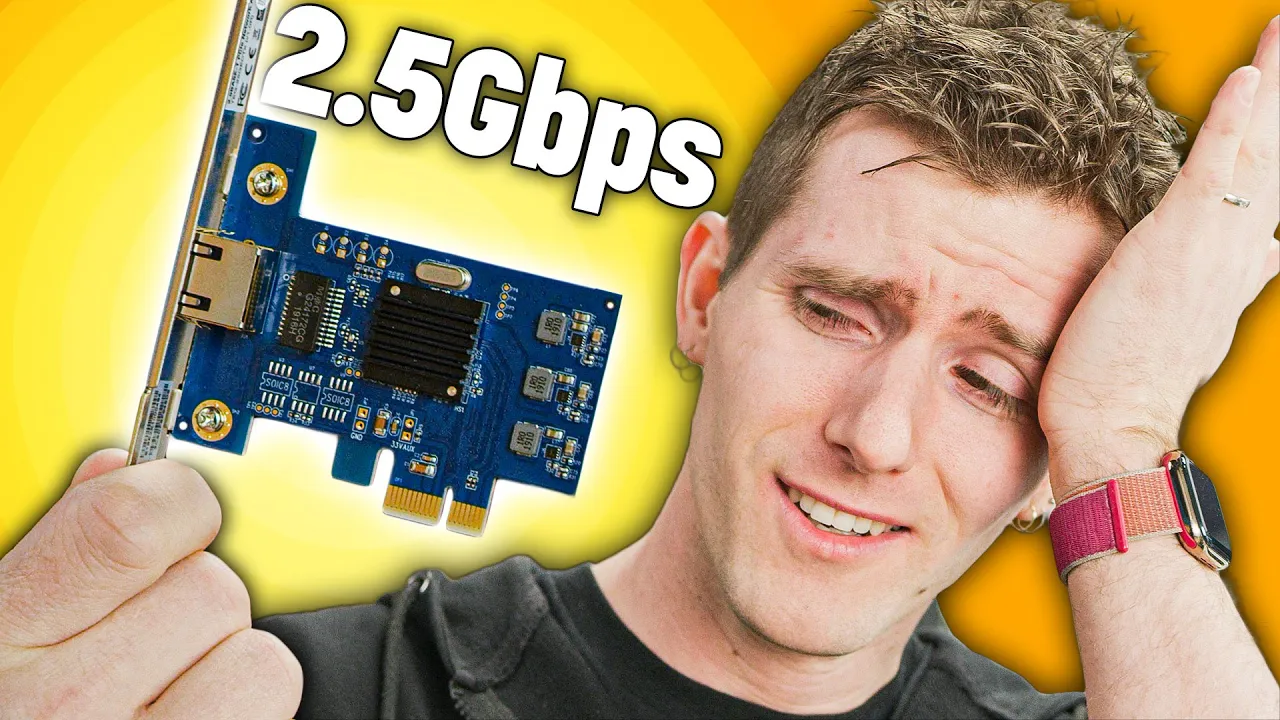
2.5gbit is AWESOME, but it WON'T make your Internet faster...
0 up · 0 down · 0 ratings
Promos
Get iFixit's NEW Mahi Driver Kit today at ifixit.com Linus explains the advantage of 2.5Gb networking over gigabit- even if your ISP is still the bottleneck. Buy 2.5Gb PCIe Network Adapters: On Amazon (PAID LINK): geni.us On Newegg (PAID LINK): geni.us On Walmart (PAID LINK): geni.us Purchases made through some store links may provide some compensation to Linus Media Group. Discuss on the forum: linustechtips.com Our Affiliates, Referral Programs, and Sponsors: lmg.gg Get Private Internet Access VPN at lmg.gg Get a Displate Metal Print at lmg.gg Get a 30-day free trial of Amazon Prime at lmg.gg Linus Tech Tips merchandise at lttstore.com Our Test Benches on Amazon: amazon.com Our production gear: geni.us Come see us at LTX 2020: ltxexpo.com Twitter - twitter.com Facebook - @LinusTech Instagram - @linustech Twitch - twitch.tv Intro Screen Music Credit: Title: Laszlo - Supernova Video Link: youtube.com iTunes Download Link: itunes.apple.com Artist Link: soundcloud.com Outro Screen Music Credit: Approaching Nirvana - Sugar High youtube.com
Paragraph 1: The video revisits the common assumption that upgrading to faster home network speeds is pointless if internet speeds are limited by an ISP. Linus walks through the practical motivation for adopting 2.5 gigabit networking, emphasizing that faster local transfers can dramatically improve day-to-day tasks such as moving large game libraries, large photo collections, or video projects between NAS devices and desktop workstations. He uses concrete scenarios, like copying a 1701 game install and a photo folder, to illustrate the current bottlenecks of a 1 Gbps onboard connection and how an upgrade changes the transfer rates in the real world. The video then explains hardware options, including affordable 2.5G NICs from Trendnet, and why the 2.5G standard hits a sweet spot between cost, cabling requirements, and performance. Throughout, Linus stresses that the bigger value is not faster internet access but faster local data movement within a home or small office network. Paragraph 2: Linus compares 2.5G to gigabit, showing that while internet bottlenecks remain at the ISP, the internal network can benefit from significantly higher sustained transfer rates. He demonstrates the setup process, noting that cabling can remain inexpensive because 2.5G can use Cat5e, and that the required switches are becoming more affordable but still exist as a practical consideration. The hands-on testing is central: after installing a 2.5G PCIe NIC, he runs real-world file transfers, observing near double the throughput on sizable files compared with a 1 Gbps path, and reports practical gains in applications like Lightroom where image loading and scrubbing become noticeably smoother. The discussion also covers power usage, form factor, and the laptop compatibility of the new adapters, underscoring that the upgrade is increasingly accessible for a wide range of users. Paragraph 3: In closing, the video contends that 2.5G networking opens up usable benefits for media editing, local backups, and game/media streaming within a home environment, especially as bulk data moves between NAS and devices. Linus acknowledges that 10G is overkill for most residential setups today but points out that the price trajectory and availability of 2.5G hardware make it a compelling intermediate step. He projects future cost reductions for switches and emphasizes that the main takeaway is the improvement in local transfer performance, not the elimination of internet bottlenecks. The segment also teases how such networking capabilities can pair with future high-bandwidth workloads, like 8K video editing, while reminding viewers that the value lies in the local network experience rather than the internet connection itself.
Topics · technology · networking · computer_hardware · video_production
Questions answered
- Why would a home user upgrade to 2.5G if their internet speed is still limited by the ISP?
- Because the upgrade improves local data transfers between devices on the home network, which speeds up tasks like transferring large game files, backing up data to a NAS, editing media, and loading large photo libraries.
- What are the main hardware and cabling considerations for adopting 2.5G at home?
- You need a 2.5G NIC, a compatible switch (often multi-gig capable), and standard Ethernet cabling (Cat5e is sufficient for 2.5G). 10G gear is more expensive, while 2.5G offers a cost-effective middle ground.
- Is 2.5G enough for demanding workloads like 8K video editing over the network?
- 2.5G provides noticeably better performance than Gigabit for high bandwidth tasks such as moving large video assets and streaming locally, but for sustained ultra-high workloads like full 8K playback or editing, higher speeds such as 10G may eventually be preferred as workloads and hardware mature.