Intel Turbo Boost Explanation & Windows Gadget Linus Tech Tips
0 up · 0 down · 0 ratings
Description
Today I explain what Intel Turbo Boost technology does for you, but mostly I'm just showing the cool little gadget that they've created which monitors how much your CPU is overclocking itself at any given time.
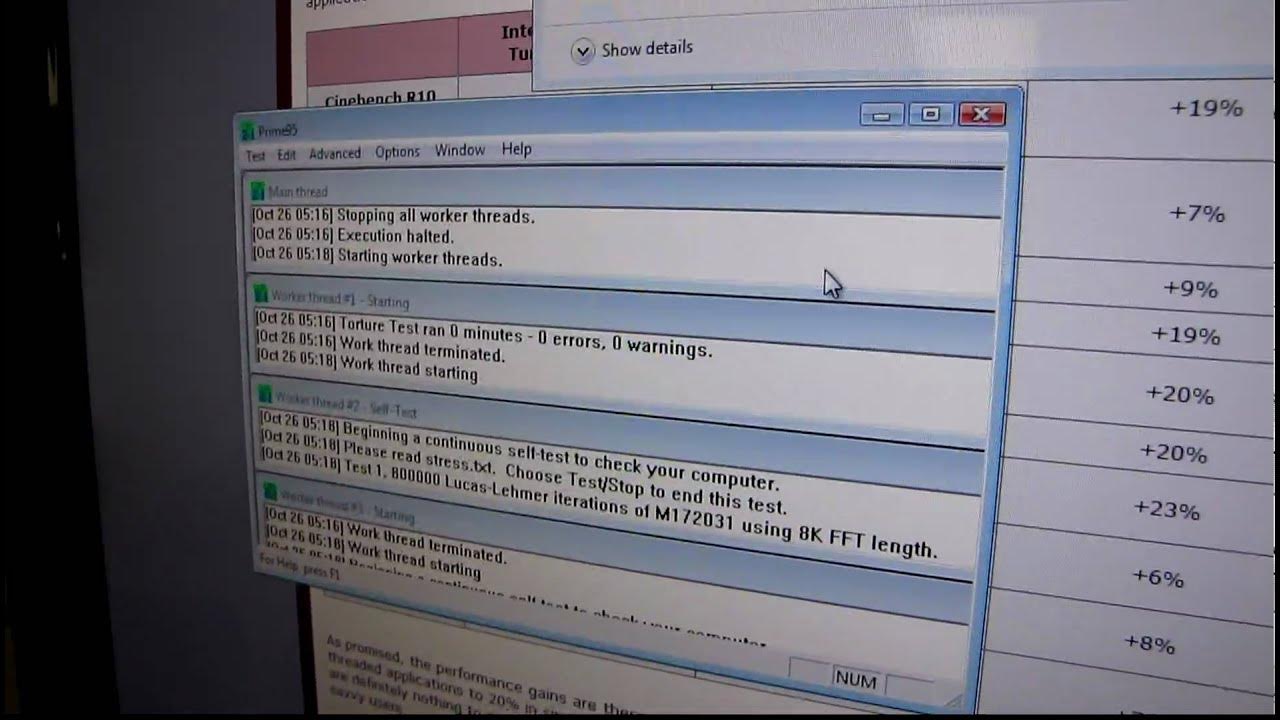
The video provides an in-depth look at Intel Turbo Boost technology and showcases a Windows Gadget built by Intel to monitor turbo boost activity in real time. The host explains that the gadget runs on Windows Vista or Windows 7 as a sidebar component, and demonstrates how turbo boost responds to different workloads. In the first segment, a single-threaded workload is assigned to one core, causing that core to spike to around 70 degrees while the other cores stay cooler, and the gadget displays a turbo boost level peaking at 3.47 GHz, illustrating how Turbo Boost temporarily increases clock speeds on the active core. The host then switches to a multi-threaded workload and adjusts CPU affinity, causing Turbo Boost to scale across multiple cores; under full multi-core stress turbo boost tops out at about 3.33 GHz, showing the difference between single-thread optimization and multi-core scaling. He notes that older i7 CPUs and newer i5/i7 processors on newer sockets can achieve different turbo boost gains, with hardware reviews suggesting roughly a 20 percent performance improvement in some scenarios. The comparison between different CPU generations (for example i7 860/870 versus i5 750) highlights how many speed bins are accessible to single-threaded versus multi-threaded workloads. By the end, the video ties the gadget demonstration to practical expectations for turbo boost behavior on various CPUs, and acknowledges how turbo boost contributes to performance in real-world tasks while remaining contingent on processor design and workload. The content concludes with a recap of the gadget’s purpose and the observed turbo boost metrics, alongside practical notes on monitoring CPU activity with the Windows Gadget.
Topics · technology · computing · hardware · cpu_features
Questions answered
- What is the Intel Turbo Boost Gadget and when does it run?
- The Turbo Boost Gadget is a Windows Gadget that runs in the Windows Sidebar on Windows Vista or Windows 7, showing real-time Turbo Boost activity and current CPU clock speed during workloads.
- How does Turbo Boost differ between single-threaded and multi-threaded workloads?
- For single-threaded workloads, Turbo Boost can push one core to higher speeds (up to higher speed bins); for multi-threaded workloads, Turbo Boost distributes across multiple cores, which may cap the maximum speed per core and result in different total boost levels.
- What speeds were demonstrated when stressing a single core versus all cores?
- Under a single-threaded workload, the gadget showed a boost up to 3.47 GHz on one core, with other cores cooler. Under full multi-core stress, Turbo Boost reached about 3.33 GHz across the cores.
- Which CPUs and generations are referenced regarding Turbo Boost capabilities?
- The video references older i7 CPUs, newer i5s and i7s on socket 1156, and notes that different generations offer different turbo boost behavior and speed bin availability.